Quick-Start Guide
15
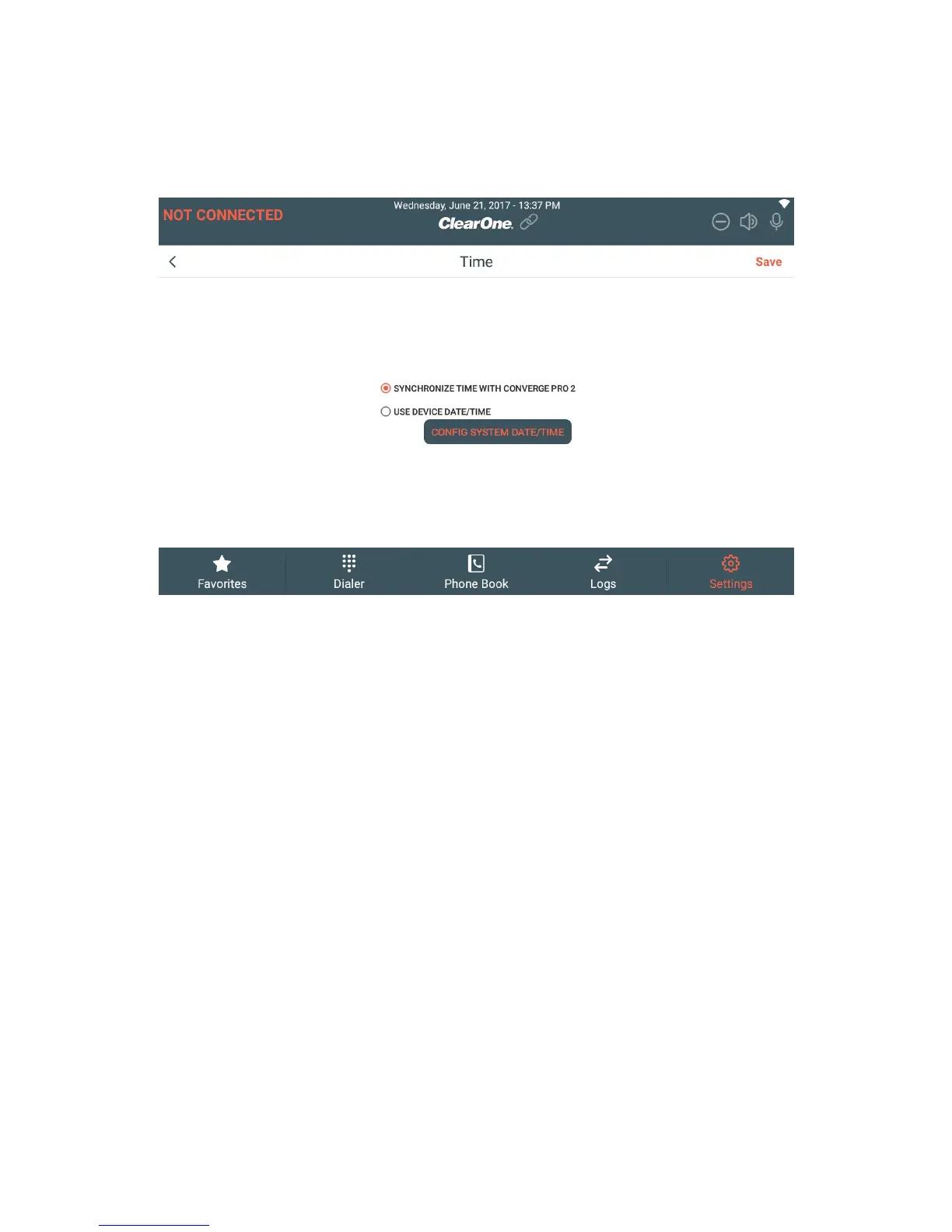
3. If you want the Touch Panel Controller to get the date and time
from a CONVERGE Pro 2 to which it connects, select Synchronize
Date/Time with CONVERGE Pro 2.
NOTE: In order for the correct time to be retrieved from the CONVERGE Pro 2, you
must have configured the date and time correctly on the CP2 device. On a CP2
you can either set the date and time manually or have the device get the date and
time using the Network Time Protocol. See the CONVERGE Pro 2 CONSOLE User
Manual for more information.
4. If you want to set the time on the Touch Panel Controller, select Use
Device Date/Time and then tap Config System Date/Time.
The Date & time screen appears:







 To Next Page