TOUCH PANEL CONTROLLER
16
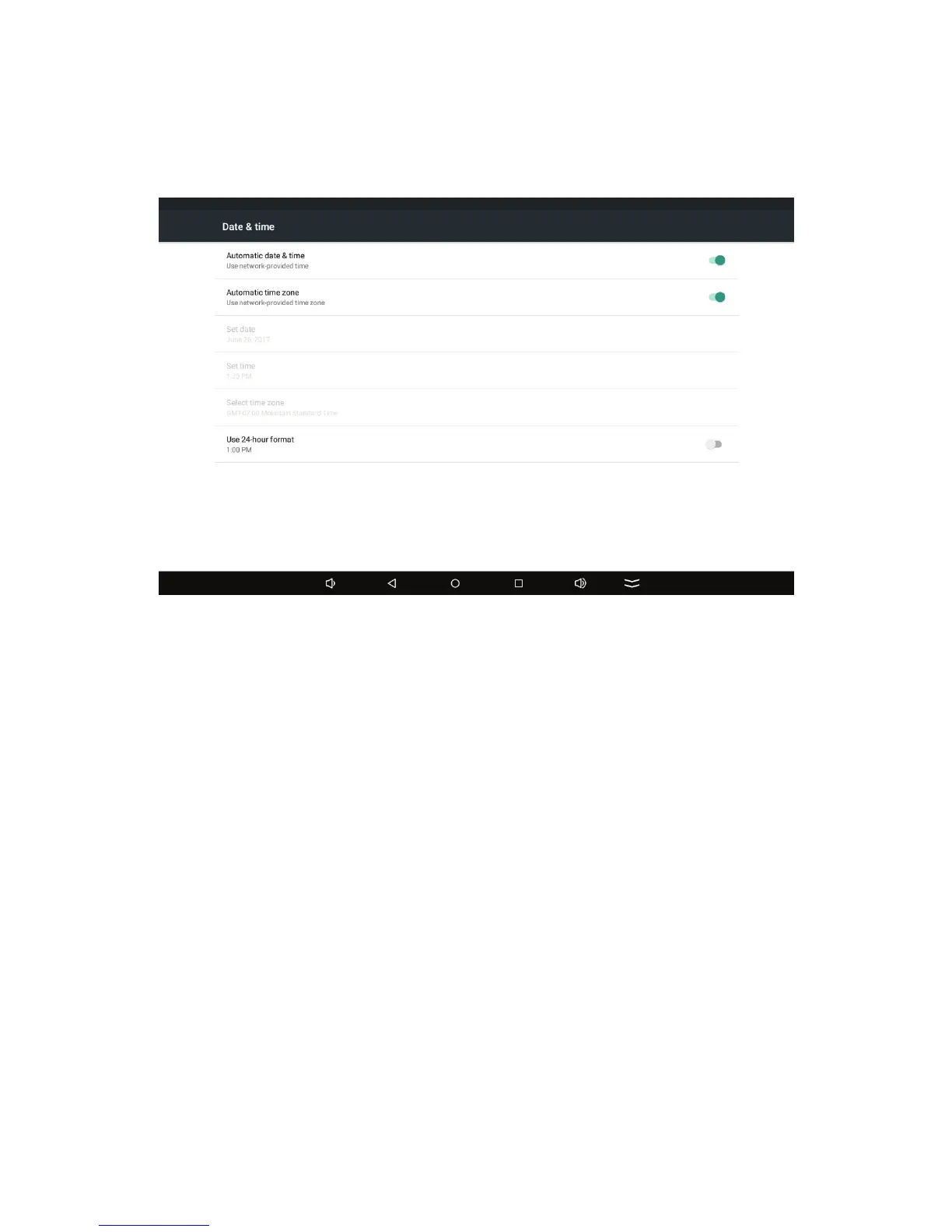
5. To set the time zone manually, turn off the Automatic time zone
switch.
The Select time zone option becomes available.
6. Tap Select time zone.
The Select time zone screen appears.
7. Select a time zone from the list.
8. To set the date and time manually, turn off the Automatic date &
time switch.
9. Tap Set date.
The Set date dialog box appears:







 To Next Page