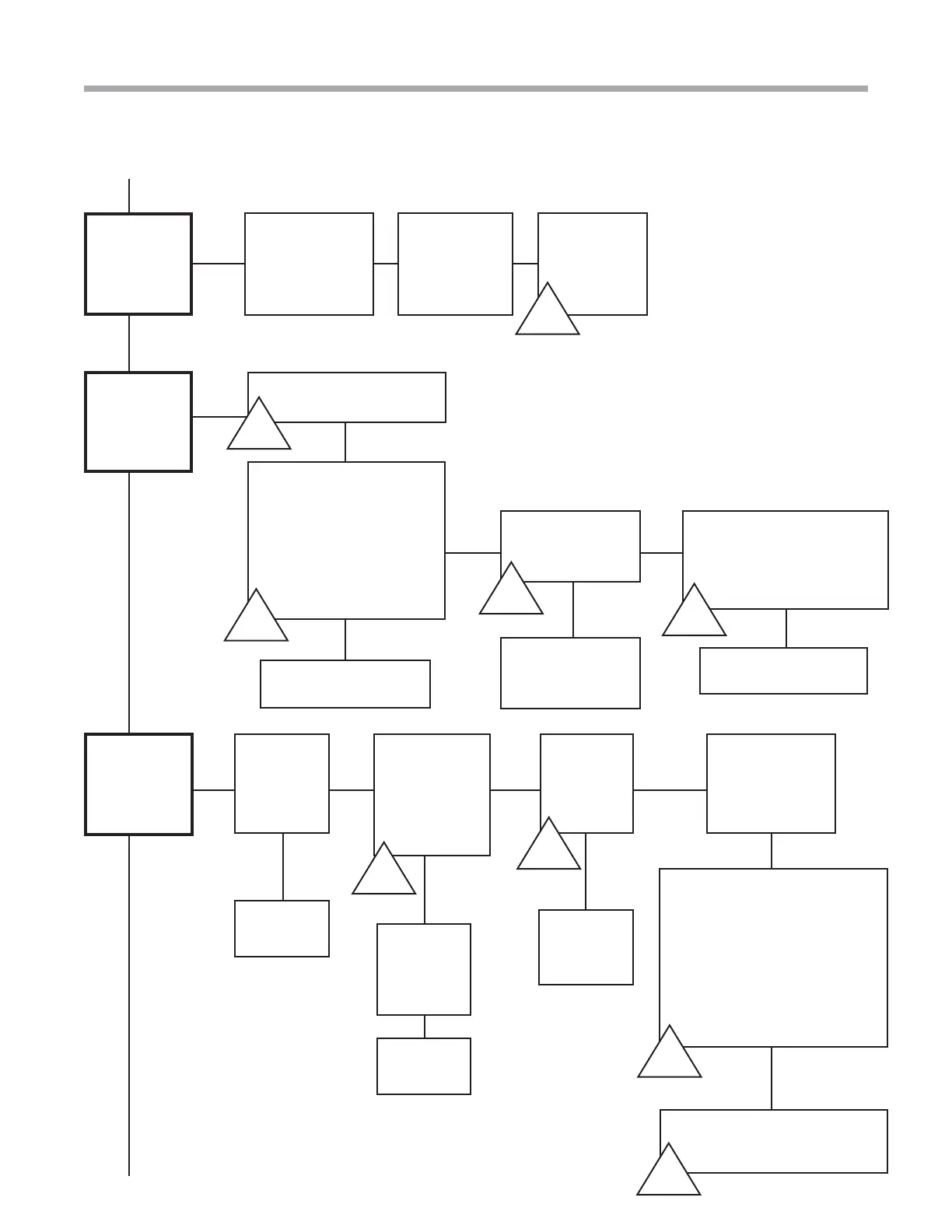
Troubleshooting Guide -
Tranquility
®
Digital (DXM2) Packaged Units
Rev.: 01/15/14
6
Geothermal Heat Pump Systems
Replace
defective
wiring
No
Verify that
Dipswitch
1:4 is on
No
Call for
cooling
Unit starts but
does not shift
to cooling
Continued
Verify that
you have
cooling
call at
thermostat
No
Yes
Check
reversing valve
connection at
DXM2. Do you
have 24 volts?
Yes
A-U
Verify
24V at
reversing
valve
Yes
Replace
solenoid on
reversing valve
Yes
In order to increase pressure
and move a reversing valve
that is sticking, place unit in
heating mode and then remove
blower door. After a few
minutes, energize the valve. If
it still doesn’t shift, try a strong
magnet to pull over internal
slide while energizing.
A-T
B-H
Verify RV
operation
Replace the reversing valve if
it still does not shift
Next Page
Replace
board
A-E
Troubleshooting Flow Chart
There are
no faults,
but does the
compressor
start?
Verify comp contactor.
Verify capacitor. Turn off
power and allow 5 minutes
for discharge. Then verify
with volt meter the UF
reading compare to UF
reading on capacitor. Is
capacitor good?
No
A-N
Replace capacitor.
No
Yes
Verify power to
compressor at
molded plug
Replace molded
plug and wire
harness
A-Q
Turn power off and
remove molded plug on
compressor. Measure
resistance between C-S
and C-R.
Replace compressor
A-D
Yes
A-A
Yes
No
Yes
Yes
Is the
blower loud?
Check your
model’s airfl ow
confi guration.
See Section 3.1
on page 56.
Check static
pressure
B-D
No
Verify that
all grilles
and registers
are open.



 To Next Page