…it’sallabout listening
www.clintdigital.com
5
2.1 DifferencebetweentheInternetRadioPortalandRadioStation
TheremightbesomeconfusionwithregardstothedifferencebetweentheInternetradioportalandtheactual
intern etradiostations.
InternetRadioPortal
Theportalisthecontentaggregatorwhichmaintainslinkstoalltheavailable
internetradiostations.Itcanbeconsideredtobean‘addressbook’,listingthe
addressofalltheinternetradiostationsandregularlyupdatedwithnewones.
Whenausernavigatesthroughtheradiomenus,thelistofstationsisreturned
bythePortal.Theportalusedis:
http://www.wifiradio‐frontier.com
InternetRadioStation
Thestationistheactualwebsitewhichcontainstheselectedstationaudiostream.
OnceauserhasselectedastationthroughthePortal,theradiothenconnects
directlytothestation.
Dependingonyourwirelessroutertheinternetradioshouldworkanywherewithinupto
20‐30metersof
thewirelessaccesspoint.
Beforecontinuing,makesurethatyourwirelessaccesspointisturnedonandconnectedtoyourbroadband
internet.Pleaserefertoyourwirelessaccesspointmanualtogetthis
partworking.
3.OverviewofyourAdaptor
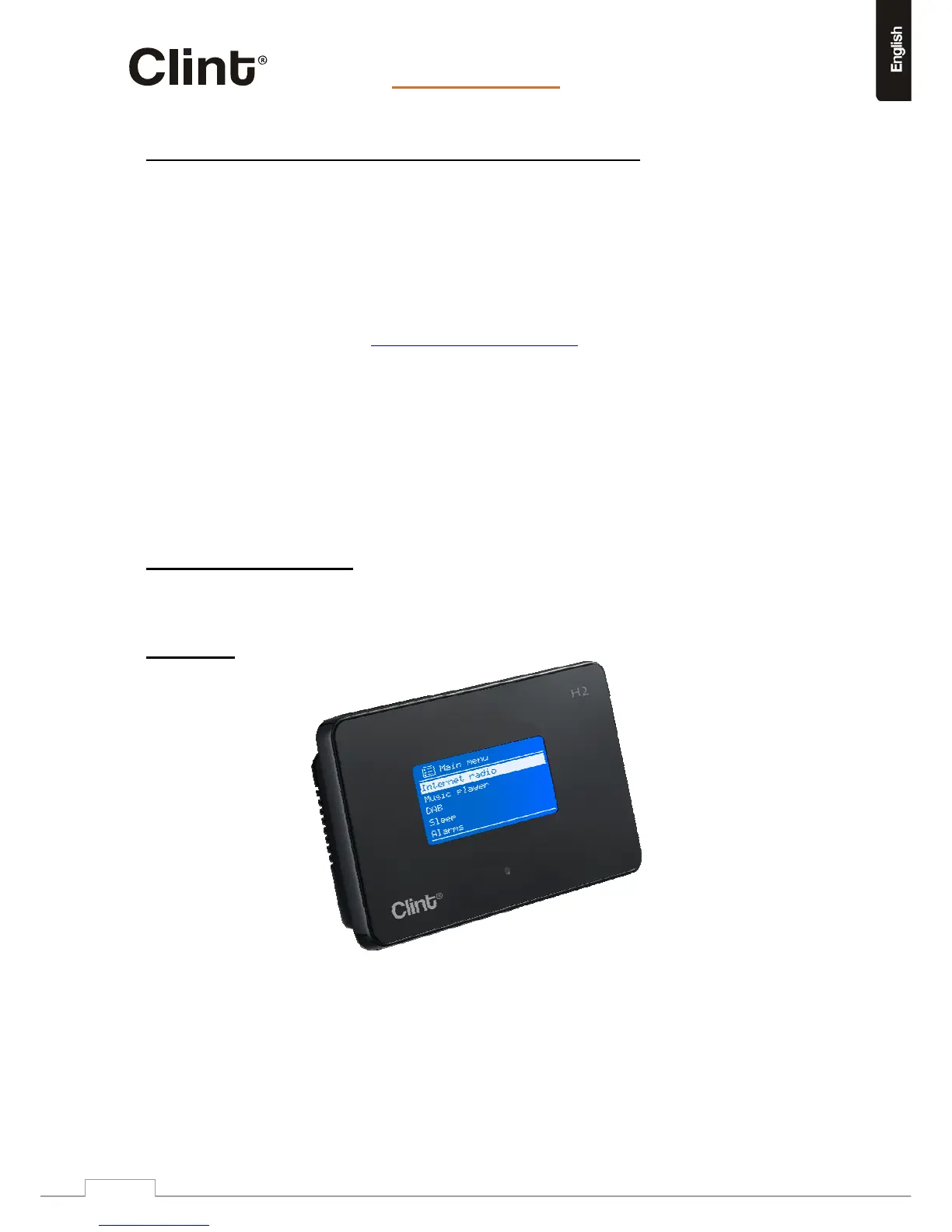
AftertakingyourH2outofthepackage,pleasespendsometimetofamiliarizeyourselfwithitsfeatures.
3.1FrontPanel
ThereisnokeypadorbuttonsonyourH2.Allisworkingentirelyfromtheenclosedremotecontrol.The
designismadesimpleanduser‐friendlysoallnavigationishandlingbytheR/C.


 To Next Page