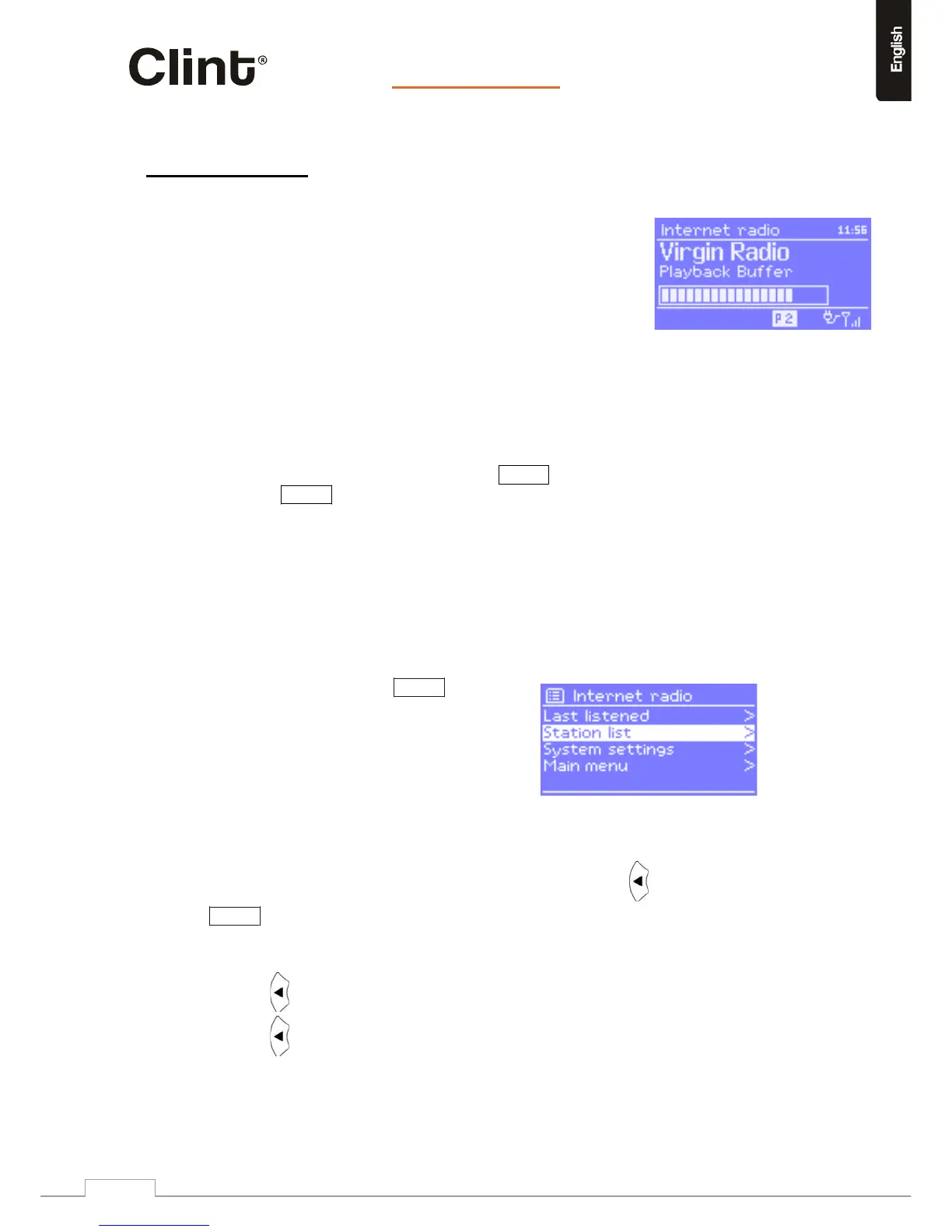
H2canplaythousandsofradiostationsandpodcastsfromaround
theworldthoughabroa dbandInternetconnection.Whenyou
selectInternetradiomode,H2contactsth eFrontierSilicon
Internet
radioportalto
getalistofstations,organisedinto
differentcategorieslikeCountry,Mostpopularand Genre.Once
yousel ectastation,H2connectsdirectlyto
thatstation.
Theportalalsoenablesmultiplelistsoffavouritestationsthatyoucanpersonalise,forexample
Andy’sstat ions,Jo’sfavourites,Talkshows.Tousethefavouritesfeature,registeryourradiowith
theportalwebsite
asdescribed
onpage16.IfyouhaveseveralFrontierSili conoperatedradios,
youcanregi sterthemallonthesameaccountsothateachradiohasaccesstoyourfavourites
lists.ItispossibletoaddfavouriteseitherdirectlythroughH2orthroughanycomputerwitha
webbrowser.
ToenterInternetRadiomode,eitherpressModeuntilthedisplayshows
InternetRadioor
selectMenu>Mainmenu> InternetRadio.
Note: ThestationlistmenuisprovidedfromtheInternetradioportal,soitisonlyaccessiblewhenH2is
connectedtotheInternet.Stationlistsandsubmenusmaychangefromtimetotime.
Thereareseveralwaysofselectingstations.
Directlyfromtheradio:
o Lastlistened,
o Presets.
FromtheportalthroughtheMenu>
Stationlist>menu:
o Favouriteslists,
o BrowsebyCountry,Genre,Mostpopular,
Newest,
o Searchbykeyword,
o Myaddedstations.
IfyouarealreadylisteningtoanInternetradiostation,youcanpress ratherthan
Menutoquickl y returntothelastvisitedbranchofthemenutree.Forexample,
supposeyouwerelisteningtoBluesRadioUKthroughthebrowsefacilityas
describedinsection9.4.
Pressing wouldreturnyoutotheHighlightedBluesstationsmenu.
Pressing againwouldreturnyoutotheBluesmenu,andsoon.


 To Next Page