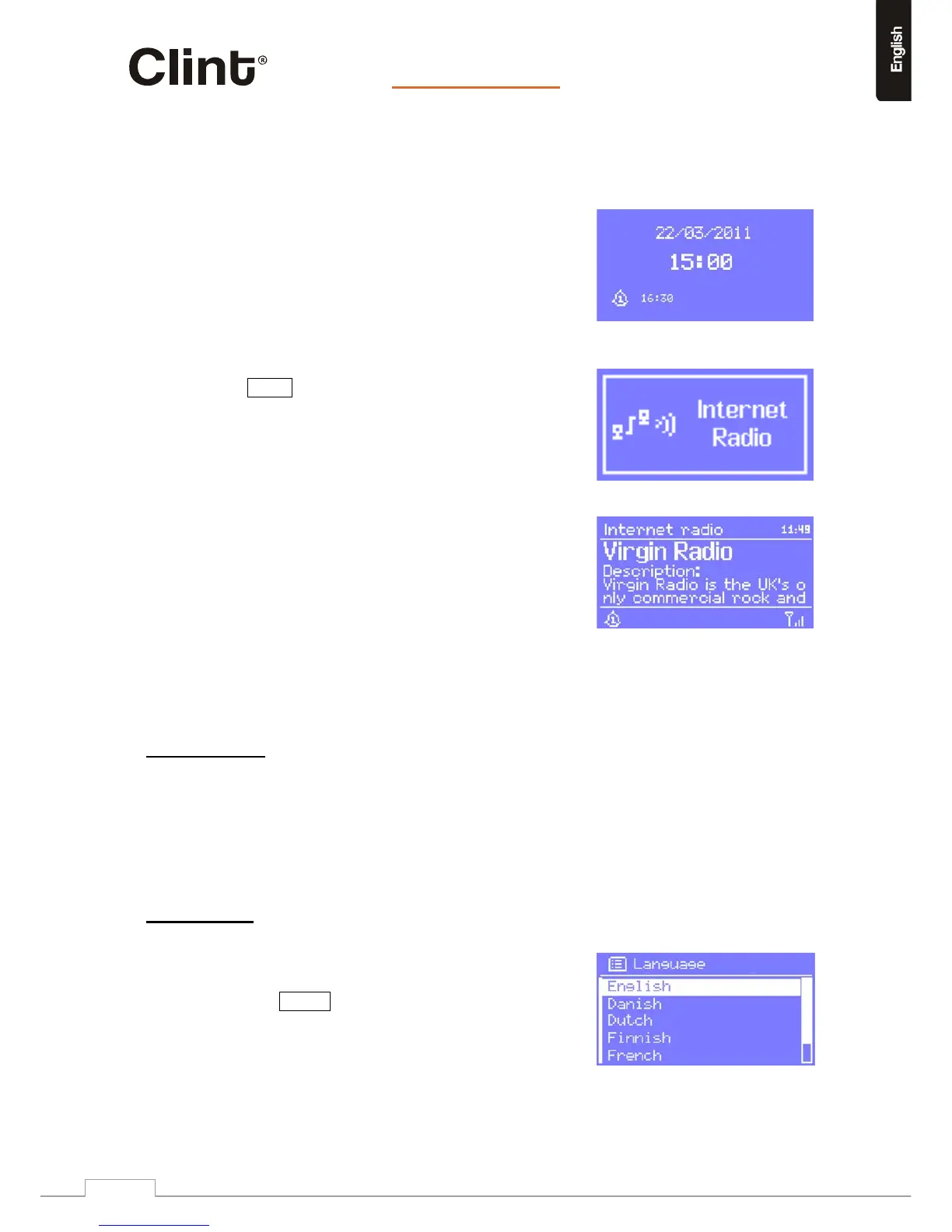
TheStandbyscreenshowsthetime,dateand
anyactivealarmtimes.
NOTE:Whentheadapterisinstandbythe
displaylightwillturnoff.PressLIGHTonthe
remotetoturnitonagain.Afterafewminutes
thelightwillautomaticallyturnoffagain.
Asyoucyclethroughtheplaymodesusing
Mode
,
H2showsasplashscreenforeachmode.
Afteronesecond,H2enterstheselectedmodeand
triestostartplayingthelaststationortrackthatwas
playinginthatmode.Ifthisisnotpossible,H2willtryto
connecttotheselectedsourcebyscanningforstations,
networks,orpromptingfor
userinputasappropriate.
TheNowplayingscreenshowsinformationabout
theaudiosourceandtracknowplaying,where
available.
Inaddition,therearescreensforinformationsuchasvolume,muteandinformation/error
messages.
7.TurningonH2
PreparingH2foroperation:
1.PlaceH2onaflatsurface.
2.ConnectpowercableandturnontheH2.
8.SetuptheH2
8.1Settingthelanguage
ThedefaultlanguageisEnglish.Tochangethis,
selectMenu>Systemsettings>Languages>
thenselectyourlanguage.



 To Next Page