GRMON3-UM
June 2019, Version 3.1.0
50 www.cobham.com/gaisler
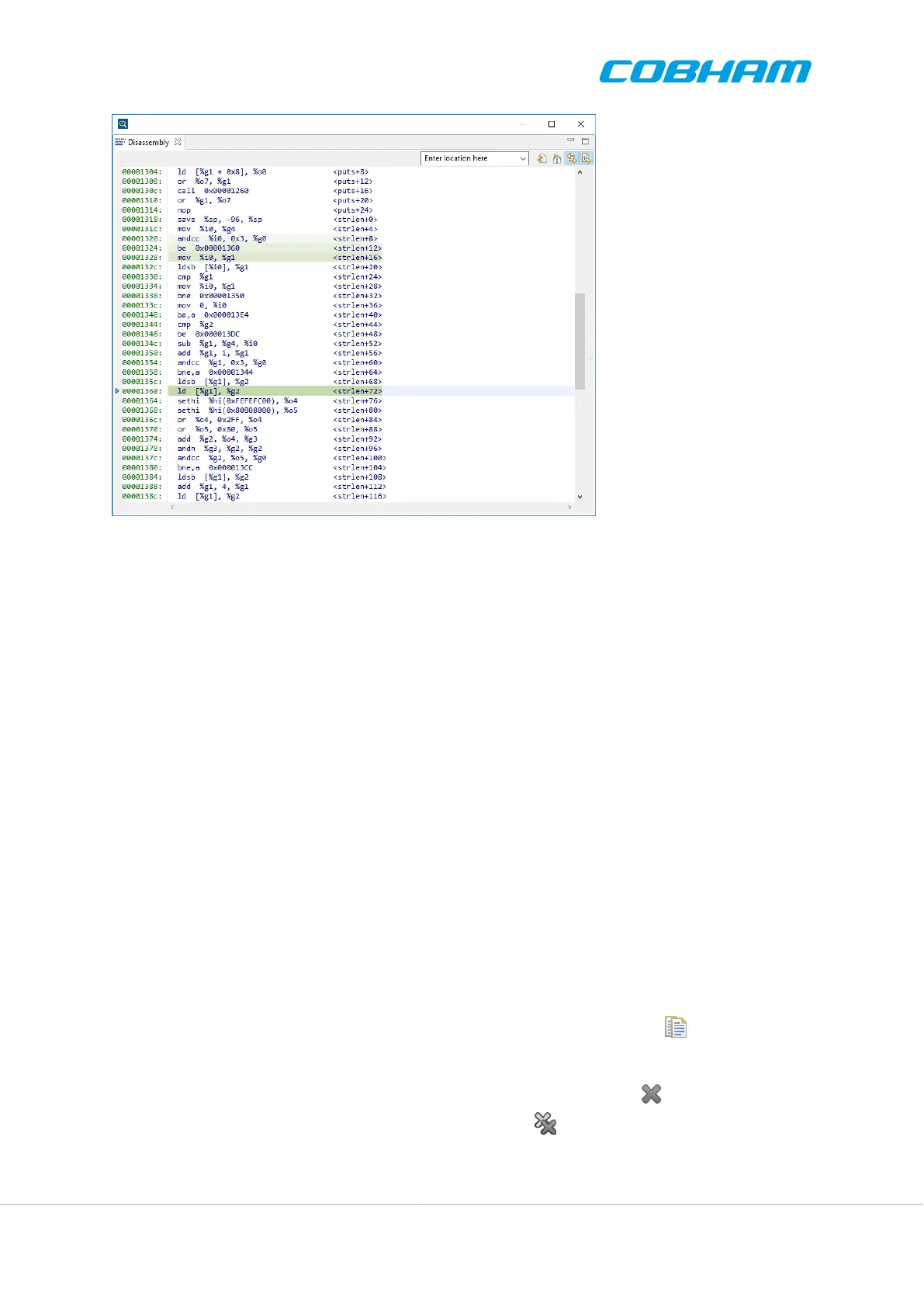
Figure 4.14. The disassembly view
Disassembly View is updated each time execution stops, for example at single-step or a breakpoing. Methods for
instruction stepping include:
• Single-step using the step command in a Tcl terminal.
• Single-step by clicking the toolbar button named Step Into, also available via the F5 shortkey.
A custom memory location can be disassembled by typing the address in the box at the top of the Disassembly View
labelled Enter location here. It can be used to disassemble instructions not related to the current CPU program
counter. Note that the input should be an address and not a symbol name.
The Disassembly View is context aware and will disassemble virtual memory as determined by the current CPU
or thread context.
4.5.7. Messages View
The Messages view displays messages from the application that may be helpful for the user. The messages ranges
from critical errors to less critical information of helpful nature. Messages can arise from many different situations,
such when running a target image, or changing a setting.
Messages are sorted by the date they were created, showing newer messages on the top of the list.
To see the full message with all information, double click the message in the view. This will open a dialog with
all information available.
Copy messages to the clipboard by selecting one or many and press the Copy button , or press the copy
command keyboard combination.
Remove one or more messages by selecting them and pressing the Remove button , or press delete on the
keyboard. Remove all messages by clicking the Remove All button .



 To Next Page