GRMON3-UM
June 2019, Version 3.1.0
51 www.cobham.com/gaisler
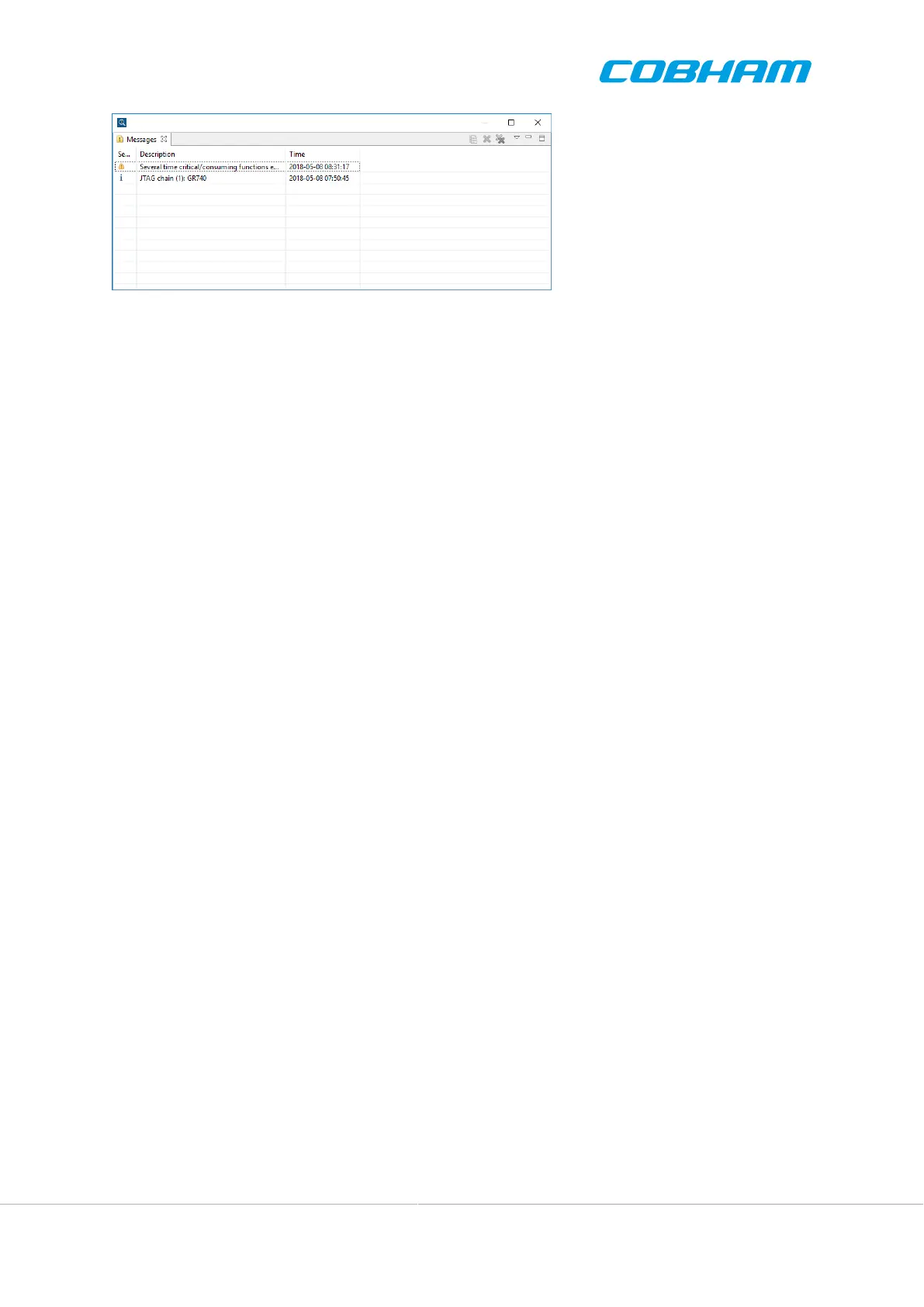
Figure 4.15. The message view
4.6. Target communication
4.6.1. Memory view update
GRMON3 GUI normally updates the memory views when target execution stops, for example on a breakpoint
or after single step. This can generate a large amount of traffic on a slow debug link in combination with large
memory views. To save bandwidth on the debug link, there is an option named Disable auto-updaging memory
view after execution, available in the connection dialog GUI tab. The corresponding command-line option is -
tcf-nomemupdate.
4.7. C/C++ level debugging
The GUI does not include C/C++ level debugging functionality. However the GUI can be used simultaneously
to C/C++ level debugging via the GDB socket as described in Section 3.7, “GDB interface”. When GDB has
connected to GRMON, GDB is in control of the debugging. Similar to the command line interface it is not possible
to alter processor state or breakpoints without destroying GDB's internal representation. Doing so will leave GDB
in an undefined state and cause various GDB C/C++ level issues.
When GDB has stopped the execution the GUI can be used to view all hardware state. It is also possible to update
hardware state not specifically controlled by GDB such as I/O registers.
4.8. Limitations
This section describes limitation of GRMON3 GUI and areas of incompatibility with GRMON3 CLI.
Address location input
Address location inputs to the GUI currently has to be specified as addresses and not as symbol names.
Commands entered in the GRMON Tcl terminals can be specified either as addresses or symbol names.
Breakpoint management
Breakpoints can be managed from the Tcl terminal with the bp command. However, there is currently no
support in the graphical user interface to manage breakpoints. The Disassembly View has context menu
selections for adding breakpoints. This is currently not supported in GRMON GUI.
Future versions of GRMON will include breakpoint management via the GUI.



 To Next Page