Calibration
5-14 Chapter 5: Configuration 98-148247-C
4. Type the user name admin (default) and the password iDirect (default).
5. In the menu Commissioning click One Touch Commissioning.
6. Click Start. One Touch Commissioning takes place. When commissioning is completed
the antenna will search for the I5 satellite with the highest elevation.
7. The antenna will find the satellite and the modem will perform the necessary steps to
enter the network (software upgrades, if available).
8. The web interface of the iDirect core module will indicate the modem in the network
and the modem status is shown in the display in the menu MODEM of the SAILOR 60
GX web interface.
9. When commissioning is completed, test all subscribed services.
10. Exit the iDirect web interface.
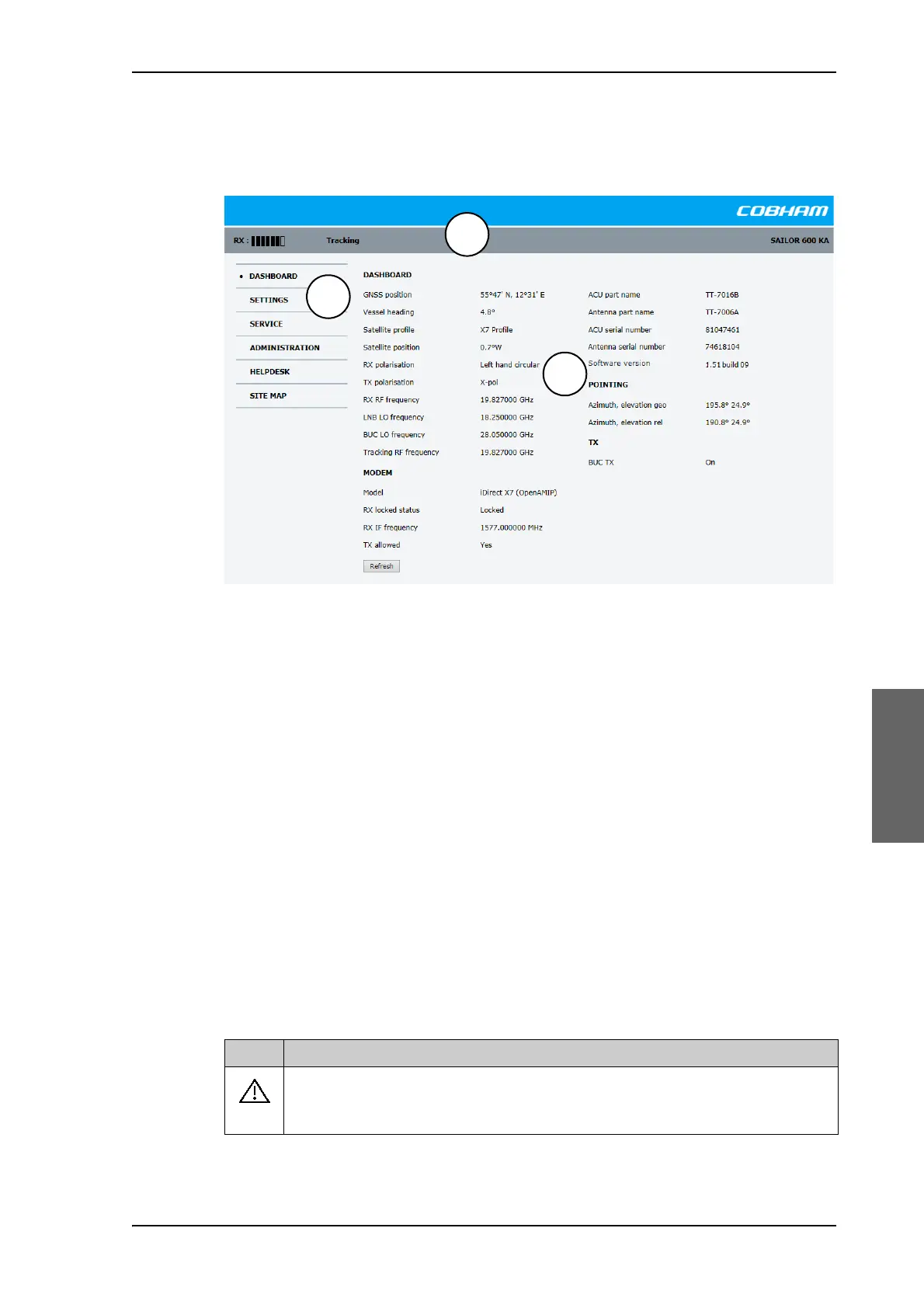
Figure 5-11: Unified web interface of the Core Module



 To Next Page