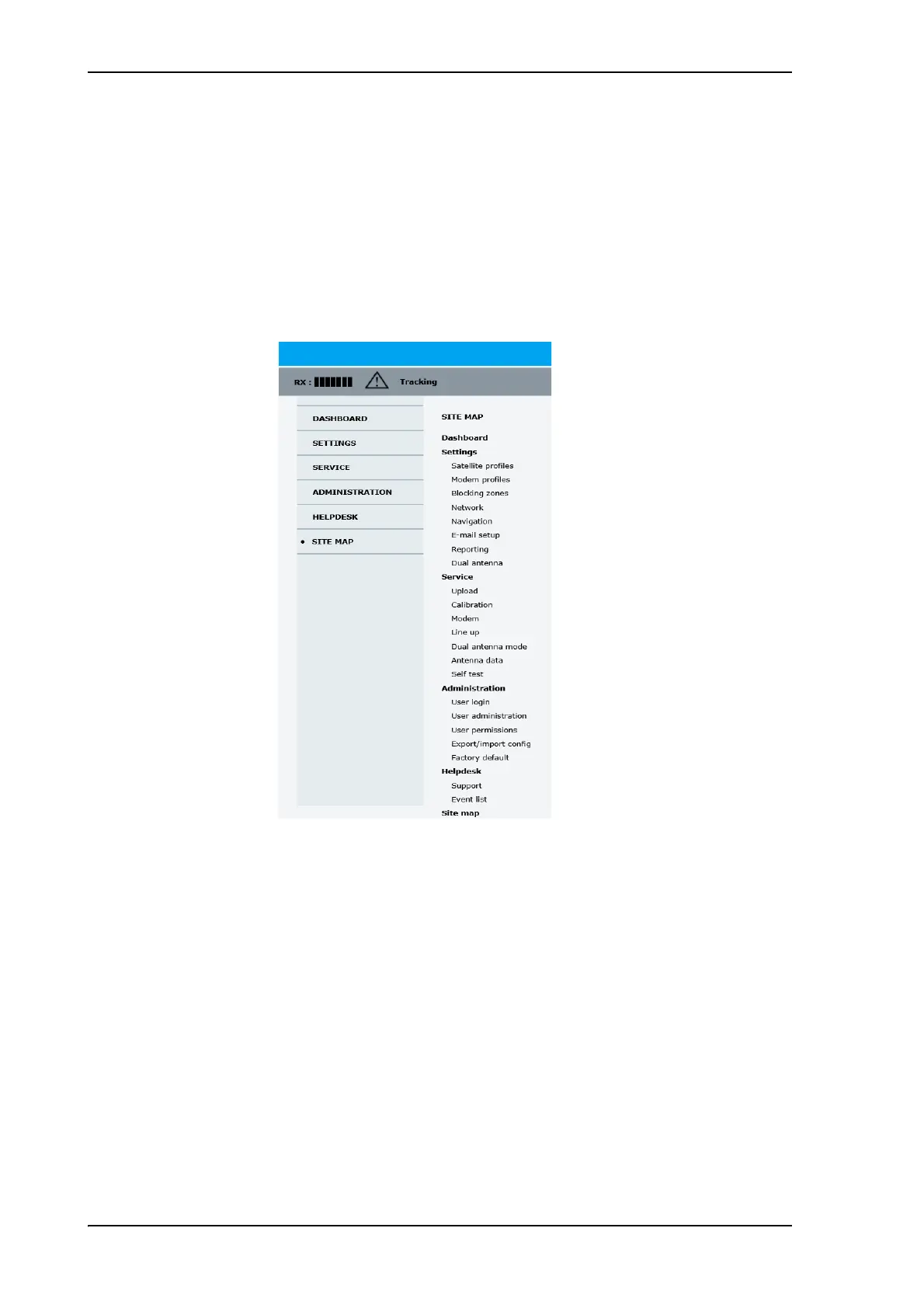
Calibration
98-148247-C Chapter 5: Configuration 5-13
5555
Manual One Touch Commissioning (OTC)
When the modem starts up for the first time it will automatically register with the BUC and
perform P1dB compression on multiple frequencies and thereafter register with the
network. During the P1dB compression the antenna will point away from the satellite and
transmit on 950 MHz to 1950 MHz in 50 MHz steps. The ACU will show BUC calibration
on the DASHBOARD and the ACU display. This may take up to 10 minutes.
If a new cable calibration is made, the ACU displays the warning BUC calibration
outdated. Then you must make a manual OTC.
To make a manual OTC for the modem, do as follows:
1. Connect a PC to LAN1.
2. Enter the web interface (via Firefox browser) and go to SERVICE > Modem.
3. At Modem access click the link.
WARNING! For your safety: Active RF transmission may occur during an
OTC procedure. Software updates may also occur, yet the system is in receive-
only mode during such auto-updates.
You must use the Internet browser Firefox.
Figure 5-10: Web interface: SERVICE > Modem, for GX modem



 To Next Page