Chapter 2: Operation
18 Make a telex call
You can combine the two methods by adding text before or after
the file contents, and type text at the bottom while the file is being
transmitted.
If you transmitted a file and you do not want to add further text, skip
the next step and go directly to step 5. For information on how to
create a file for later transmission, see Write message files for telex on
page 23.
4. When you have finished your message, press Enter or select S
end at
the bottom of the page.
The text is now transmitted. You can follow the progress on the screen -
the inverted part of the text has not yet been transmitted.
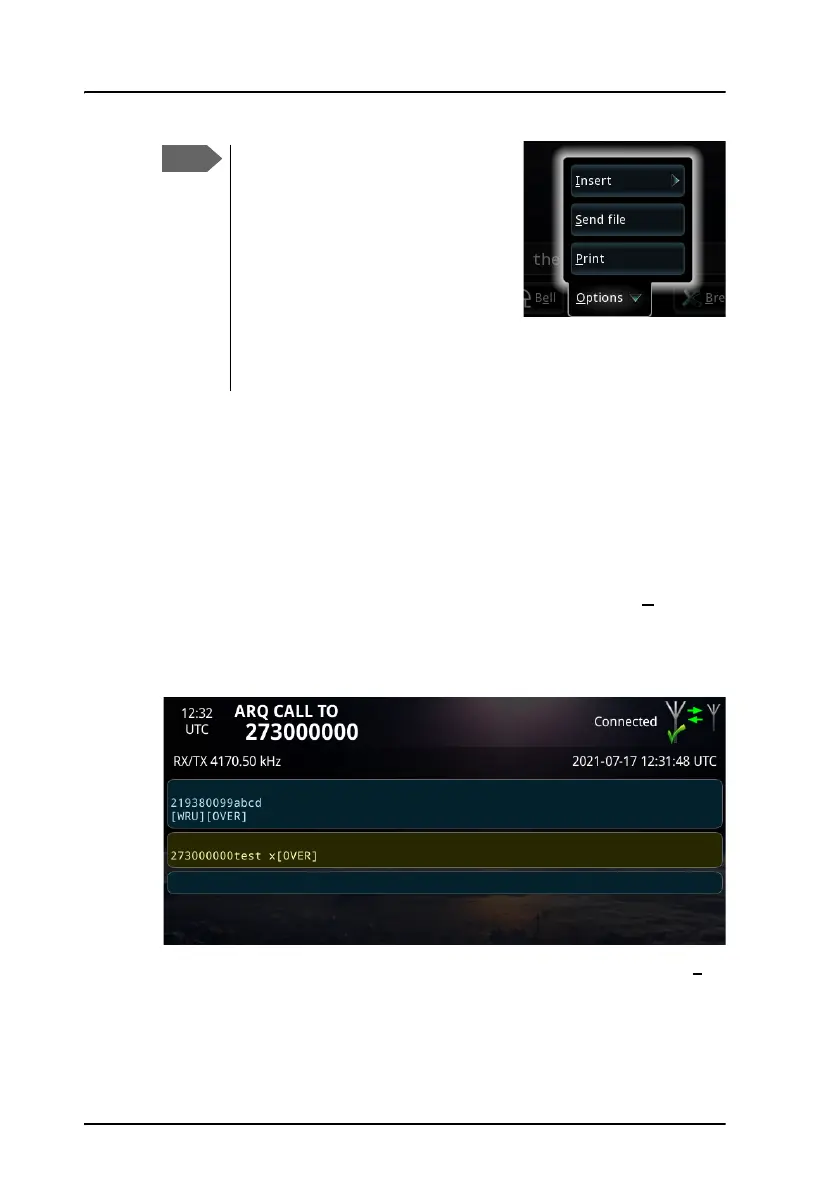
5. For ARQ only: when you want the recipient to write back, select Ov
er
at the bottom of the page, or type [OVER] or +?.
The system begins to transmit
immediately when the file is
selected. Pressing OVER while a
file is being transferred does not
result in a change of direction
until the entire file is transmitted.
To stop the transmission, select
Cancel file transfer. Then use
the OVER command to change
the direction.



 To Next Page