Chapter 2: Operation
Make a telex call 19
2222
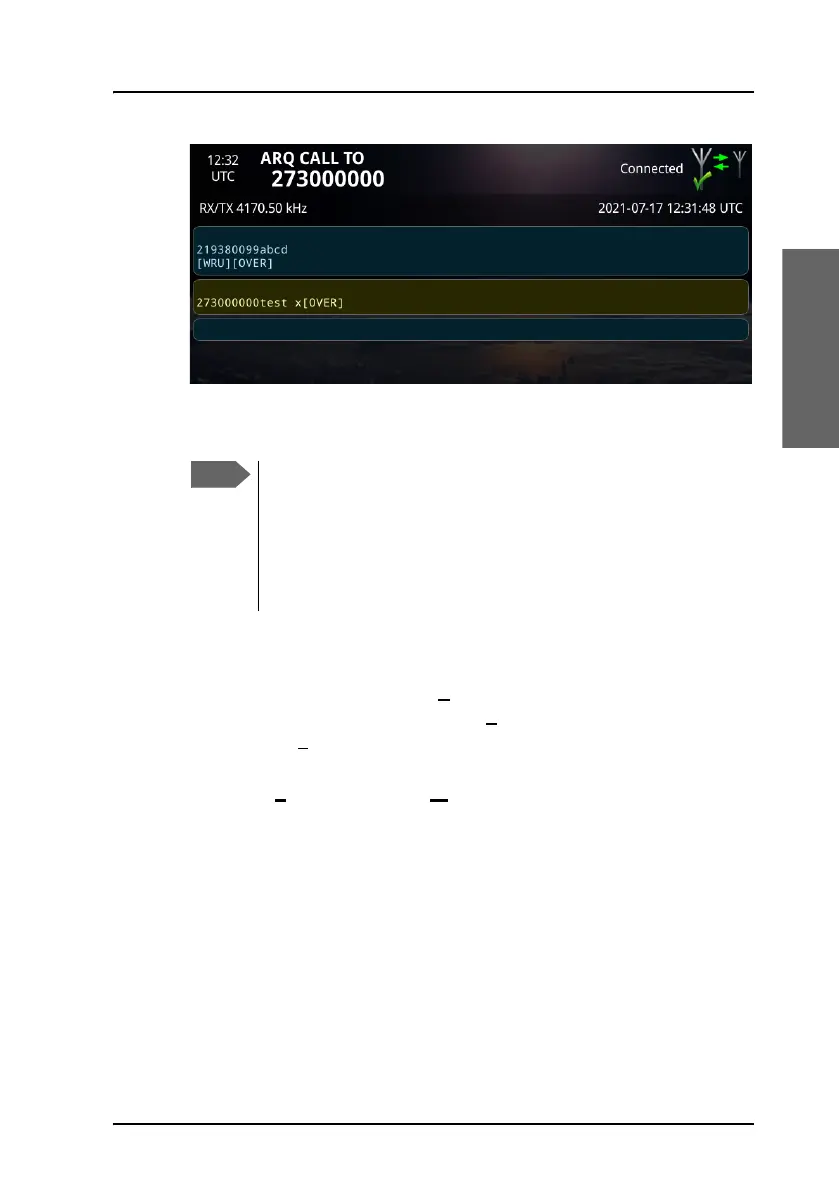
The recipient can now type in a message for you. The message will
appear in the field just below your message.
6. When the recipient has placed the [OVER] command too, you can type
more text to continue the conversation.
7. To end the telex session, select B
reak. If you do not want to wait for
exchange of DE/WRU, you can select B
reak now! in the popup that
appears after B
reak is selected.
The call is then disconnected. You can see all telex sessions initiated by
you under S
ent Items in the Message page. See View Sent items on
page 28.
If the remote station forces an OVER on your part while you
are transmitting data, 1-2 characters may incorrectly be
marked has having been sent while the remote station may
not have received these characters. We do not recommend
forcing a change of direction while the other station is sending
data.



 To Next Page