Chapter 2: Operation
Make a telex call 21
2222
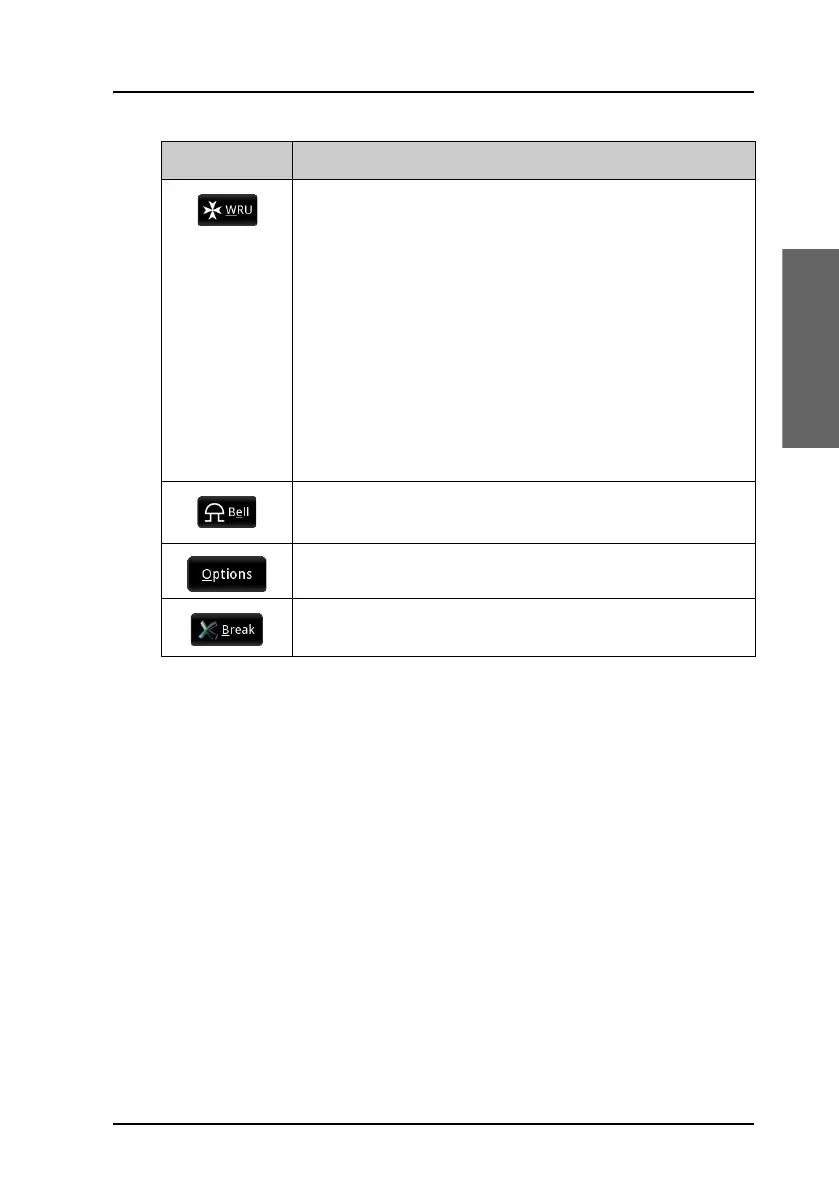
(ARQ only) Inserts a WRU command (Who are you? -
request for identification) in your text. This command is
automatically followed by [OVER], so that the recipient
can answer back.
When the WRU command is sent, you cannot send any
more text until the direction is changed back to your
side. However, if you send more text while the WRU
command is waiting to be sent, the WRU is removed and
replaced by your new text.
In the Call settings window you can set up the system
to automatically send DE/WRU.
Inserts a BELL command (can make e.g. a buzzer sound at
the recipient).
Opens the Options menu, described in the next section.
Stops the communication link.
Button Function



 To Next Page