Chapter 3: Connectors & controls
Cabling 15
33333
Connectors & controls
Cabling
Before using the Control Panel for the first time, check that all cables are
correctly wired and fastened.
All cables attached to the Control Panel must be shielded.
• The shield of the Ethernet cable must be connected to ship ground
directly or via a grounded Ethernet switch.
• In the DC power cable the shield of the cable must be connected to ship
ground at the power supply.
Cable requirements
Grounding
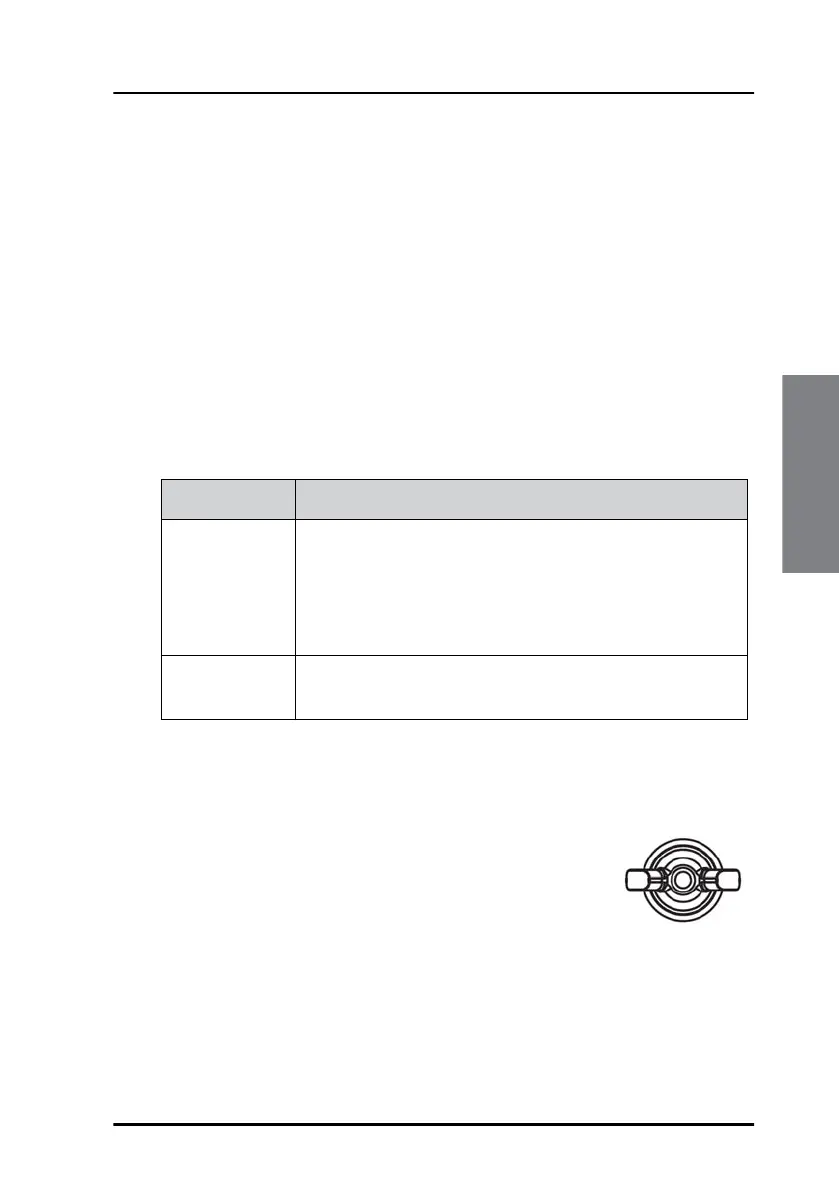
The ground stud is located at the rear side of the
Control Panel. To connect the Control Panel to ship
ground, do as follows:
1. Connect a ground cable of shortest possible
length and minimum 4 mm
2
cross section to the
Ground stud and fasten it with the wing nut.
2. Connect the other end of the cable to ship ground.
Cable Description
Power cable Included in the box.
Length: 2.5 m with AWG 16 wires and a custom
connector at one end. If you are going to use another
cable or extend the supplied cable, make sure the
cables are dimensioned correctly.
Ethernet cable Shielded Cat. 5E or higher (STP or FTP). The maximum
length is 100 m.
Ground stud


 To Next Page