Chapter 4: Setup and verification
26 System app
Display in bottom bar
This option can move two apps of admin’s choice into the bottom bar for
quick access to the chosen apps.
Admin password must be entered to change this option.
Device List
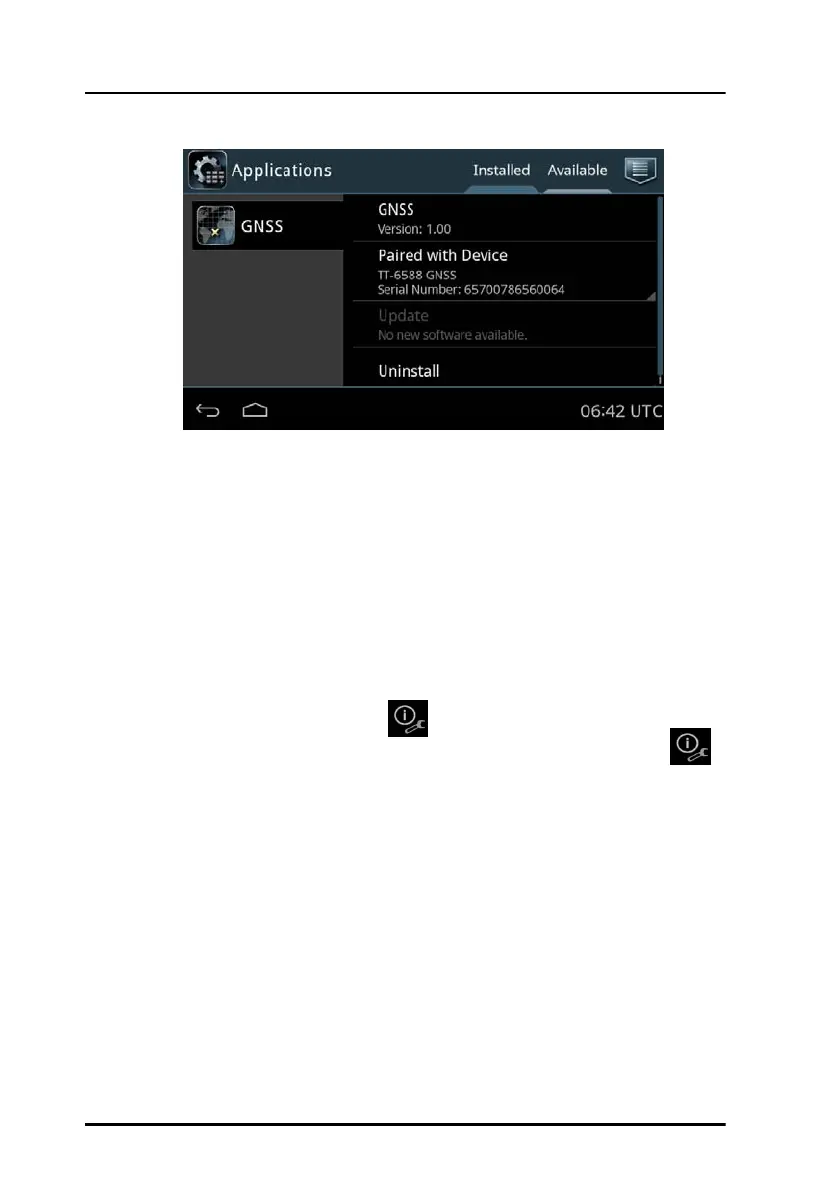
To enter Device List and choose a device do as follows.
• Tap Menu icon and then Device List.
• Tap the Information icon located under Services
Only if a wrench is shown to the right of the Information icon
the device has a Service Interface.
• Device information is shown.


 To Next Page