Page 20 Coby Electronics Corporation
Using the Remote Control
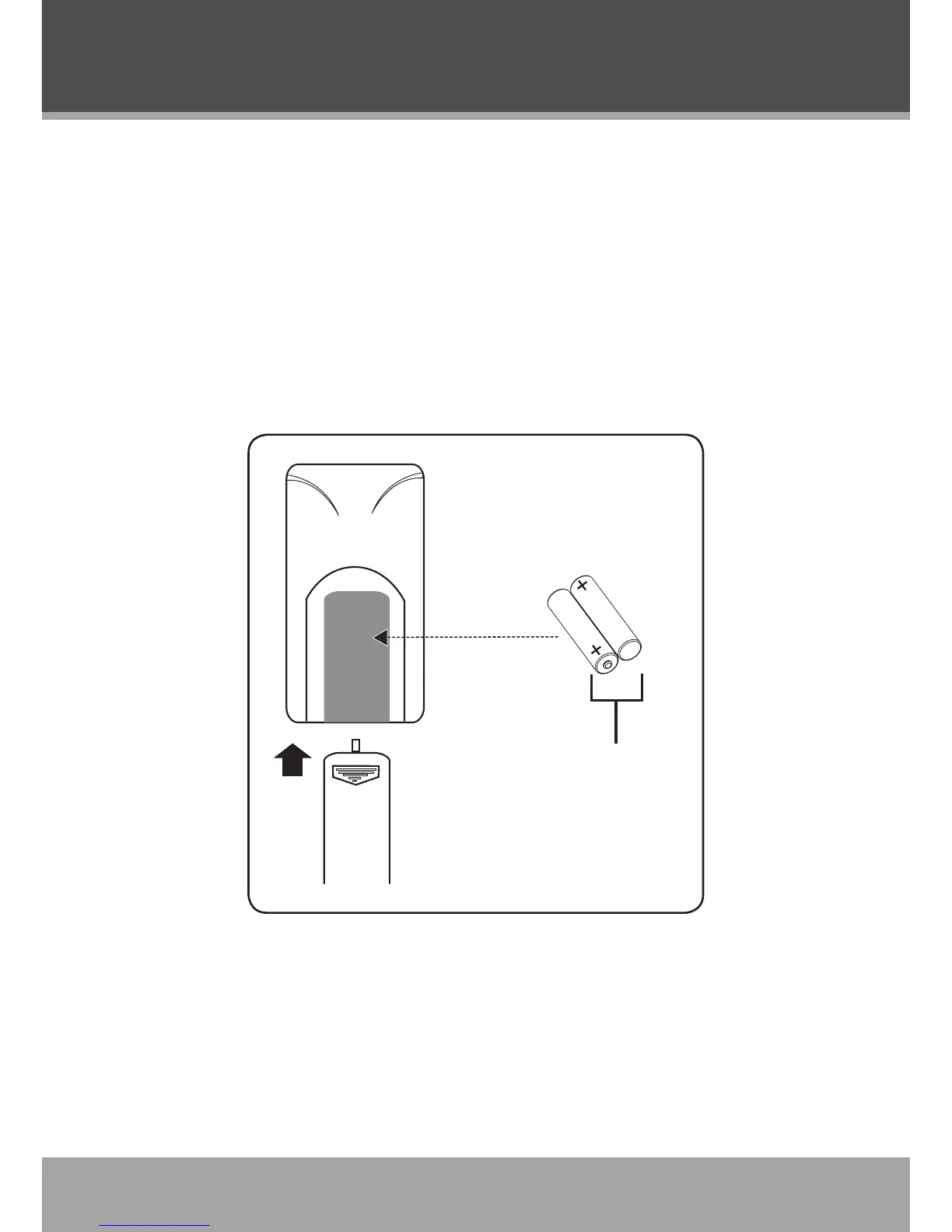
Remove the battery compartment cover located on the rear of
the remote control. Insert 2 x “AAA” batteries, making sure to
match their polarities (+/-) to the markings on the inside of the
compartment (refer to the diagram). Replace the cover.
To use the remote, point it at the remote sensor of the player.
Operate the remote within 20 feet of the sensor and at an
angle of ±30 degrees.
•
•



 To Next Page