Page 56 Coby Electronics Corporation
DVD Mode
section to be repeated.
The section “A-B” will now play repeatedly as a loop. Press
again to resume normal playback.
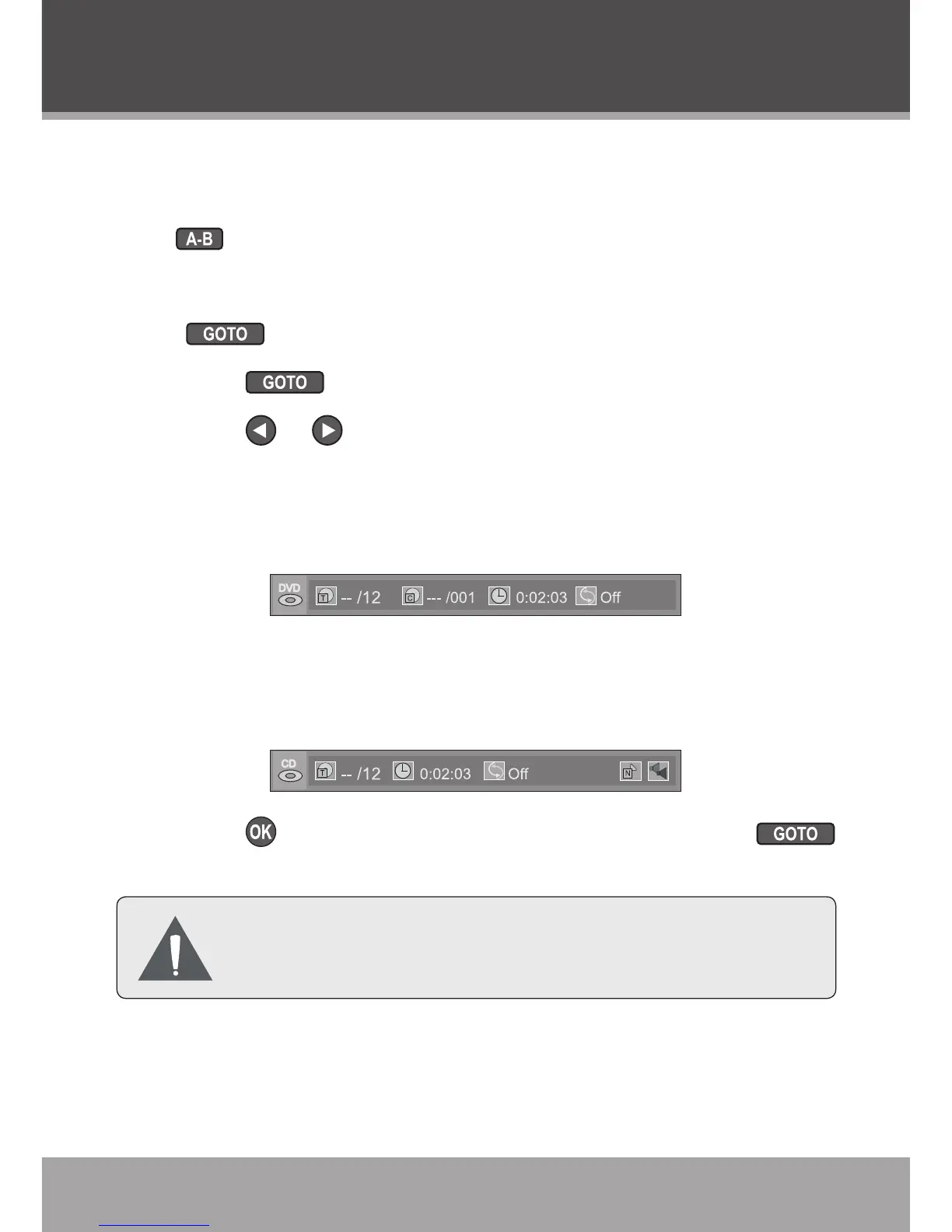
GOTO (Search)
Press to go directly to a desired point of a disc.
Press once to display the Search Bar shown below.
Press or to select (highlight) an entry eld.
For DVD discs: Select an entry eld and then use the
numeric keypad to input the desired title, chapter, or
time code.
For CD discs: Select an entry eld and then use the
numeric keypad to input the desired track number or
time code.
Press to conrm and execute the search or press
to exit search mode.
Some discs may not support the GOTO (search)
function.
3.
1.
2.
•
•
3.



 To Next Page