www.cobyusa.com Page 27
To view the composite A/V device signal:
Turn on the A/V device.
Set the unit to AV mode (the screen will display “AV”).
Turn off all devices before making system connec-
tions. Do not connect the power until all connections
have been made.
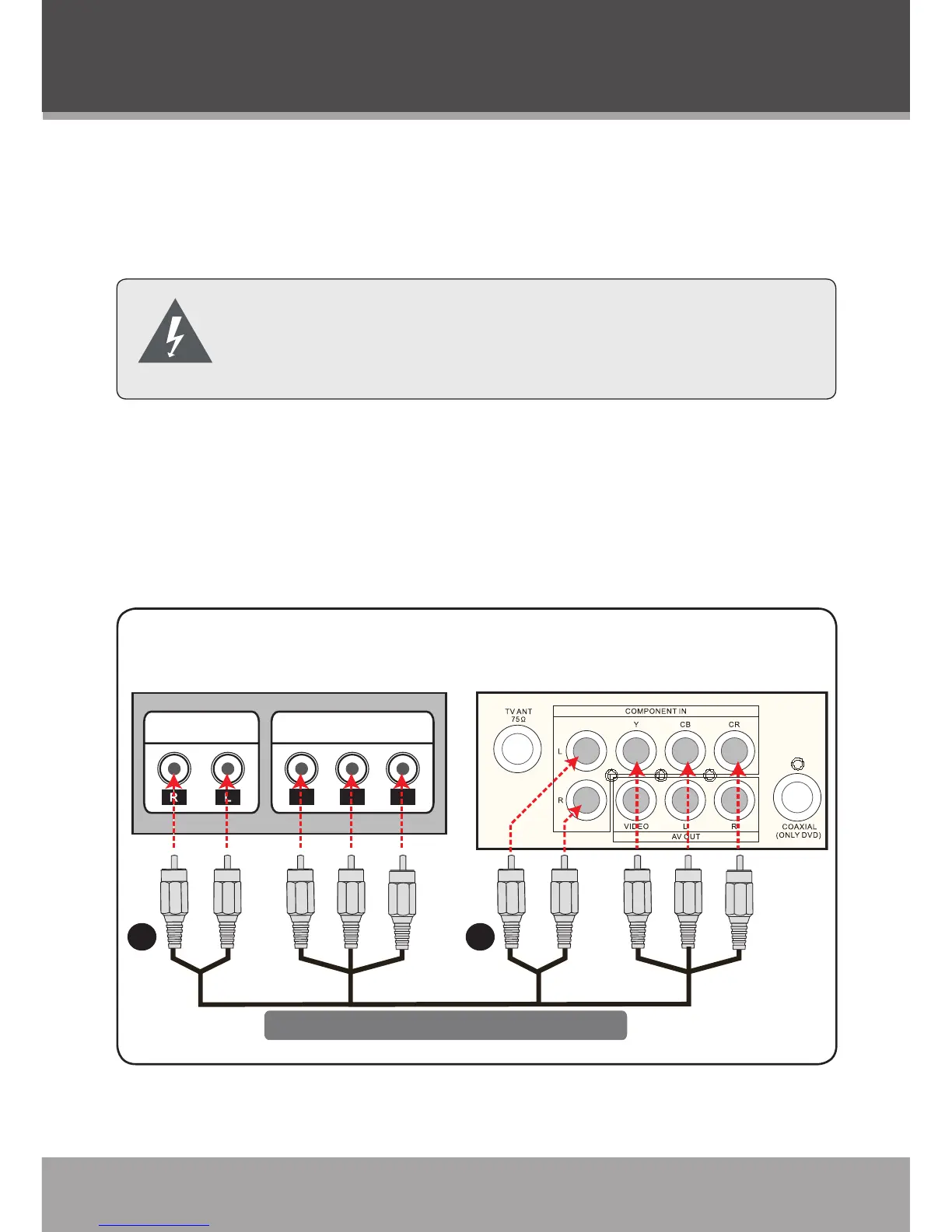
Component Audio/Video Input
Use this connection to display optional A/V devices on the unit.
A/V devices may include DVD players, cable/satellite receivers,
camcorders, or game consoles that are equipped with component
audio/video output jacks.



 To Next Page