Page 22 Coby Electronics Corporation
Standard Connections
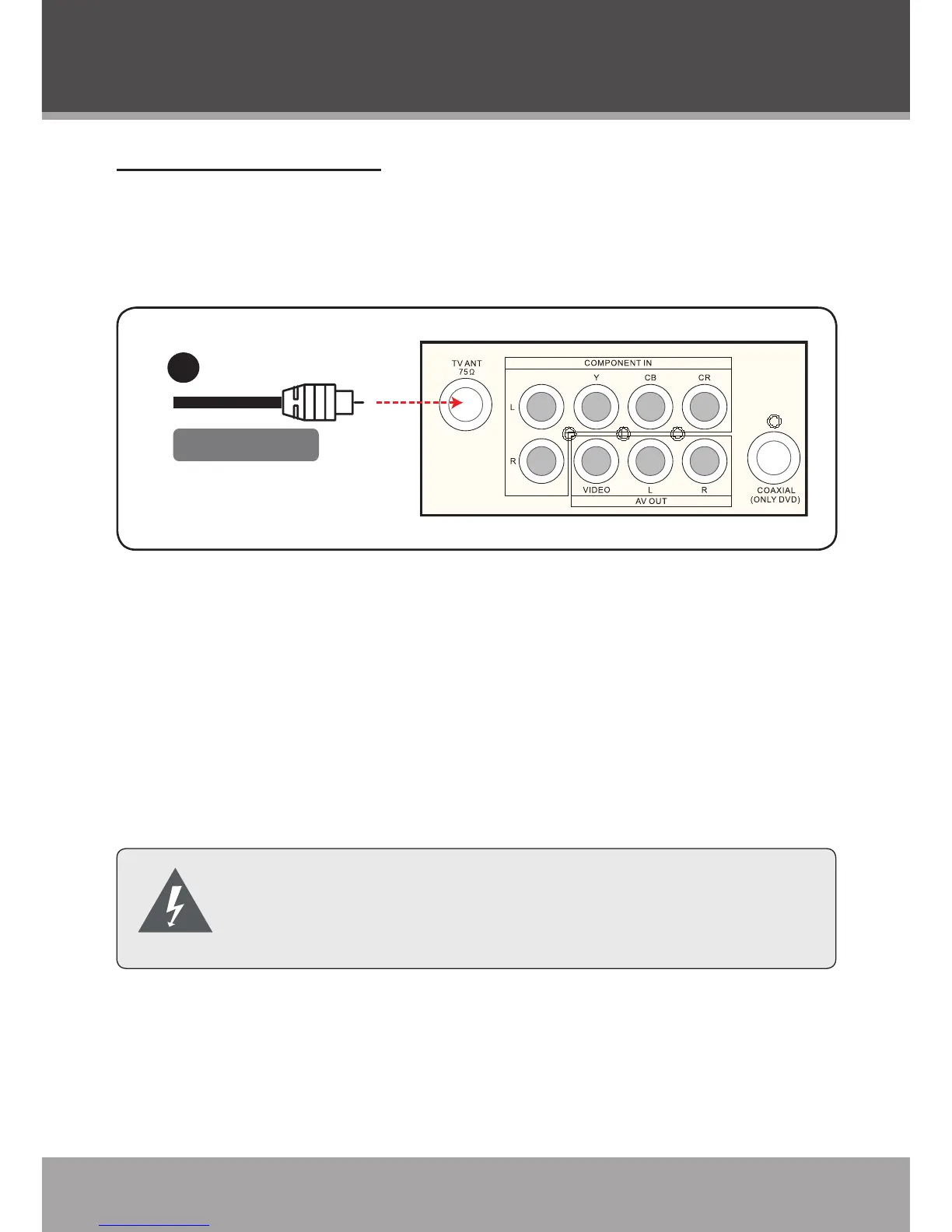
Cable Input (without cable box)
Use this connection if you do not need a cable box to unscramble
channels.
Connect the cable line (75Ω coaxial cable) to the TV An-
tenna In jack located on the rear of the unit.
To view the cable signal:
Set the Antenna option to “Cable” in the DTV or TV setup
menu.
Set the unit to DTV or TV mode (the screen will display the
current channel number).
Turn off all devices before making system connec-
tions. Do not connect the power until all connections
have been made.
1.
1.
2.
Cable Connections



 To Next Page