www.cobyusa.com Page 55
DVD Mode
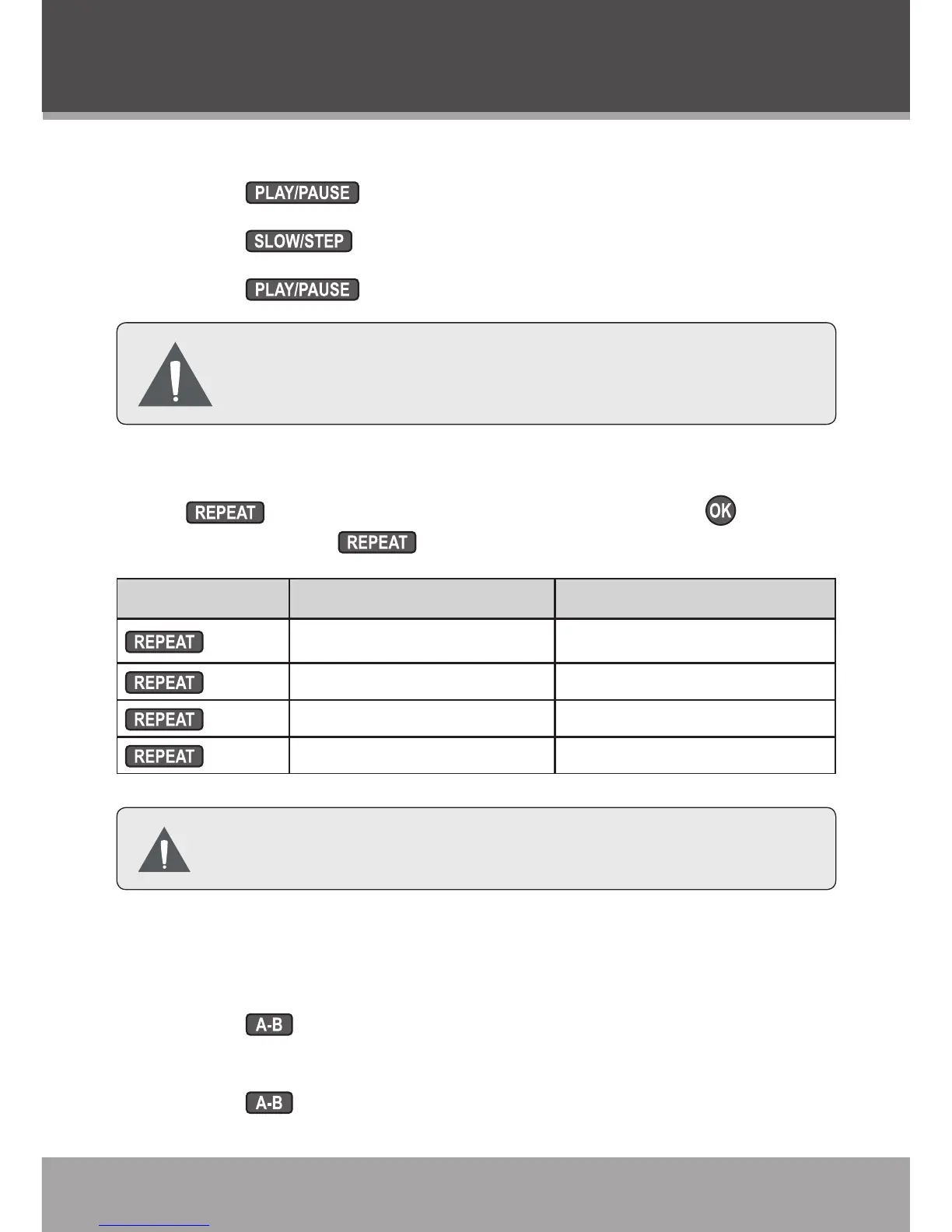
Step
Press to pause playback.
Press to advance playback one frame.
Press to resume normal playback.
Audio will be muted during scanning, slow-motion,
and step-by-step playback.
Repeat Mode
Press to select a repeat mode and then press . Each
successive press of will select the following repeat modes:
DVD Mode CD Mode
x1
Repeat All Repeat All
x2
Repeat Title Repeat Track
x3
Repeat Chapter Repeat Off
x4
Repeat Off
Some discs may not support Repeat mode.
A-B Repeat Mode
To repeat a specic section of a disc (looped playback):
Press to set the desired start point (“A”) of the section
to be repeated.
Press again to set the desired end point (“B”) of the
1.
2.
3.
1.
2.



 To Next Page