Page 46 Coby Electronics Corporation
TV Setup
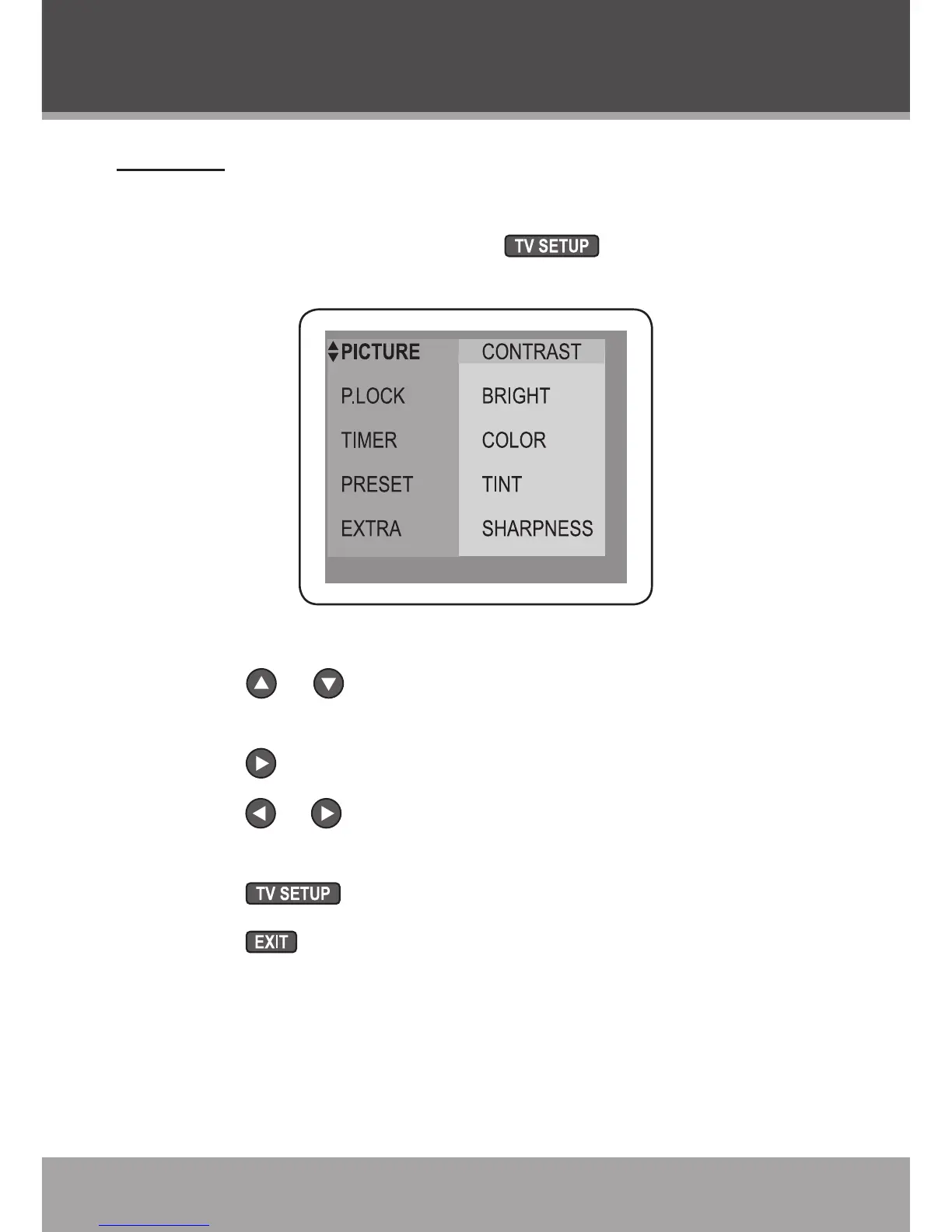
Use the TV setup menu to adjust the TV options.
While the unit is in TV mode, press to access the TV
setup menu.
How to use the TV setup menu:
Press or to move the selection cursor up or down, re-
spectively.
Press to enter a sub-menu.
Press or to set the options of a selected menu item, or
use the numeric keypad if necessary.
Press to return to the previous screen.
Press to exit the TV setup menu.
•
•
•
•
•
TV Mode (Analog TV)



 To Next Page