Page 40 Coby Electronics Corporation
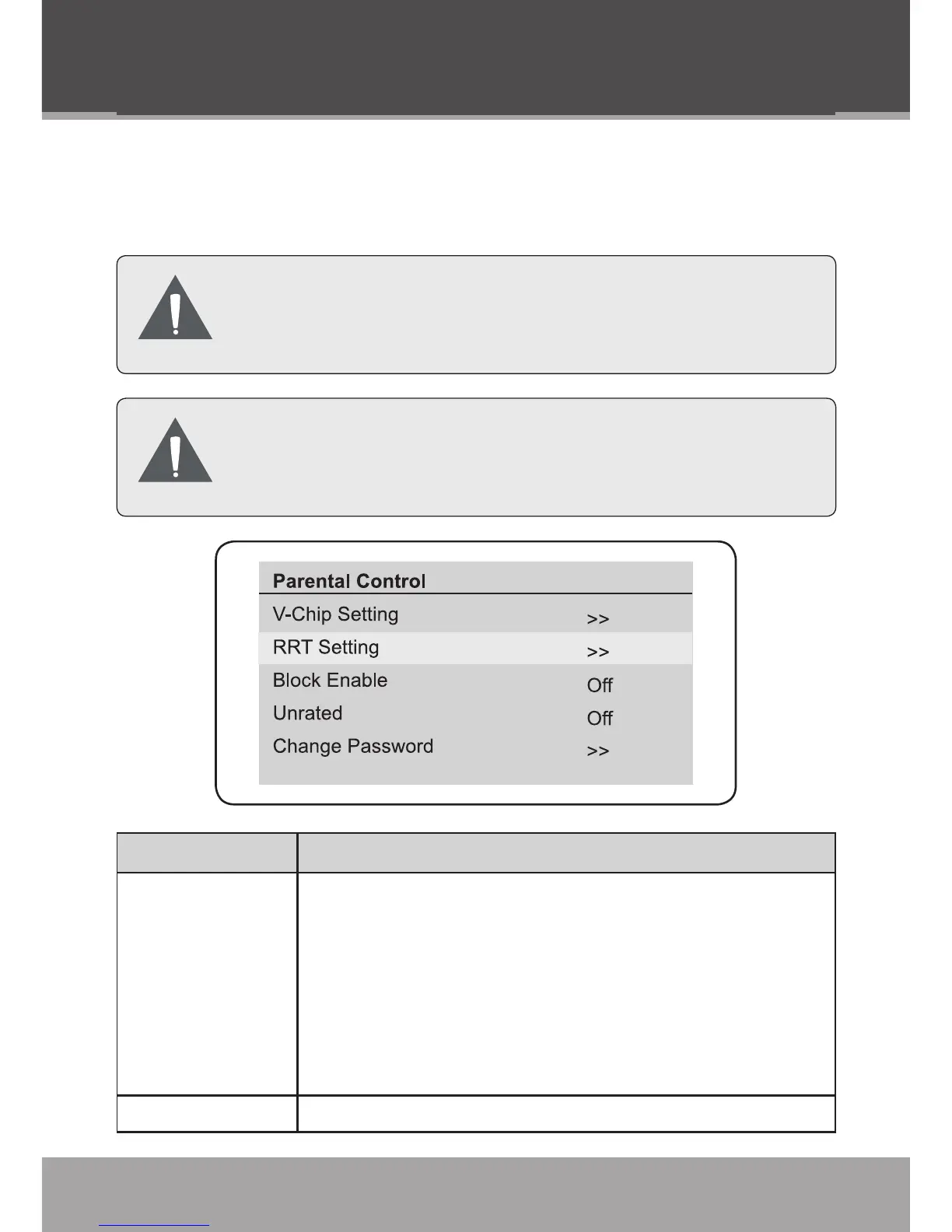
Parental Control
Set the Parental Control options to control which types of pro-
gramming may be viewed on the unit.
The Parental Control menu is password-protected.
Use the numeric keypad to enter the 4-digit pass-
word in order to access the menu.
The initial password is “0000”. The password may
be changed in the Parental Control menu. Do NOT
forget the password.
Menu Item Description
V-Chip Setting Set the V-chip options. You can set the following program
types to “View” or “Block”.
Movie Ratings
USA TV Content Ratings
Canada English Ratings
Canada French Ratings
•
•
•
•
RRT Setting Display the Region Rating Table menu.
DTV Mode (Digital TV)



 To Next Page