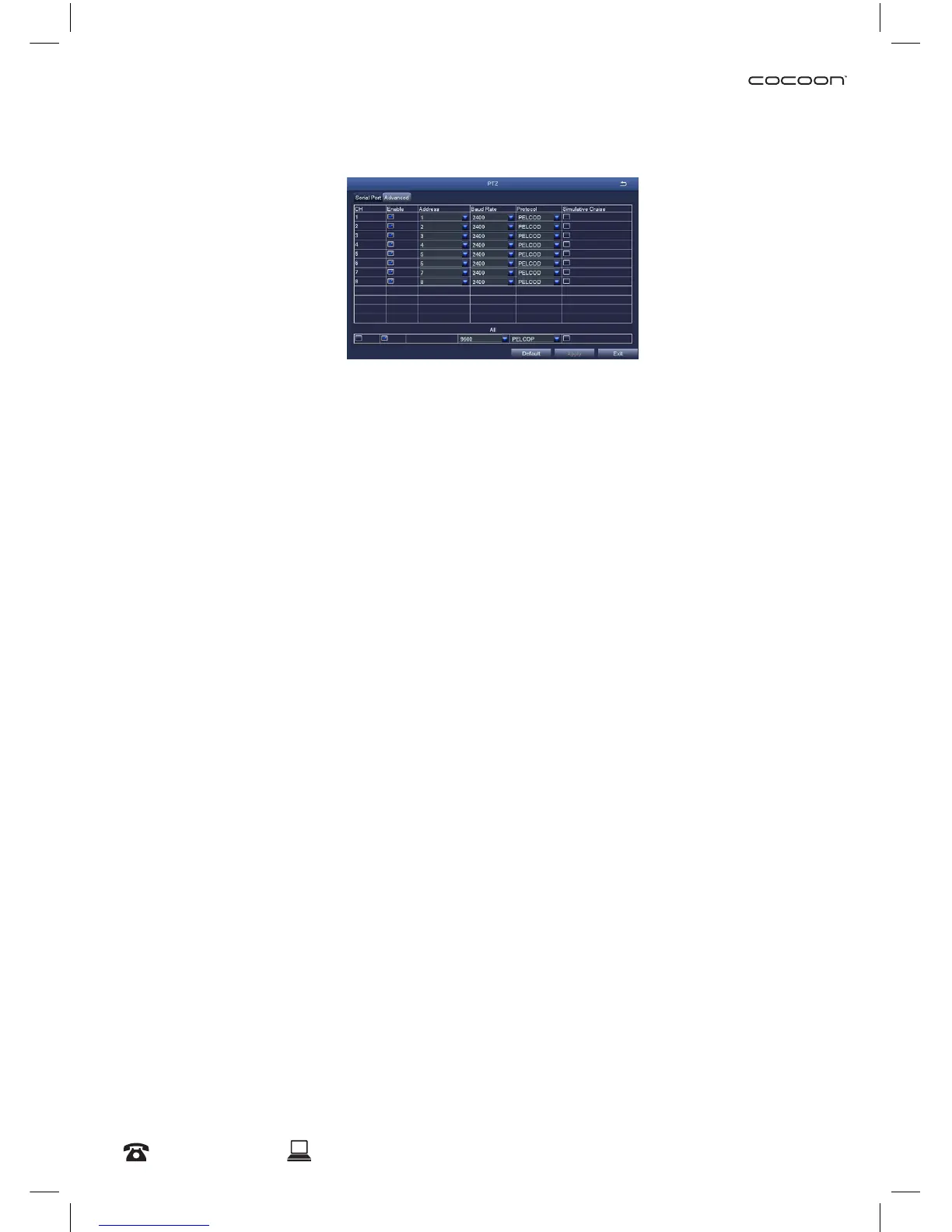
6.1.8 PTZ
This DVR unit is compatible with PTZ (Pan, Tilt & Zoom) cameras (not included). Access this page to
congure the PTZ camera settings. Please note that the PTZ device can be activated only when a
channel in connection with the PTZ camera is selected. Consult the manual of your PTZ camera for
correct settings.
Serial Port tab
• Address: Select channel of the PTZ camera
• Baud Rate: Select the baud rate which the PTZ camera operates. Please check the PTZ camera
specs or manual for this information
• Protocol: Select the required protocol for the PTZ camera
• Simulative Cruise: Also known as patrol mode. Select to enable/disable this feature
Advanced tab
Congure pre-set camera orientations, cruise lines and track settings.
• Preset: Press the ‘Setting’ button to set a position for the PTZ camera. Adjust the PTZ location to
your desired position, then press the Save button to conrm
NOTE: A maximum of 128 orientations can be pre-set
• Cruise: Press the ‘Add’ button to add cruise lines to a camera.
NOTE: A maximum of 8 cruise lines can be added
• Track: Set a movement track (to control the pan, tilt and zoom for PTZ Cameras
Advanced Settings



 To Next Page