4
Valet Mode
Valet
Mode
is
used to
disable
the system from remote starting.
To
enter or exit
valet
mode
simply follow
the 4 steps outlined below:
1.
Turn the
vehicle's
ignition
ON.
2.
Push and
hold
the programming/valet button.
3.
The LED
will
turn on
solid when valet
mode is active
4.
Release the programming/valet button.
Eliminating Lock I
Unlock Notification Chirps
System
lock and
unlock
notification chirps can
be
toggled
ON
or
OFF without
entering the programming feature banks.
1.
Turn the ignition
ON
then
OFF.
2.
Press and
release
the valet/programming button 3 times. The system
will
respond with 1 chirp for
ON
or 2 chirps for
OFF.
Using Your Remote Vehicle Starter
Remote Starting Your Vehicle
To
activate the remote vehicle
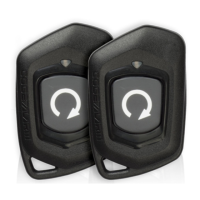
start function, press and
release
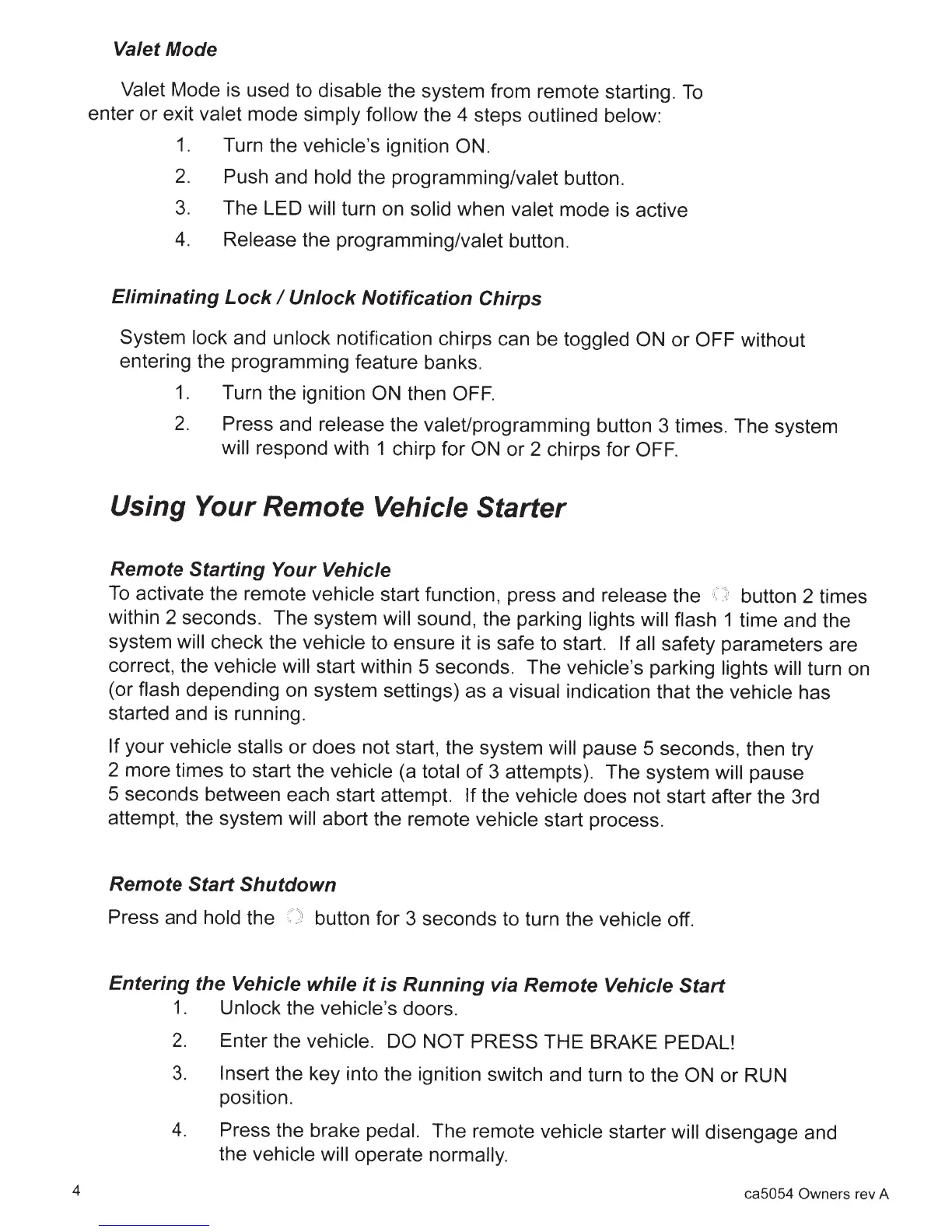
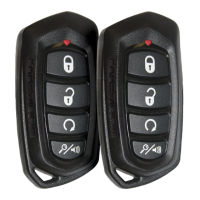
the button 2 times
within 2 seconds. The system
will
sound, the parking lights will flash
1 time and the
system will
check the vehicle
to ensure it is safe to start.
If all
safety parameters are
correct,
the vehicle will start within 5 seconds. The
vehicle's
parking
lights will
turn on
(or flash depending on system settings) as a
visual
indication that the
vehicle
has
started and
is
running.
If
your
vehicle stalls
or does not start, the system will
pause 5 seconds, then try
2 more times to start the
vehicle
(a
total
of 3 attempts). The system
will
pause
5 seconds between each start attempt.
If the
vehicle
does not start after the 3rd
attempt, the system
will abort the remote vehicle
start process.
Remote Start Shutdown
Press and
hold
the button for 3 seconds to turn the vehicle
off.
Entering the Vehicle while it is Running via Remote Vehicle Start
1.
Unlock
the vehicle's doors.
2.
Enter the
vehicle. DO NOT PRESS
THE BRAKE PEDAL!
3.
Insert
the key into the ignition switch and turn to the
ON
or RUN
position.
4.
Press the brake pedal.
The remote
vehicle starter
will
disengage and
the
vehicle will
operate
normally.
ca5054 Owners rev A







 To Next Page