FILTERBREW & SERVING CONCEPT
18
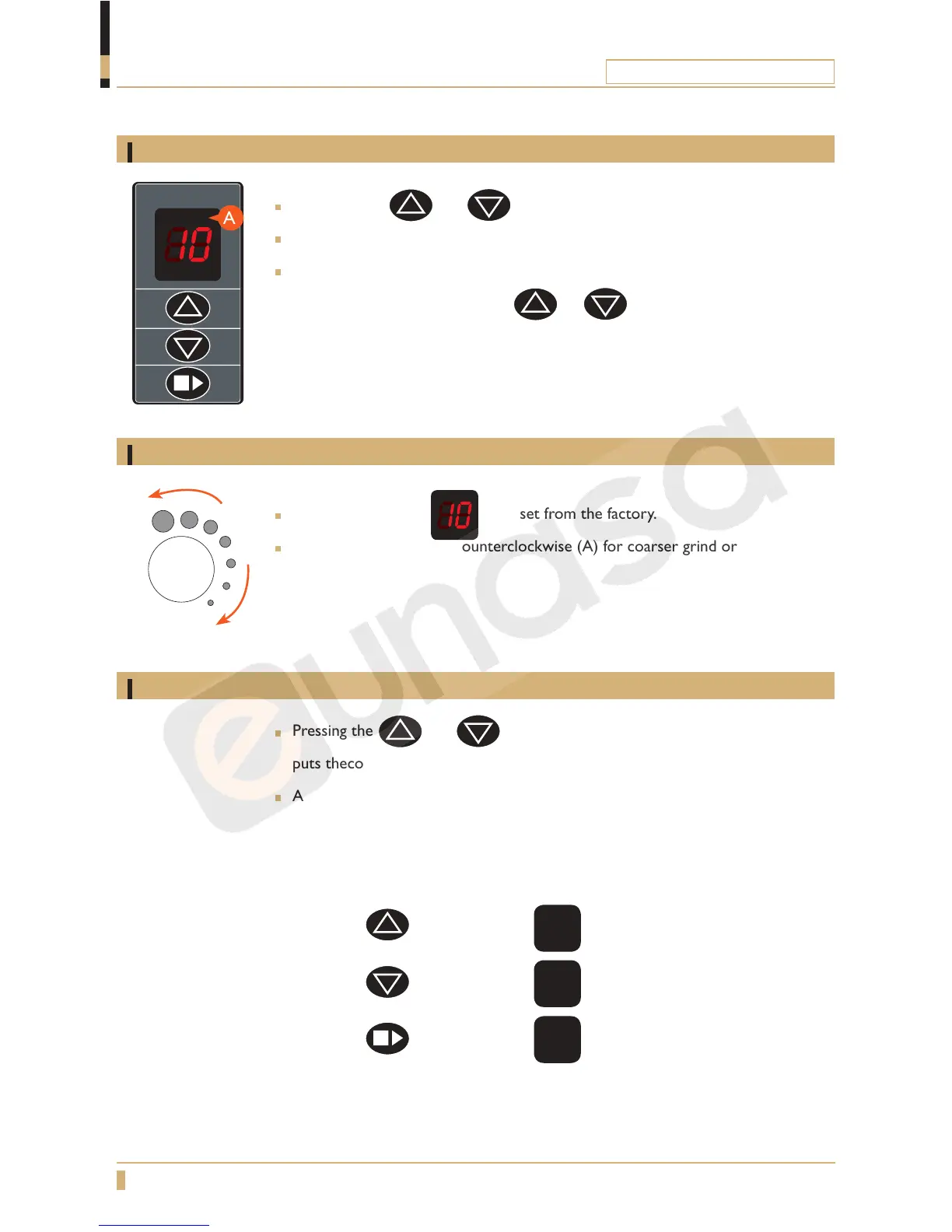
Adjust coffee amount
Adjust coffee grind
Testing
The grinding degree is preset from the factory.
Push the knob and turn counterclockwise (A) for coarser grind or clockwise (B)
for ner grinding.
Press buttons and simultaneously for 6 seconds.
The display (A) shows the current time setting for grinding.
You can now choose to increase or decrease the time 15 = 1.5 seconds for
grinding, by pressing the buttons
or .
This means that you increase or decrease the amount of coffee grounds.
A
B
PROGRAMMING
Grinder Original
Pressing the and buttons before turning the mains switch on
puts thecontrol board into test mode.
A test sequence starts:
- Turn all outputs off
- Turn V_MOTOR on for 3 s
- Turn buzzer on for 2 s
- If button
is pressed display
b1
- If button is pressed display
b2
- If button is pressed display
b3





 To Next Page