Connection Options
Connecting a DataMan 8600 Through Ethernet
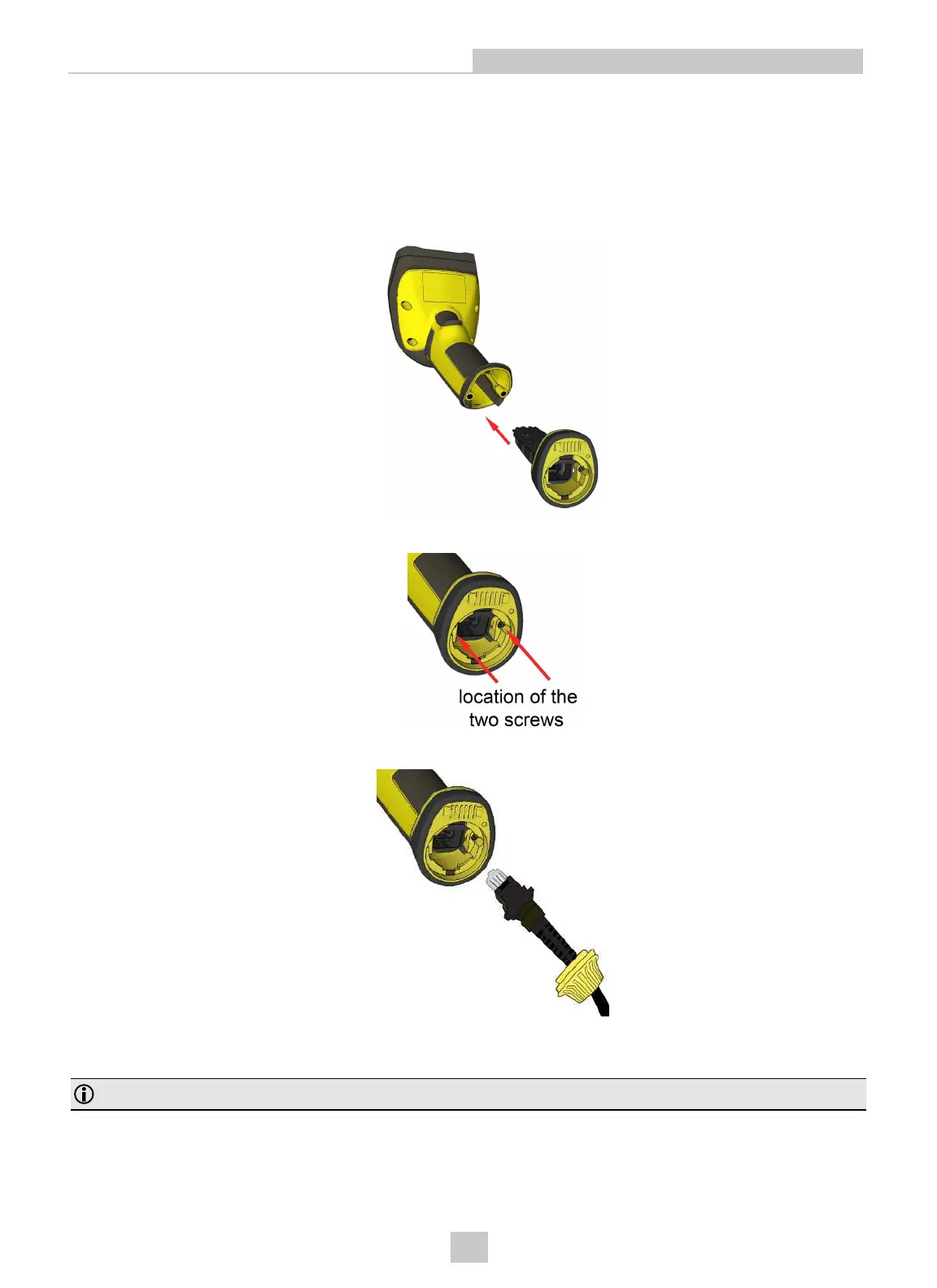
1. Connect the Ethernet slide-in (DMCM-ENETM-00) to your DataMan 8600.
2. With a 2.5 mm Allen wrench, tighten the screws so that the slide-in is firmly locked.
3. Insert the plug. Slide the cable lock up to the reader, and twist the cable lock in place.
Use the DM8000-ECABLE-05 (5 meters) or the DM8000-ECABLE-30 (30 meters). You also need a Power Over Ethernet
Adapter (CPS-AC-POE1A-xx).
Note: Disconnect the DataMan 8600 reader from power before inserting/removing communication modules.
18
Connection Options












 To Next Page