1. Place the new reader in the base station.
2. If there are available slots for multi-reader assignment, an “Add to group” option is displayed on the screen of the
reader.
3. Confirm assignment by using the buttons of the reader.
Note: If all 7 slots are occupied, a warning message is displayed on the unpaired reader's screen, and only battery
charging is available.
To pair with 3rd party devices:
1. Start discovery on the 3rd party device.
2. Put reader into discovery mode by reading the appropriate configuration code or by using the on-screen menu of
the reader.
3. Start pairing on the 3rd party device.
4. The following pairing scenarios are available:
a. For legacy pairing, a PIN is displayed on the reader screen. Enter the PIN into the 3rd party device.
b. For Secure Connections, a number is displayed on the screen of the reader and on the 3rd party device.
Verify if the reader and the 3rd party device match and confirm by pressing the button.
c. JustWorks: No user action is required.
Note: A non-paired reader is automatically set into discovery mode.
Pairing Strategy (DMA-IBASE-BT-XX)
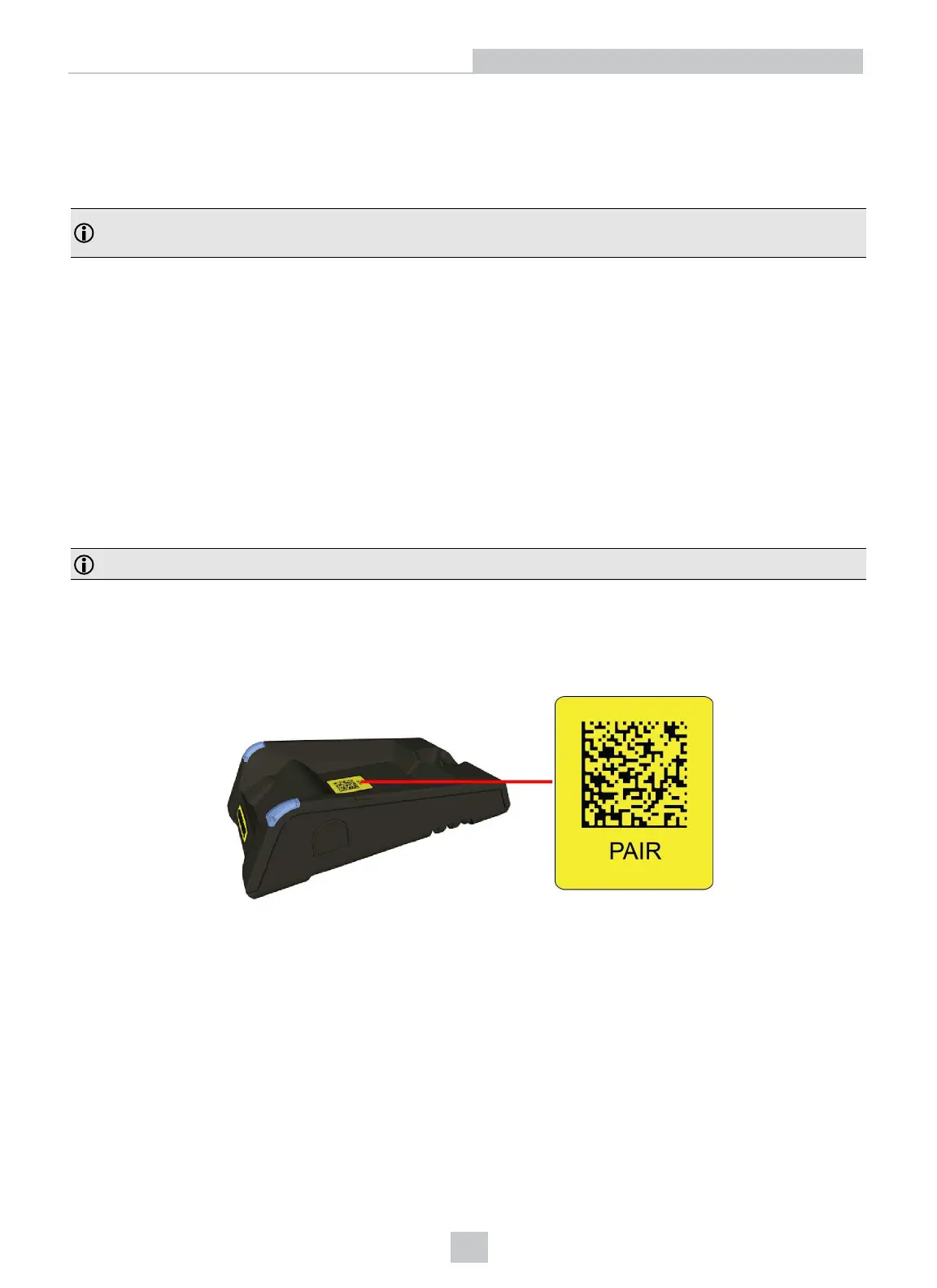
To pair the base station and the reader in a single step without considering former pairing states and using the DataMan
Setup Tool, scan the Pair sticker from the scan code sticker on the base station. Place the reader in the base station.
The reader then blinks GREEN/BLUE until it gets paired with the base station (or until the end of the 20 second timeout
period). When placing the reader on the base station, the base station drops its pairing with its old reader and pairs with
the new reader.
26
Connection Options












 To Next Page