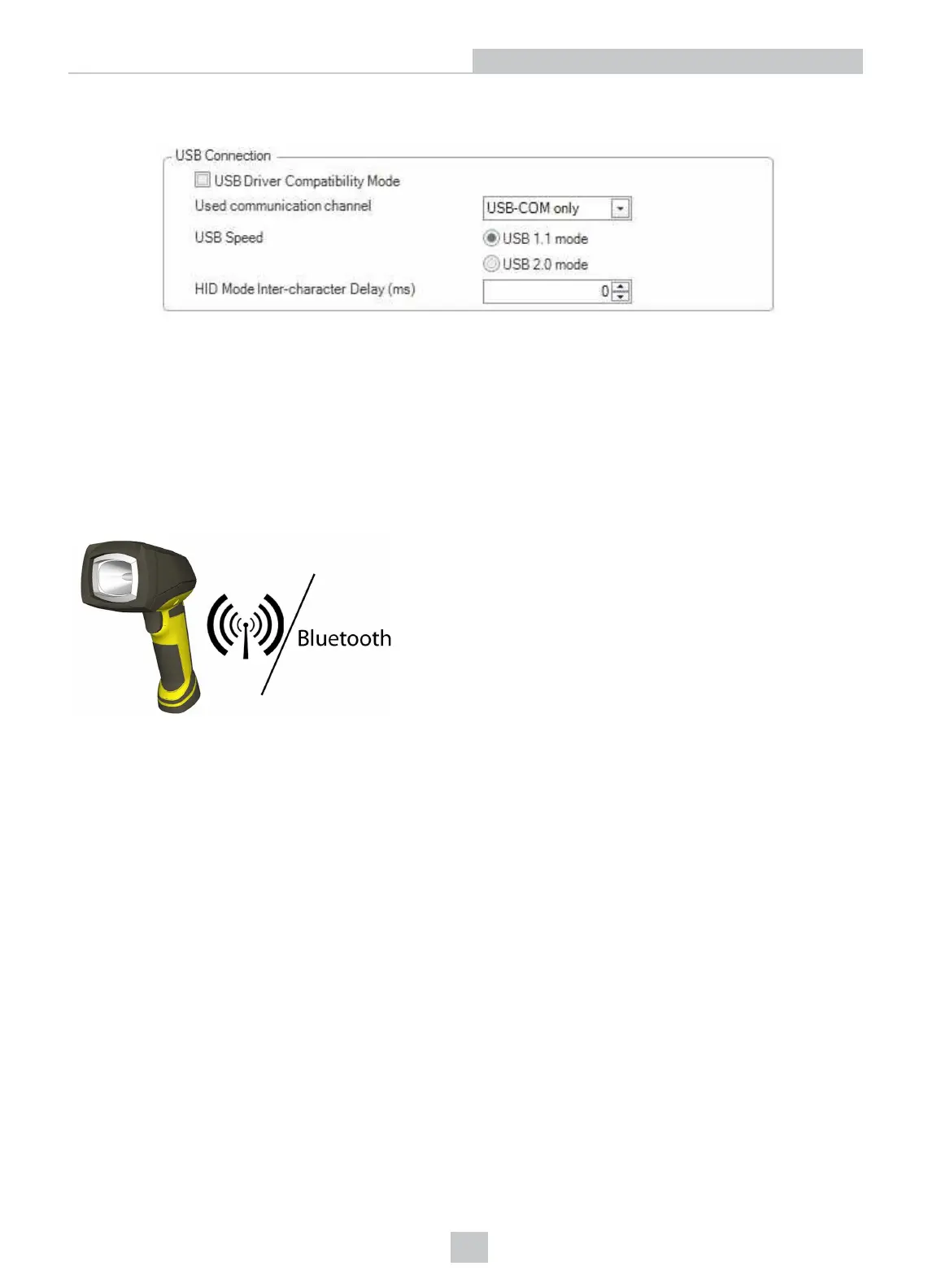
Change the USB Connection properties in the Serial tab of the Communication Settings pane in DataMan Setup Tool,
or scan the appropriate code from the DataMan Configuration Codes document.
You can also switch the reader and the base station to USB mode (CDC or HID) with a pair of reader configuration codes
in the DataMan Configuration Codes document.
In the case of a corded reader:
1. Disconnect from the DataMan Setup Tool, if you are connected.
2. Scan the “USB Keyboard” code from the DataMan Configuration Codes document.
3. Start scanning codes with your corded reader.
In the case of a wireless reader:
1. Disconnect from the DataMan Setup Tool, if you are
connected.
2. Scan the “Enable USB Keyboard for the base station” code
from the DataMan Configuration Codes document.
3. Start scanning codes with your wireless reader.
22
Connection Options












 To Next Page