14
Chapter 2: Getting Started
Press the Power Switch to OFF and conrm the Power and Ready Light turn o before
proceeding to the next steps. Refer to Figure 2-12 in step 1 of the Power Test section of
this manual to locate the power button on the printer.
NOTE: POWER OFF THE PRINTER BEFORE PROCEEDING.
Thermal Transfer Ribbon Loading (TT Printers Only)
To run the C Series printers in thermal transfer mode, a ribbon must be loaded properly
into the C Series printer in order to print. This section details step-by-step instructions on
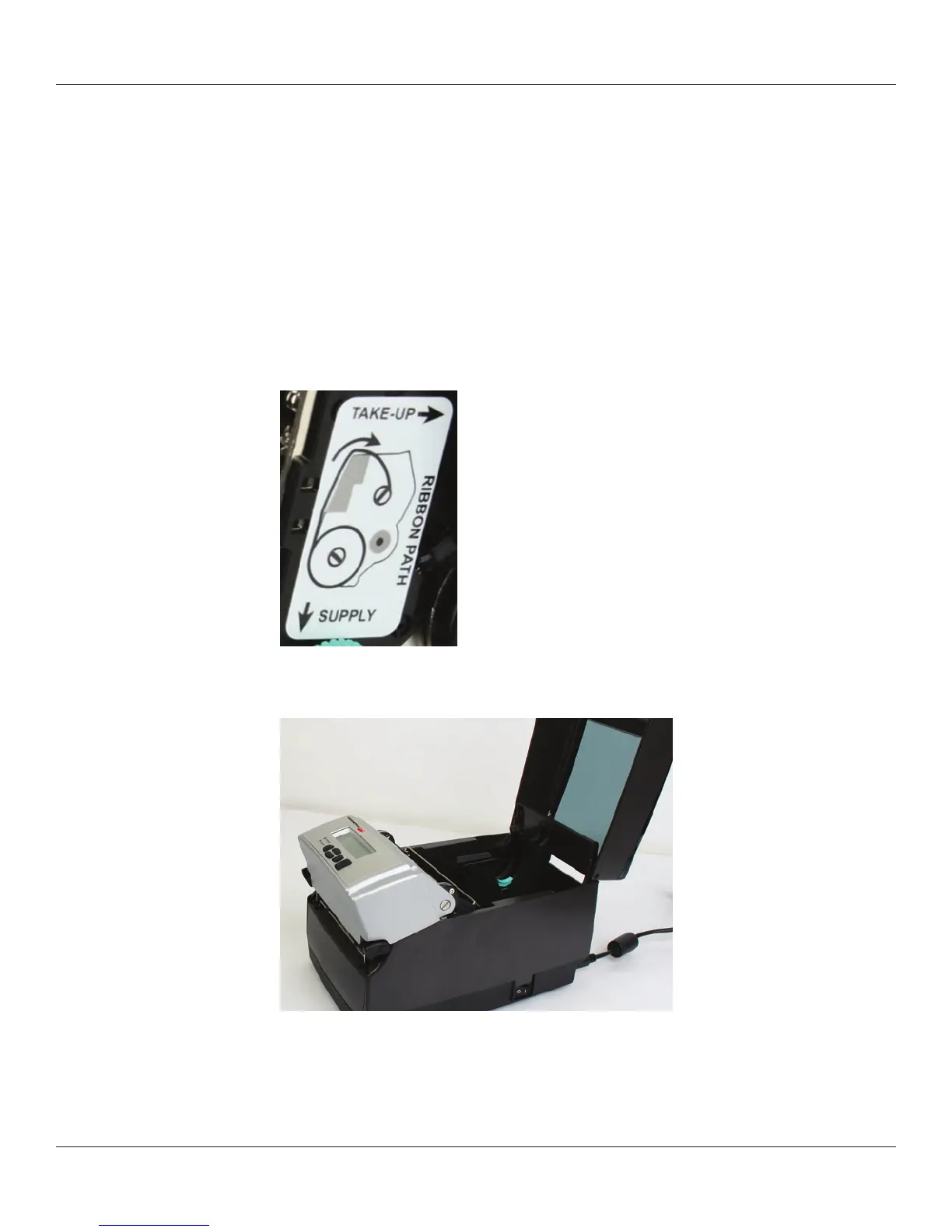
how to load thermal transfer ribbon into the printer. There is a ribbon loading label on
the side of the printhead mechanism for all thermal transfer C Series printers as shown
in Figure 2-19 below.
Figure 2-19: Ribbon Loading Label
1) Lift the top hinged dust cover.
Figure 2-20. Lifting the Dust Cover
Remove the Test Sample from inside the printer, and le the test sample with the
warranty and other C Series documentation for future reference.
For ribbon specications and details please refer to the
Consumables Guide.



 To Next Page