54
Chapter 7: Printing Standard Labels and Tags
Using Third-Party and Proprietary Applications
Labels are frequently printed from commercial software or proprietary applications.
Printing from Microsoft Word
The instructions below describe how to create both simple and complex labels using
Microsoft Word software. The instructions assume the following conditions:
• TheuserhasabasicunderstandingofMicrosoftsoftwareandtheWindows
operating system
• Driversareinstalledcorrectly
• Theprinterisconnected,poweredon,andreadytoprint
NOTE: EXAMPLES SHOWN HERE WERE CREATED USING MICROSOFT WINDOWS XP
AND MICROSOFT WORD 2002.
To Configure the Software for a CognitiveTPG Printer
1) Open Microsoft Word.
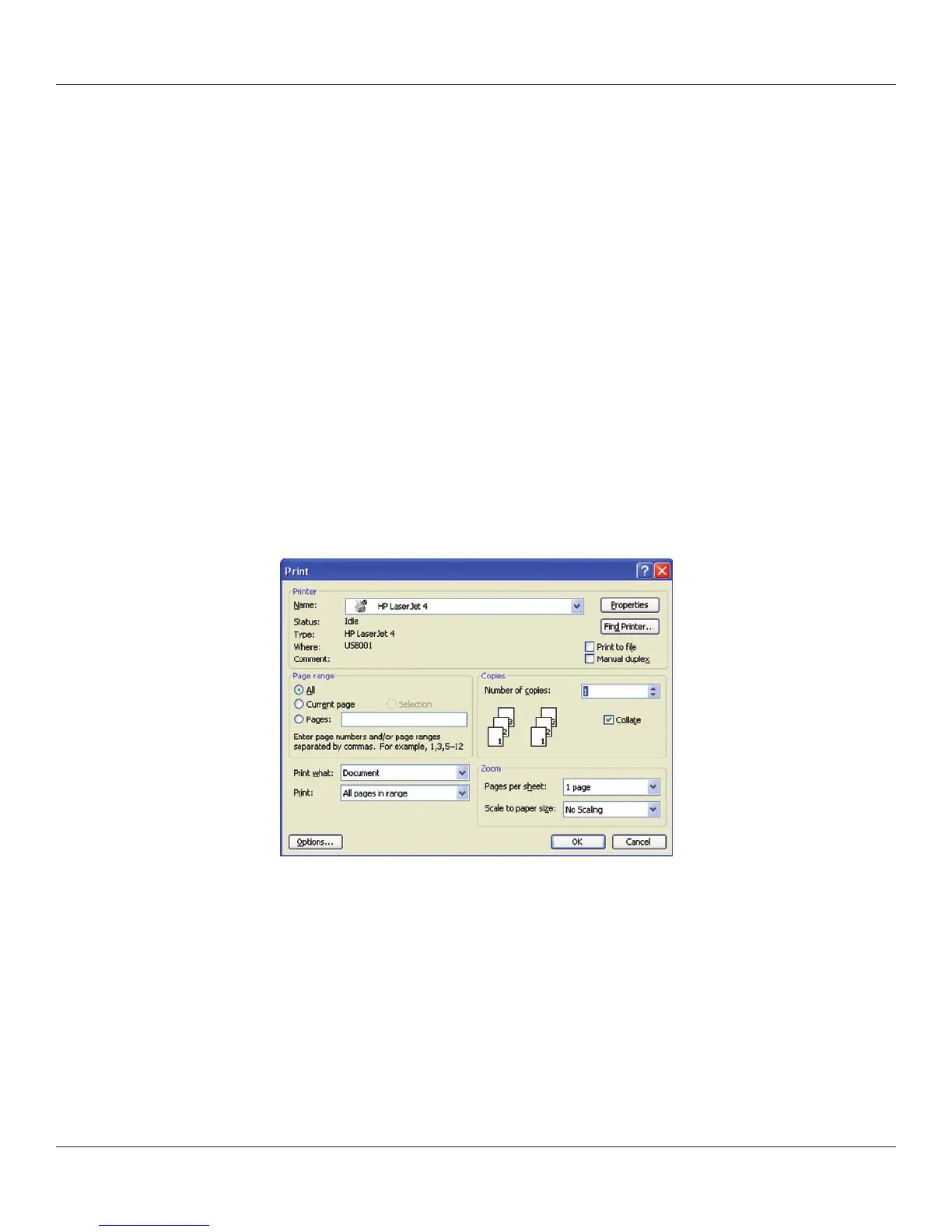
2) Press Ctrl+P or, on the File menu, choose Print. The Print dialog box appears.
3) Select a CognitiveTPG printer.



 To Next Page