42
Chapter 4: Using the Administrator Tool
To open and previously saved le, select the “Open Stored Prole.”
To apply the displayed prole to a printer, select the “Apply Prole to Current Printer”
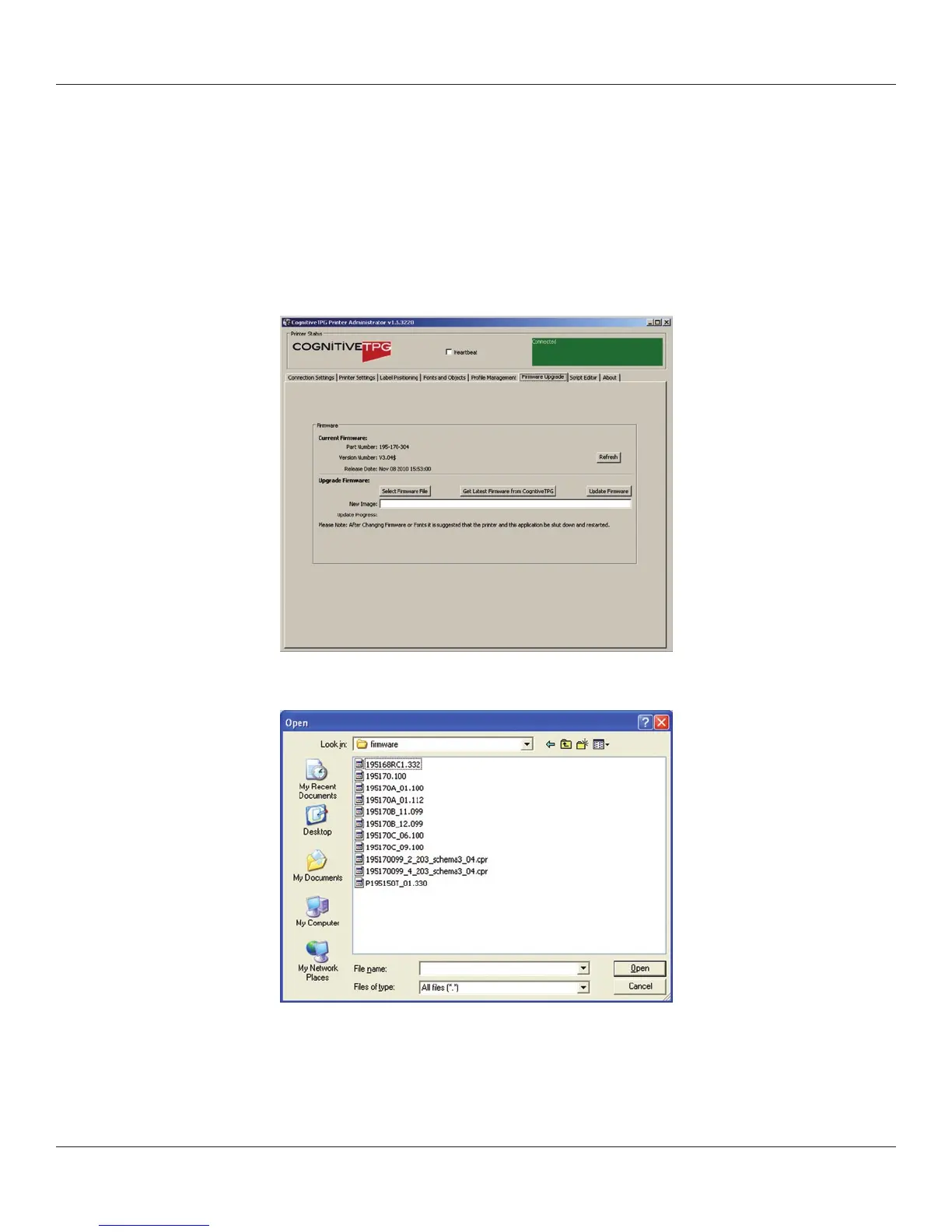
Firmware Upgrade
Ability to view the current rmware version as well as upgrade rmware.
The current rmware version displays automatically.
To upgrade rmware, click the Select Firmware From Local Machine button.
Change les of type to “All Files” and browse to the directory with the rmware. Select
OK.
Select the Update Firmware button. This process can take 30 seconds to several minutes
depending on connection speed. Please allow the rmware to full update.



 To Next Page