52
Chapter 6: Network Printing
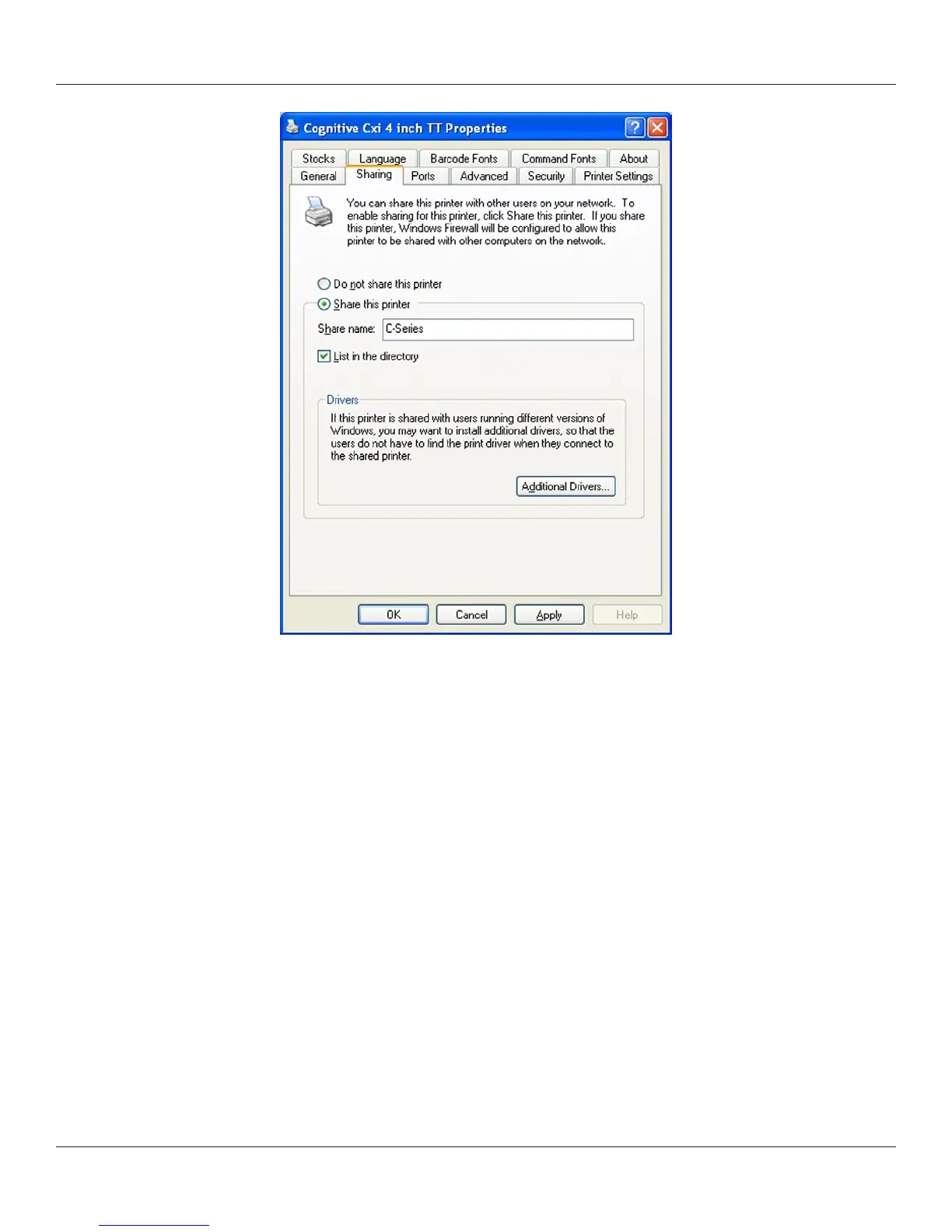
4) Select Share this printer and give the printer a Share name.
5) Once a share name has been typed, click Apply.
Network Support Materials
For more information on conguring Ethernet settings on CognitiveTPG printers, please
refer to the Ethernet Printing Information section of the Programmer’s Guide.



 To Next Page