41
Chapter 4: Using the Administrator Tool
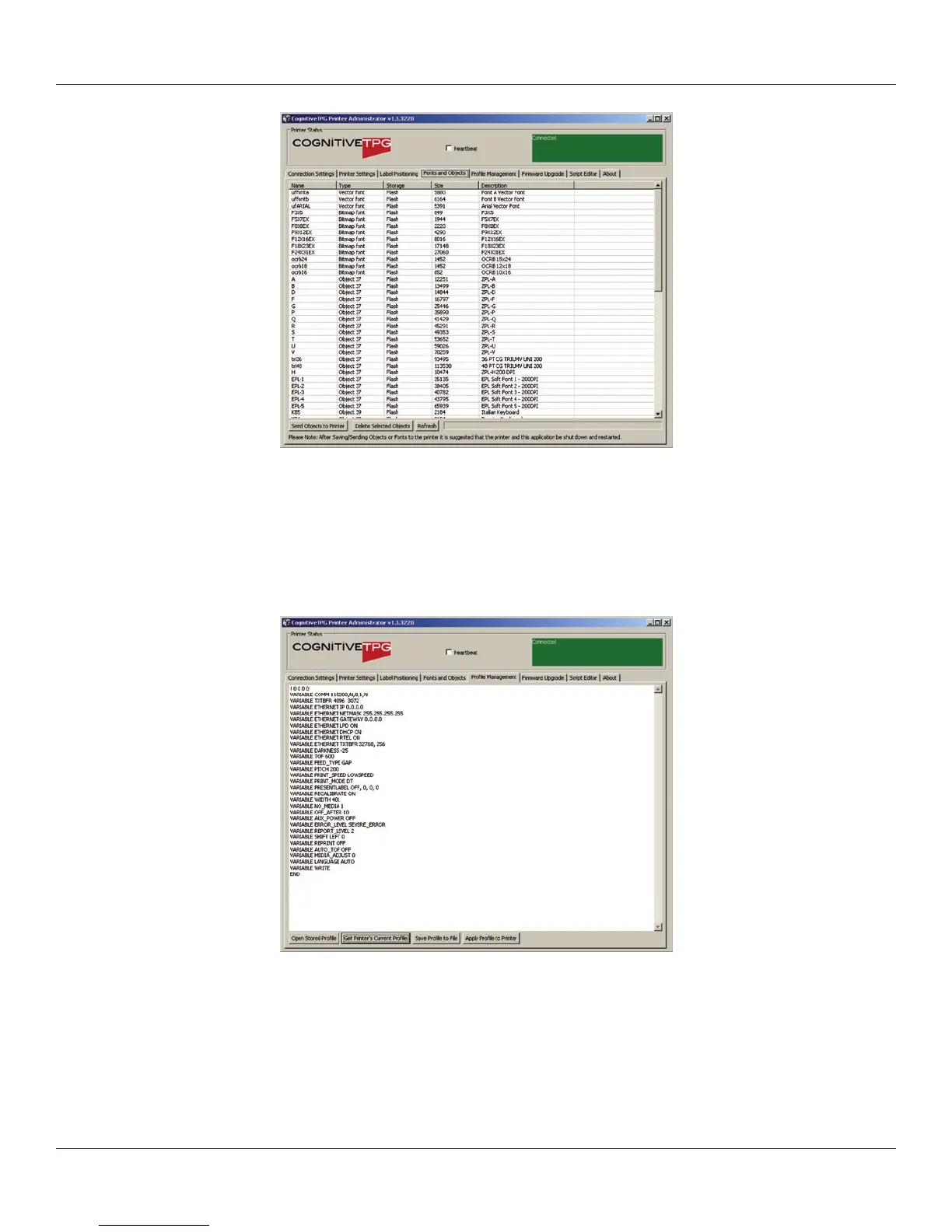
To load an item, select the Load Object to Printer button and browse to the location of
the le on the host PC.
Prole Management
Prole Management provides the ability to download, save, open and apply printer
proles to printers. This is useful in updating multiple printers with the same settings.
To load the printer’s current prole, select “Get Current Printer’s Prole”.
The printer will display its settings.
To save the printer’s prole to a le, select “Save Prole to File” This creates
a text le with a .p extension. This prole can later be opened and sent to
other printers connected to the Administrator.



 To Next Page