30
Chapter 2: Getting Started
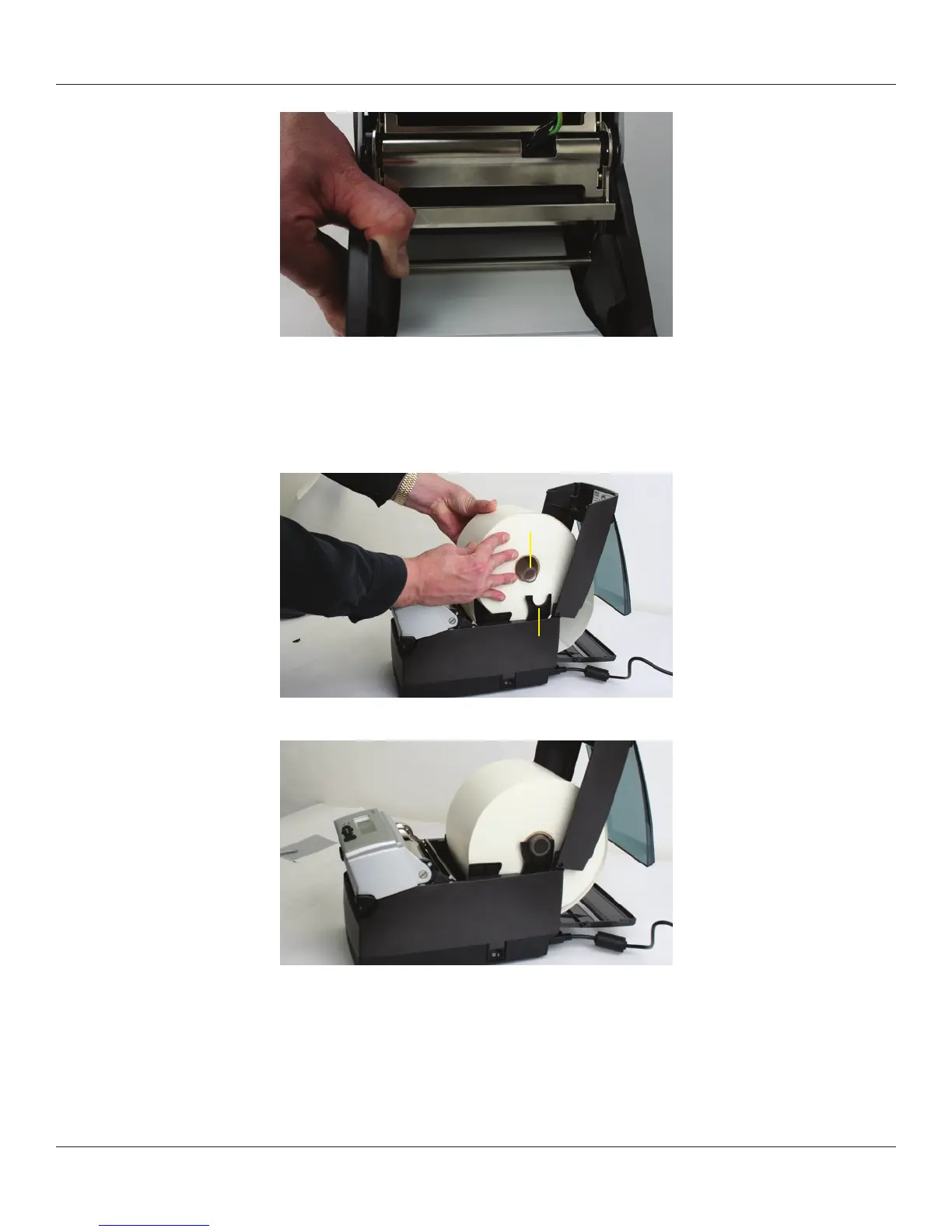
Figure 2-58. Load Media Under Media Guide Bar
If the locking tab is in the locked position, unlock it. Then, place a spindle in the core of
the media roll, and position it in the printer, print side up, as shown in Figure 2-59 and
Figure 2-60.
Figure 2-59. Loading Large Media Roll, Print Side Up
Figure 2-60. Large Media Roll in Position
Close the top cover and let the dust cover rest on the large media roll.
Media Spindle
Large Media Roll
Spindle Saddle



 To Next Page