32
Chapter 2: Getting Started
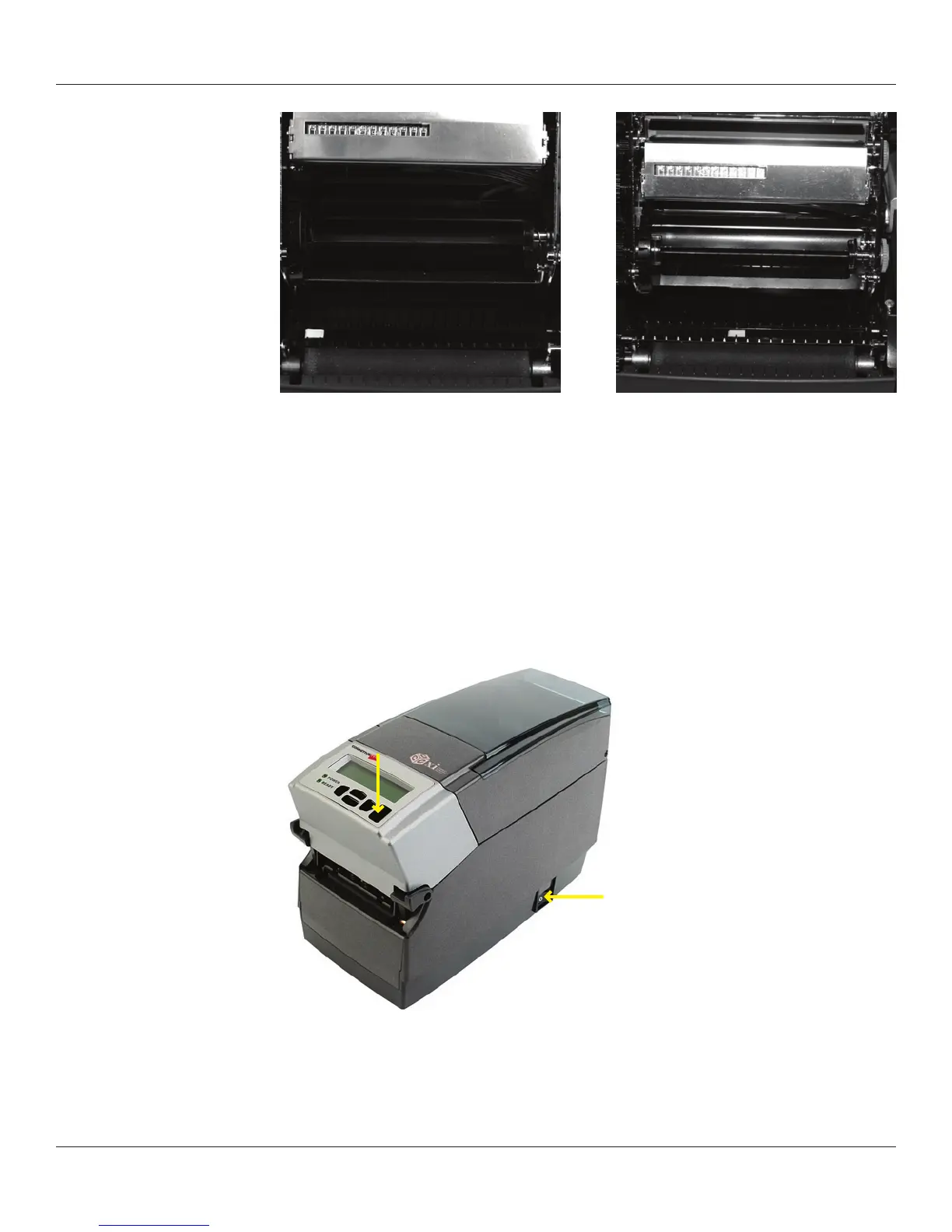
4” Printer shown with extreme settings for gap mode. Note that the sensor should only
be adjusted to near center in its right-most setting.
Black Mark Mode
Both the 2” and 4” printers are adjustable the full width of the media path. Please see the
C Series technical specication for the exact width of adjustment.
Performing the Self Test
The self test checks the printer’s overall operability, and lists the printer’s current settings.
Refer to the gures and instructions below to perform the printer self test.
Figure 2-62. Performing the Printer Self Test
IMPORTANT! The printer should be loaded with media, connected to AC power, and
turned on.



 To Next Page