79
Chapter 11: Cleaning and Preventive Maintenance
8) Spread enclosure apart slightly, then lift enclosure back and up, away from printer.
To access base portion of enclosure, refer to Mechanism Repair and GMC Repair in
the repair guide. Remove both mechanism and GMC to access base enclosure.
9) Remove front bezel. See front bezel removal section of enclosure removal section.
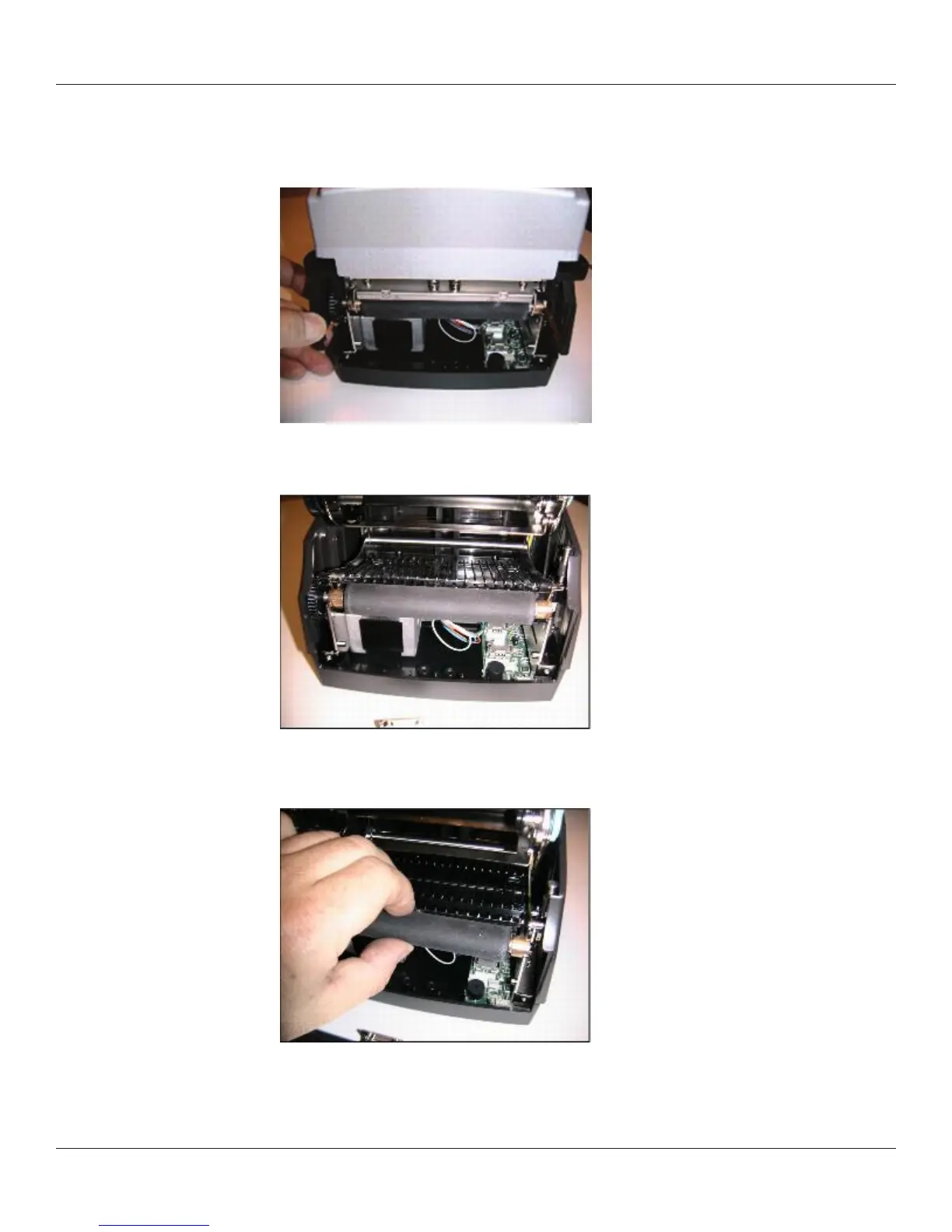
10) Slide right side platen bearing past its plastic snap, toward front of printer.



 To Next Page