83
Chapter 11: Cleaning and Preventive Maintenance
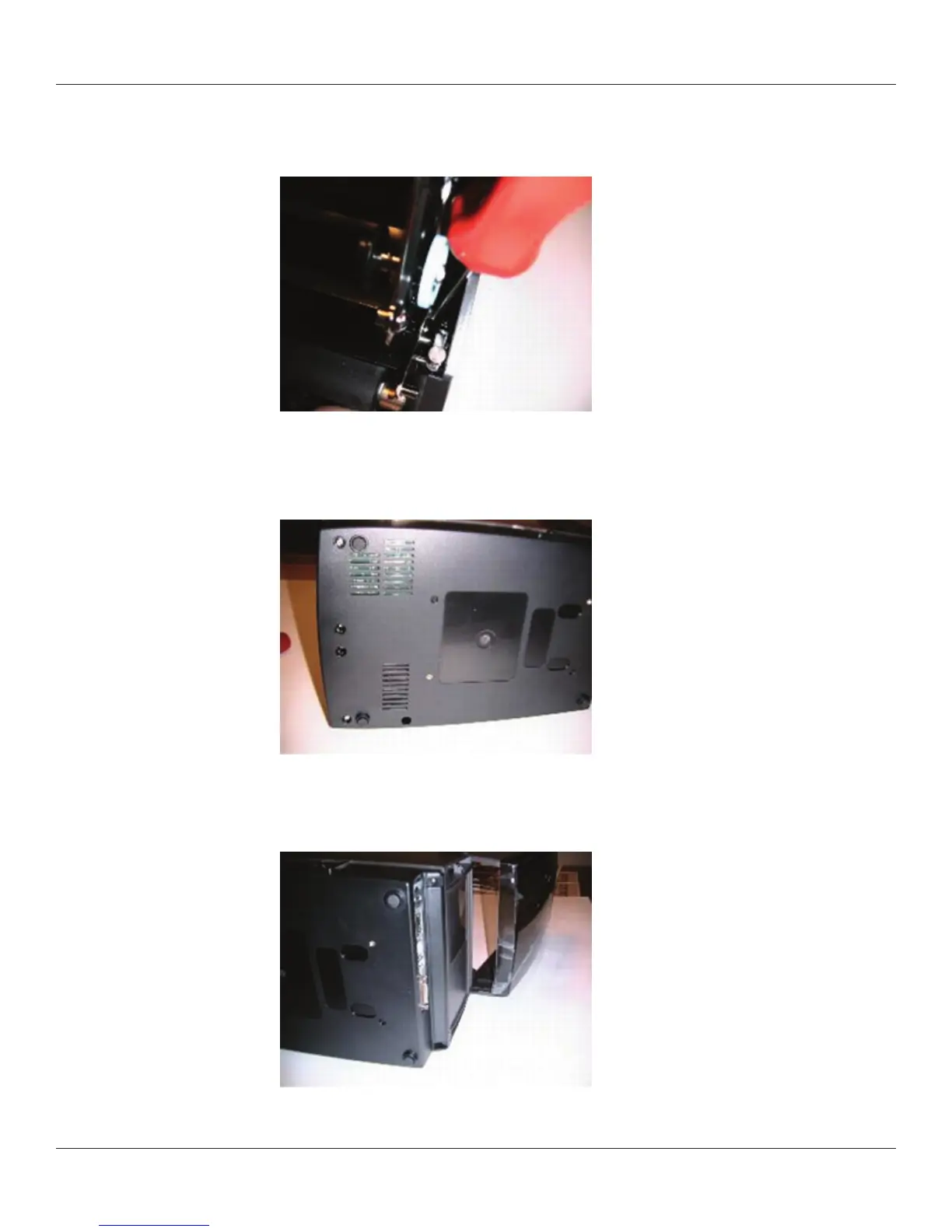
8) Install and torque the mechanism screw located on the right side of the mechanism,
behind the head down switch. Torque to 3 in.-lbs.
9) Expose the underside of the printer, install and torque the three screws at the
locations shown. Torque to 3 in.-lbs.
10) Install and torque the two rear screws as shown.



 To Next Page