www.colorlightinside.com
17
6.3.3 Input Setting
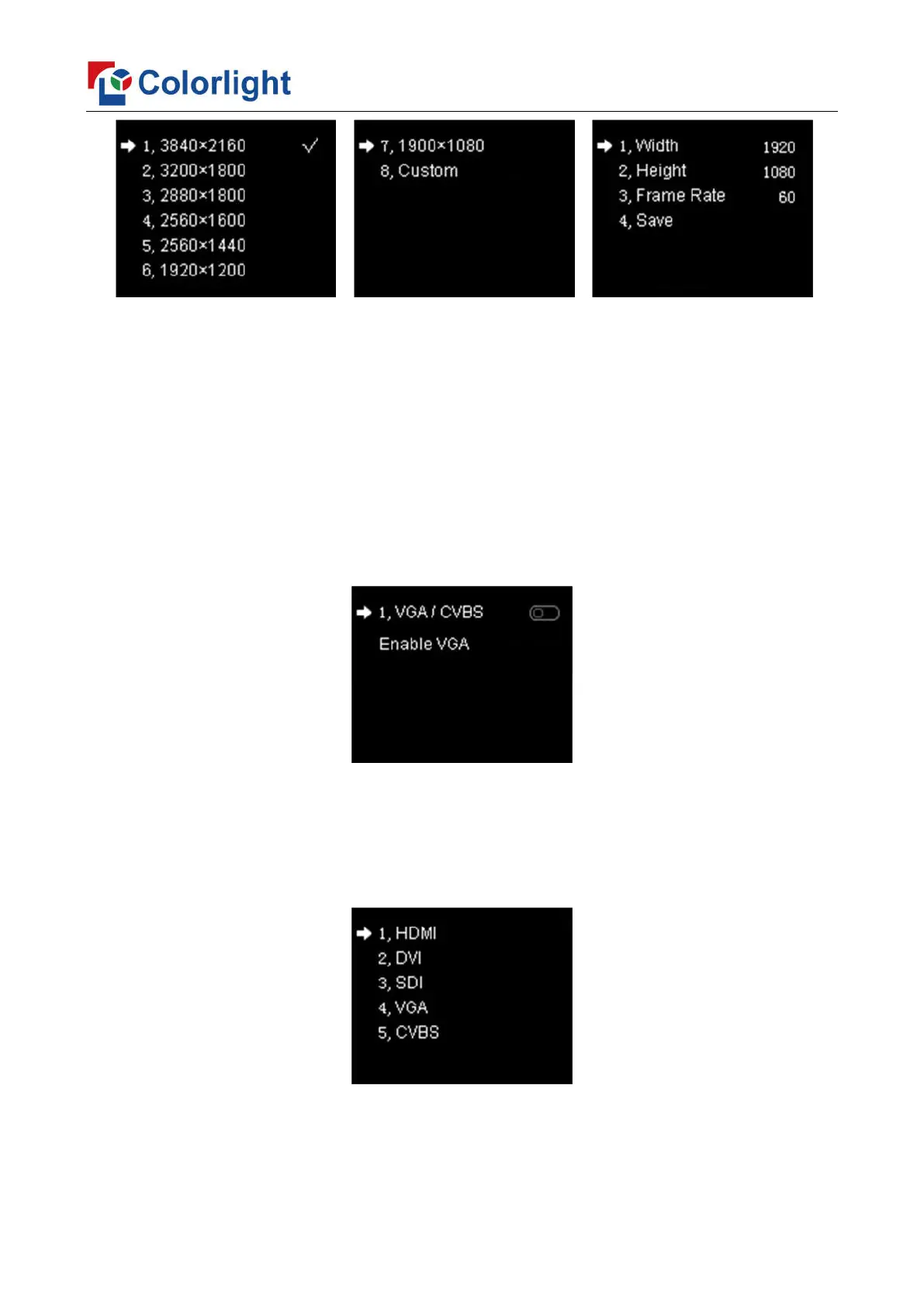
Rotate the knob to select input setting, then press the knob/OK to enter submenu of
“Input Setting”. In the submenu, press the knob/OK to turn on/off “VGA/CVBS”. If
“VGA/CVBS” is in the closed status, CVBS signal is regarded as video input resource in
preference to VGA signal; if “VGA/CVBS” has been turned on, VGA signal is regarded as
video input resource in preference to CVBS signal. Note: VGA and CVBS cannot be the
signal input resource at the same time.
6.3.4 Input Clip Setting
Rotate the knob to select input clip setting, then press the knob/OK to enter submenu
of “Input Clip Setting”.
Enter the clip interface of “HDMI” or “DVI” or “SDI” or “VGA” or “CVBS”, press the
knob/OK to turn on/off clip. Set X, Y, width and height of input signal by knob then save the
data.



 To Next Page