Components & Controls
34
C2500CB-OM-EN-16
Note
When the truck is in neutral pressing the accelerator pedal will increase the
working speed of the hydraulic functions.
The layout of the joystick functions may be subject to change due to
individual customer requirements. Please refer to the decal on the
individual truck.
Operators must acquaint themselves with the layout of all controls before
operating the truck.
3.4 Hydraulic Joystick Operation (If Fitted)
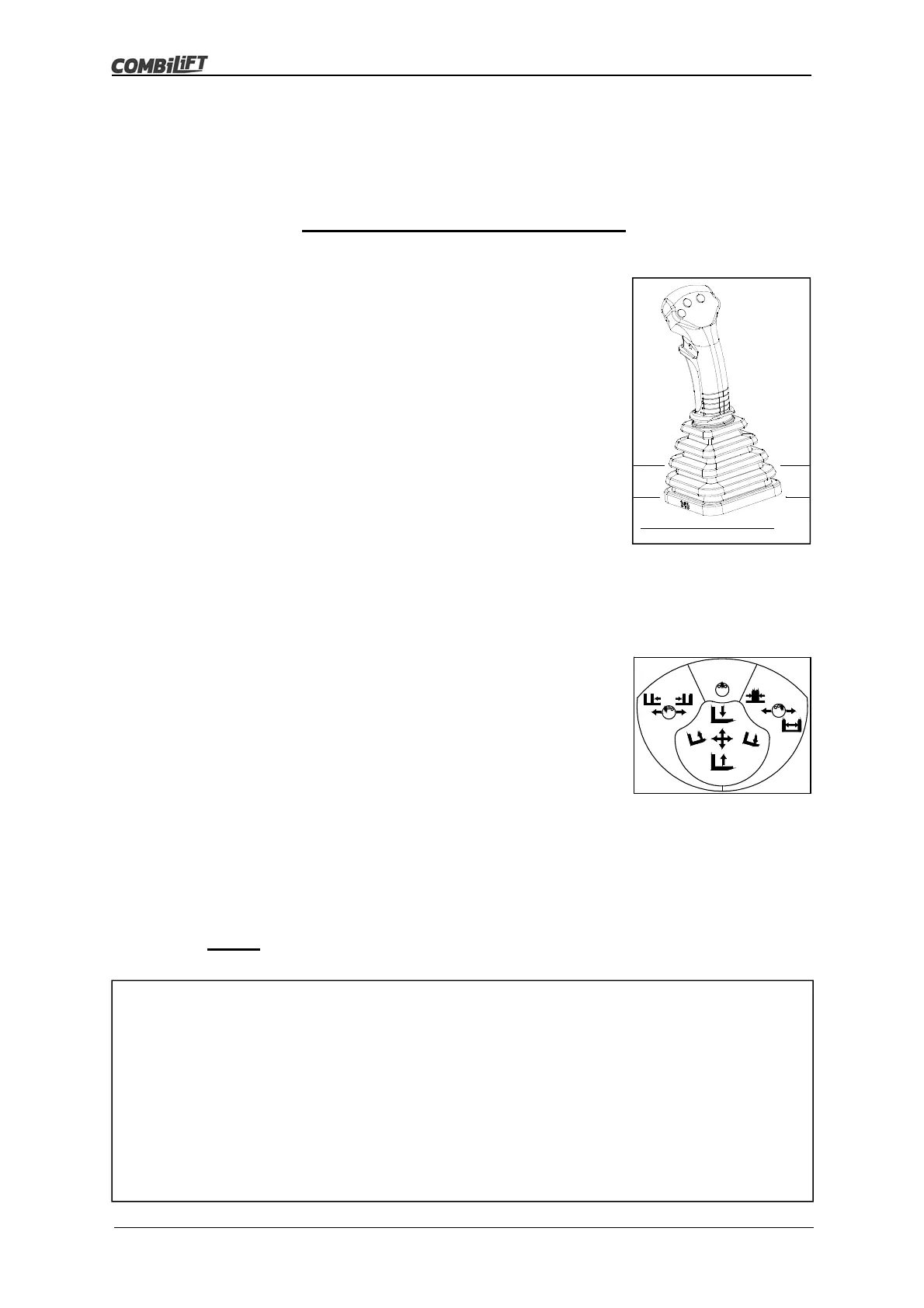
This is a four-way joystick with three push buttons on the handle. It is used to control
the mast functions.
Joystick Functions (Standard Setup)
Lift/Lower
To raise the forks, PULL the joystick BACK.
To lower the forks, PUSH the joystick FORWARD.
Tilt
To tilt the mast back, PULL the joystick to the LEFT.
To tilt the mast forward, PUSH the joystick to the
RIGHT.
Side Shift
To move the forks to the left, PULL the joystick to the
LEFT whilst pressing and holding the left hand
button on the handle.
To move the forks to the right, PUSH the joystick to
the RIGHT whilst pressing and holding the left hand
button on the handle.
Fork Positioning
To bring the forks together, PULL the joystick to the
LEFT whilst pressing and holding the right hand
button on the handle.
To spread the forks apart, PUSH the joystick to the
RIGHT whilst pressing and holding the right hand
button on the handle.
Optional Auxiliary Functions
Auxiliary hydraulic functions are controlled by moving the joystick whilst
pressing the middle button on the handle.
Refer to the joystick decal for the operation of any auxiliary functions that have
been fitted.
Operators MUST Take time to familiarise themselves with the operation of any
auxiliary functions on the truck.



 To Next Page