Attendant Features GCA70-245
94 Comdial August, 03
8.1.1 LCD MESSAGE CREATION EXAMPLES
• Example: Create the message “TAKE MESSAGE” and
program it into message location number four.
1. PRESS INTERCOM, AND DIAL *#05.
2. DIAL 3#.
3. DIAL codes for message as follows:
4. DIAL * AND PRESS SPEAKER to end.
• Example: Create the message “I Will Call Back” and
program it into message location number five.
1. PRESS INTERCOM, AND DIAL *#05.
2. DIAL 5#.
3. DIAL codes for message as follows:
4. DIAL * AND PRESS SPEAKER to end.
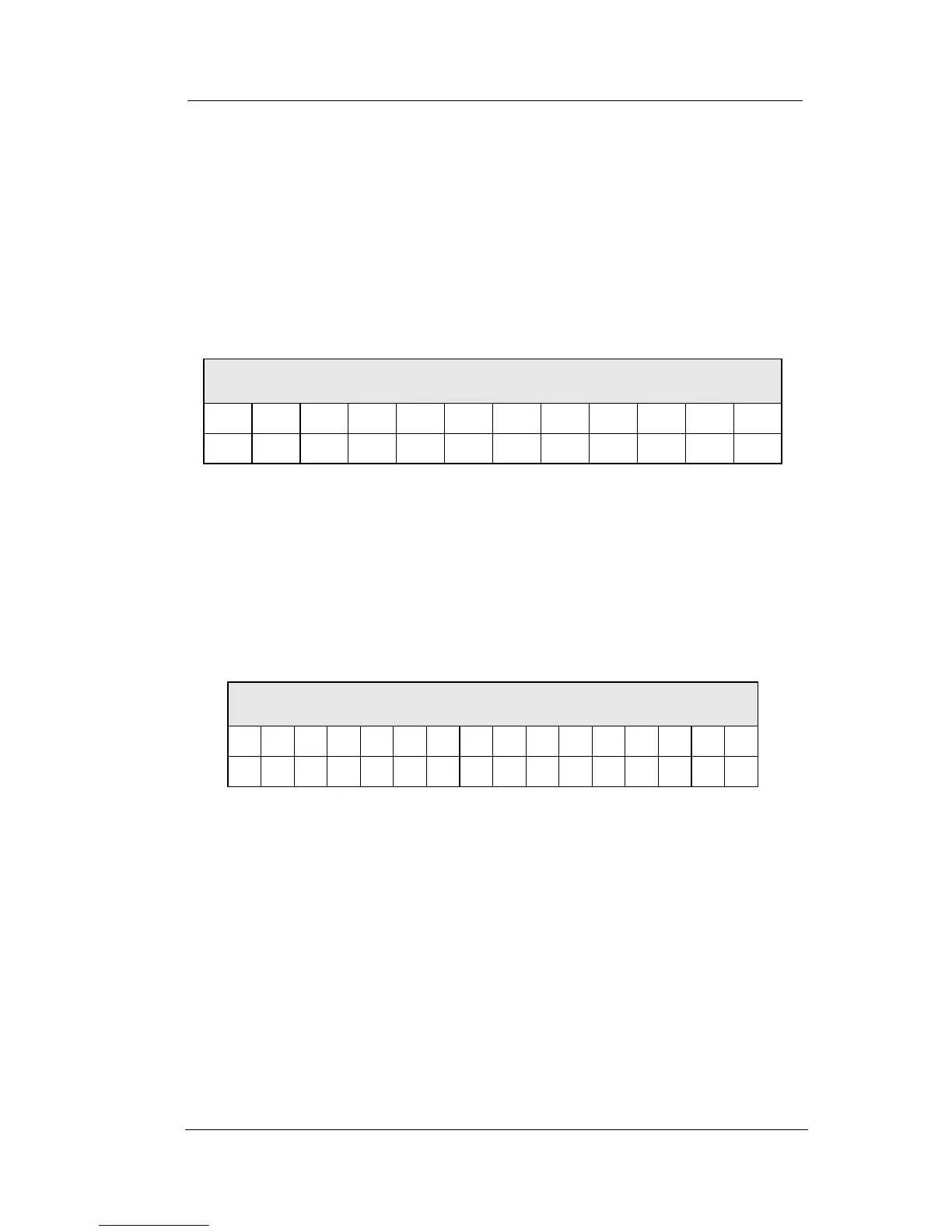
Dialing Codes for “TAKE MESSAGE”
T A K E M E S S A G E
81 21 52 32 12 61 32 73 73 21 41 32
Dialing Codes for “I WILL CALL BACK”
I W I L L C A L L B A C K
43
12 91 46 56 56 12 23 24 56 56 12 22 24 26 55












 To Next Page