Advanced Call Handling GCA70-245
44 Comdial August, 03
3. PRESS TRNS/CONF.
4.3.2 UNSUPERVISED CONFERENCE CALLS
If you are involved in a conference call with two outside lines, you
can drop out of this established conference call and leave the outside
lines in the conference with each other. This is known as an “unsuper
-
vised conference” call.
• To drop out of a conference call between you and two
outside lines (creating an unsupervised conference),
—DIAL # AND HANG UP (lines remain lighted/in use until
one or both outside parties disconnect).
• To rejoin an unsupervised conference between two
outside lines,
—PRESS one of the lighted buttons where conference is taking
place.
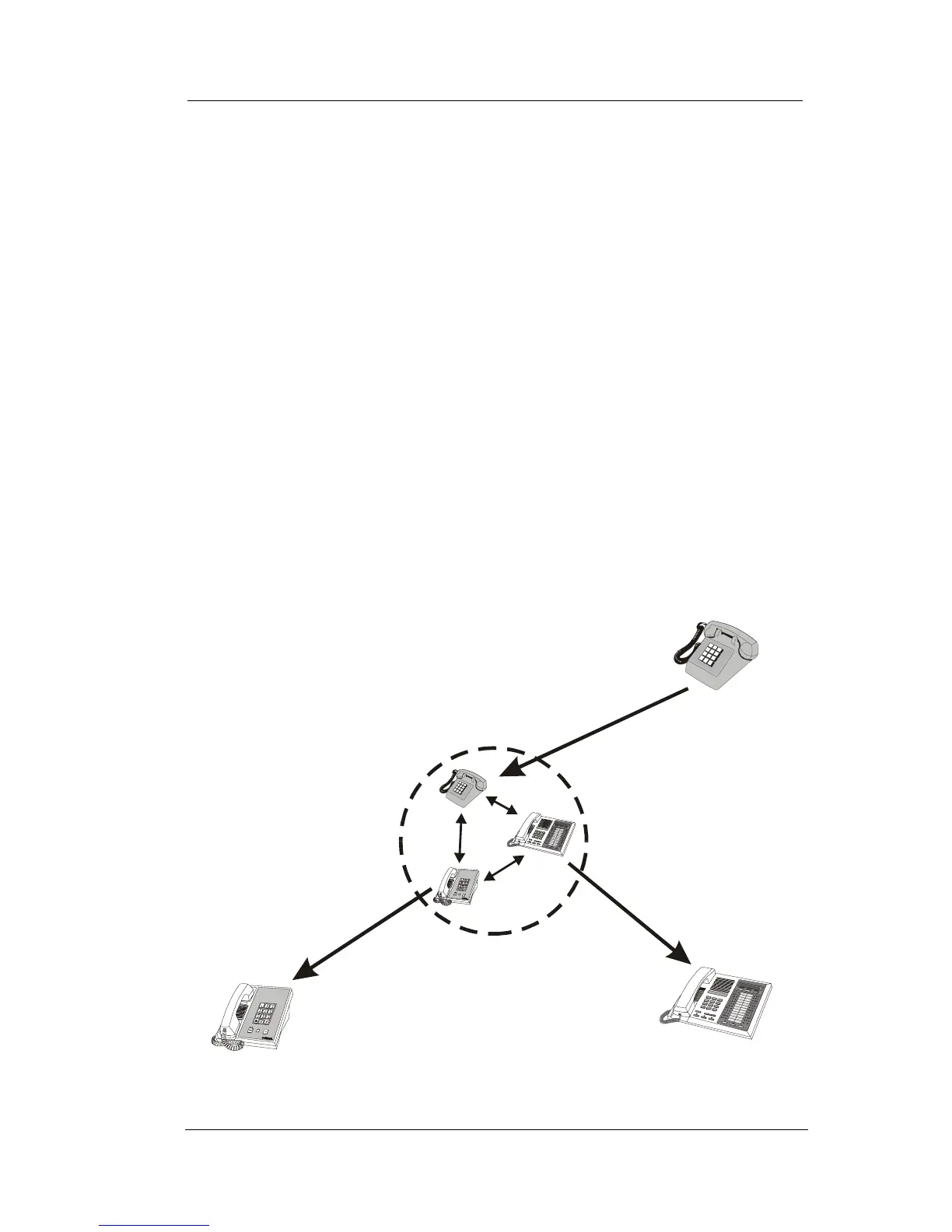
Managing a
Conference
Call
Other
Station
Other
Station
Your
Station
To Add a Caller
to a Conference...
To Remove a Caller
From A Conference...
To Drop Out of
A Conference...
... Press TRNS/CONF
...Select Line Button
and Disconnect Line
...Dial #
Managing a Conference Call












 To Next Page