DSUII Attendant User’s Guide
August, 03 Comdial 3
3. When the telephone is at the desired height, SELECT the closest pair
of notches AND INSERT the supporting arms in the notches. PRESS
DOWN slightly on the telephone until you feel the supporting arms
snap into place.
Also remember, as with any piece of electronic equipment, your tele-
phone may be damaged by contact with liquids. So please try to place
the telephone in an area that is free from the danger of spills.
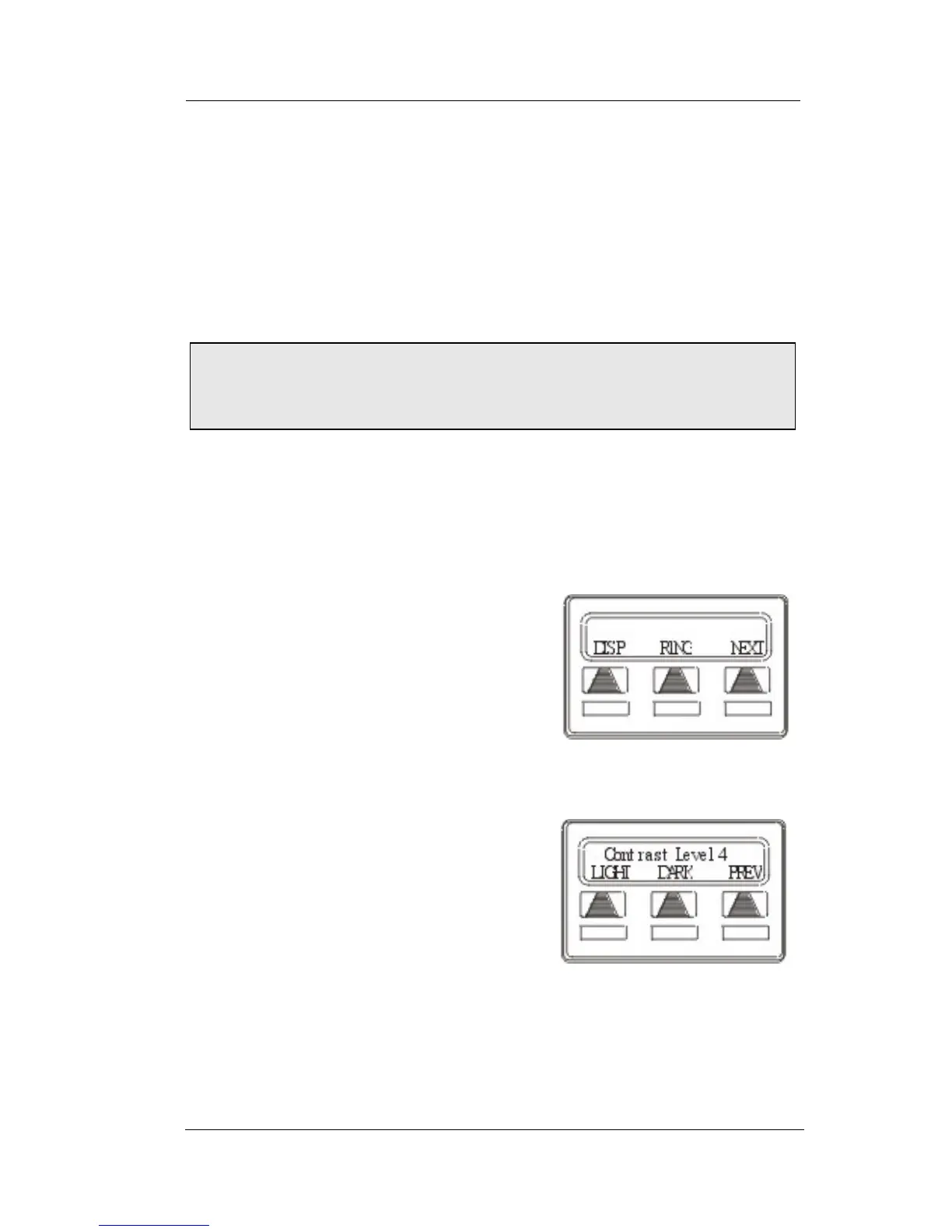
1.1.2 SETTING DISPLAY CONTRAST
You can darken or lighten the contrast of the display for best viewing.
• To adjust the display contrast,
1. SELECT OPTIONS.
2. SELECT NEXT until the DISP
option appears.
3. SELECT DISP. Your display will
read
CONTRAST LEVEL
.
4. SELECT LIGHT or DARK once for
each degree of change desired.
5. SELECT PREV to return to main
display.
6. PRESS SPEAKER to end.
Note: For more tips and information on speakerphone use,
including the use of a Full-Duplex Speakerphone, see Appendix
C, Speakerphone Characteristics.
Select Display
Setting the Contrast Level












 To Next Page