20
a
b
c
f Configure the Additional Actuator button to control an extra action during a call through the activation of an additional
relay, completing the following fields:
Enabled From the pull-down menu, select enable/disable the Additional Actuator button.
ViP address Enter the ViP address
Expansion index
From the pull-down menu, select the "actuator module" or expansion you wish to to control (from 1
to 10)
Output index
From the pull-down menu, select the number of the relay (1 or 2) or the expansion number (from 1 to
10) that you wish to control
Additional Actuators
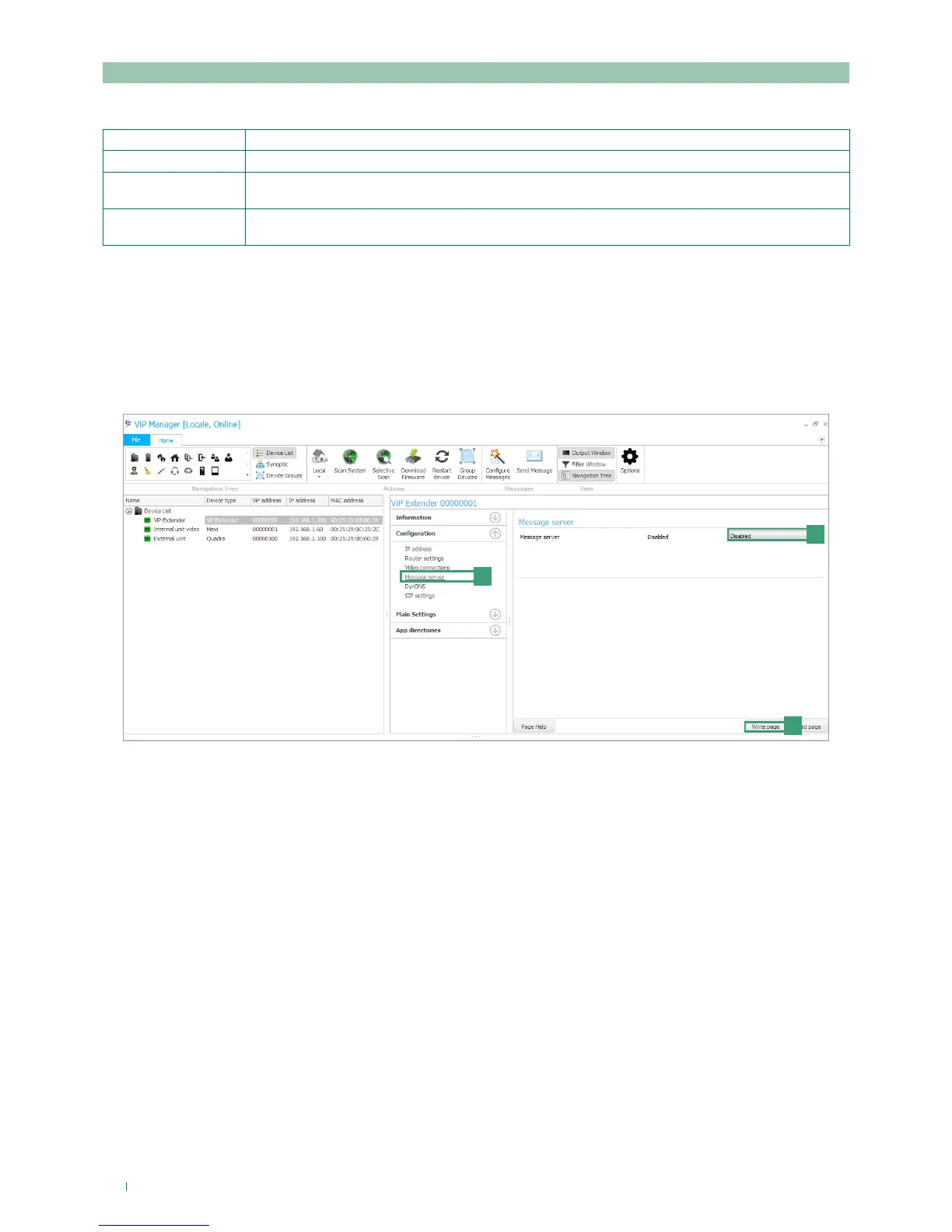
8) Message server configuration
The following procedure describes how to specify on the art. 1456 / 1456S the IP or ViP address of the art. 1952 device to be
used as a message server (if present)
1. Select device 1456 / 1456S and select Configuration/Message server [a].
2. From the pull-down menu [b] select ViP address or IP address and enter the address of the CPS device that is to be used
as a message server.
3. Press Write page [c] to save the current settings.



 To Next Page