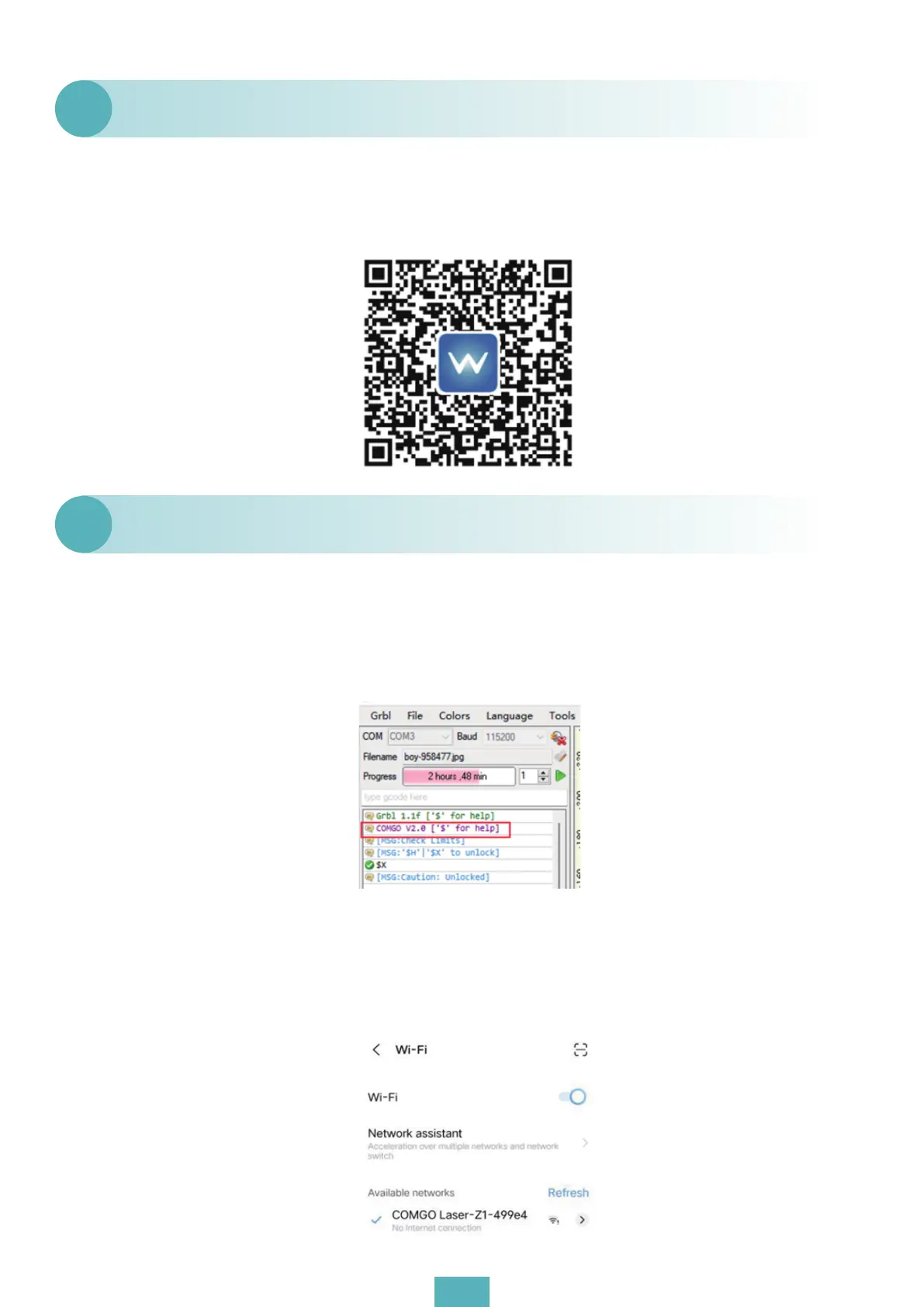
(1) IOS system: please search “Mini Laser Engraver” in APP Store;
(2) Android users can search for “Mini laser engraver” in Samsung App Market and Google Play
or directly scan the QR code below to download.
How to download APP?
Q25
(1) Confirm whether the WIFI module is installed. Watch the motherboard (green indicator), if
the green indicator is not lit, this means that the WIFI module is not installed;
(2) Connect GRBL through the USB port and check if the current product firmware version
number is COMGO 2.0;
(3) When connecting to WIFI, the product needs to be disconnected from the PC segment
software disconnection. Otherwise it cannot be connected;
(4) Click WIFI search in the mobile phone settings to see if there is a COMGO Laser WIFI name, if
so, click Connect.If so, click “connect”.
What should we do if the APP cannot be connected?
Q26
11


 To Next Page