(1) Check whether GRBL and the product are connected;
(2) Check whether the product power supply is powered and check the red indicator;
(3) Under the normal condition of the above operation, check whether there is a red alarm in
the lower right corner of GRBL software. If yes, it means that the gyroscope alarm has been
triggered. Enter the $$ value to check the $140 value, it is recommended to set it to 16 and then
click the start button to lift it;
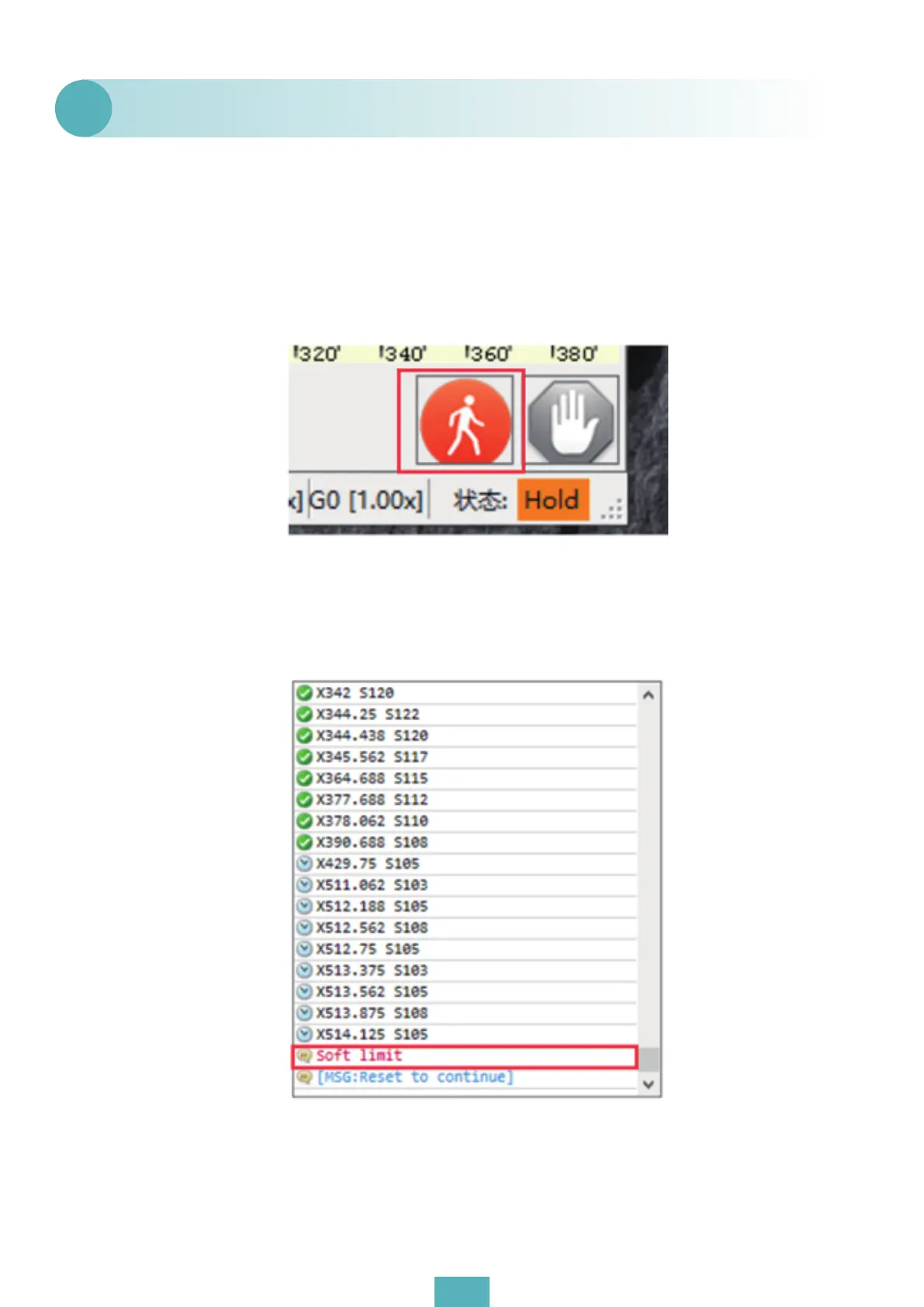
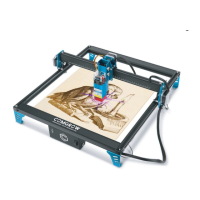
(4) If no problem is found in any of the above operations, please check whether the progress
meter triggers the soft limit. If so, click the reset button, the unlock button and click start carving.
GRBL software suddenly stops during the carving process.
Q1
01


 To Next Page