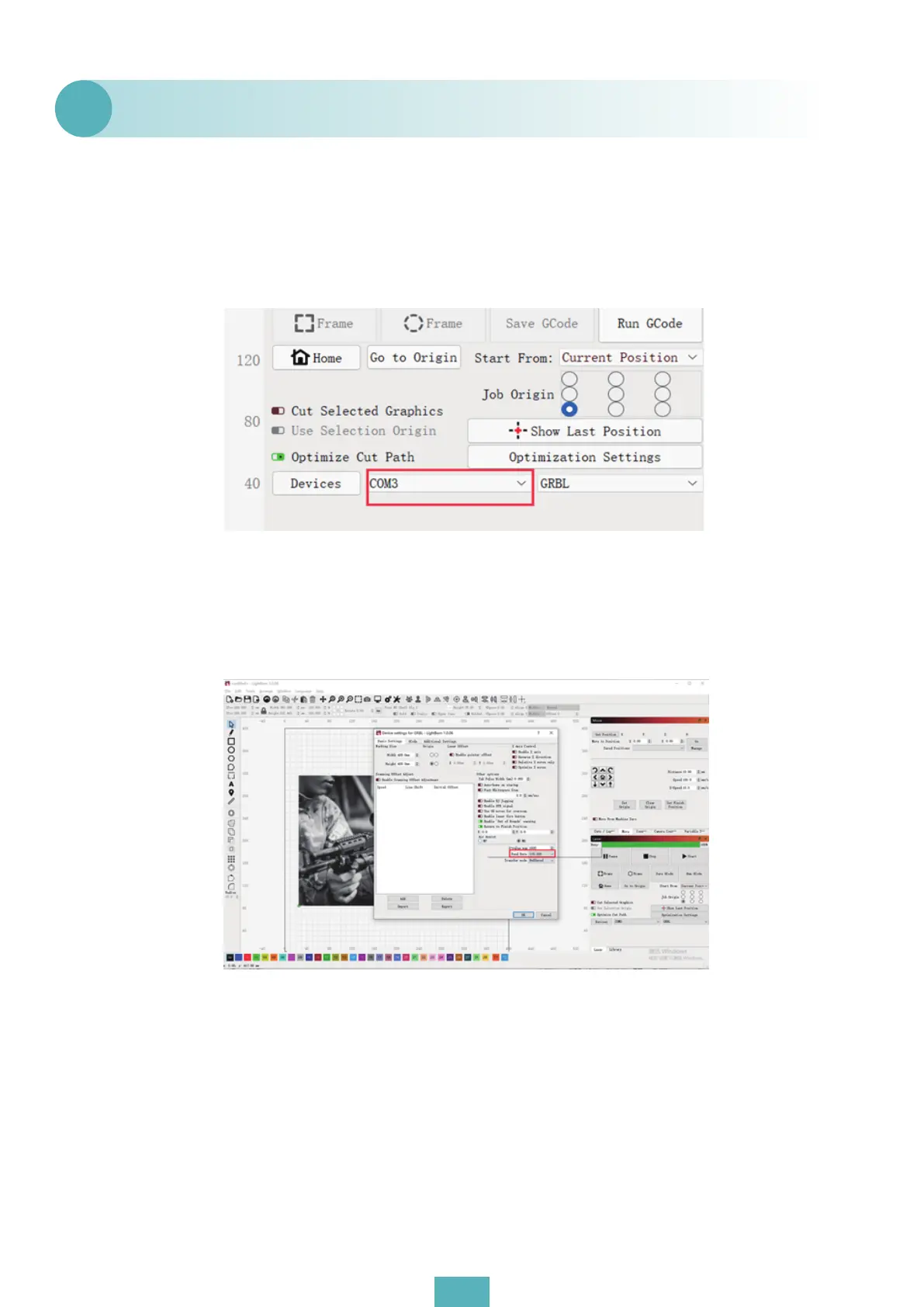
(1) Confirm whether the driver (CH340) has been installed (the driver file can check the
random file in the SD card). If you reinstall the driver installed successfully, USB connected
products are shown with COM port in GRBL. You can also choose other ports to try to connect.
As shown in the figure:
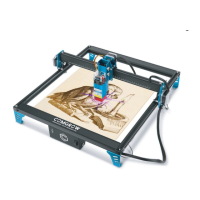
(2) Confirm whether the baud rate in the setting parameter is 115200;
(3) Delete the setup parameters in the device list and reset the connection parameters.
Linghtburn can not be connected.
Q6
05


 To Next Page