LV-679 User’s Manual
-
28-
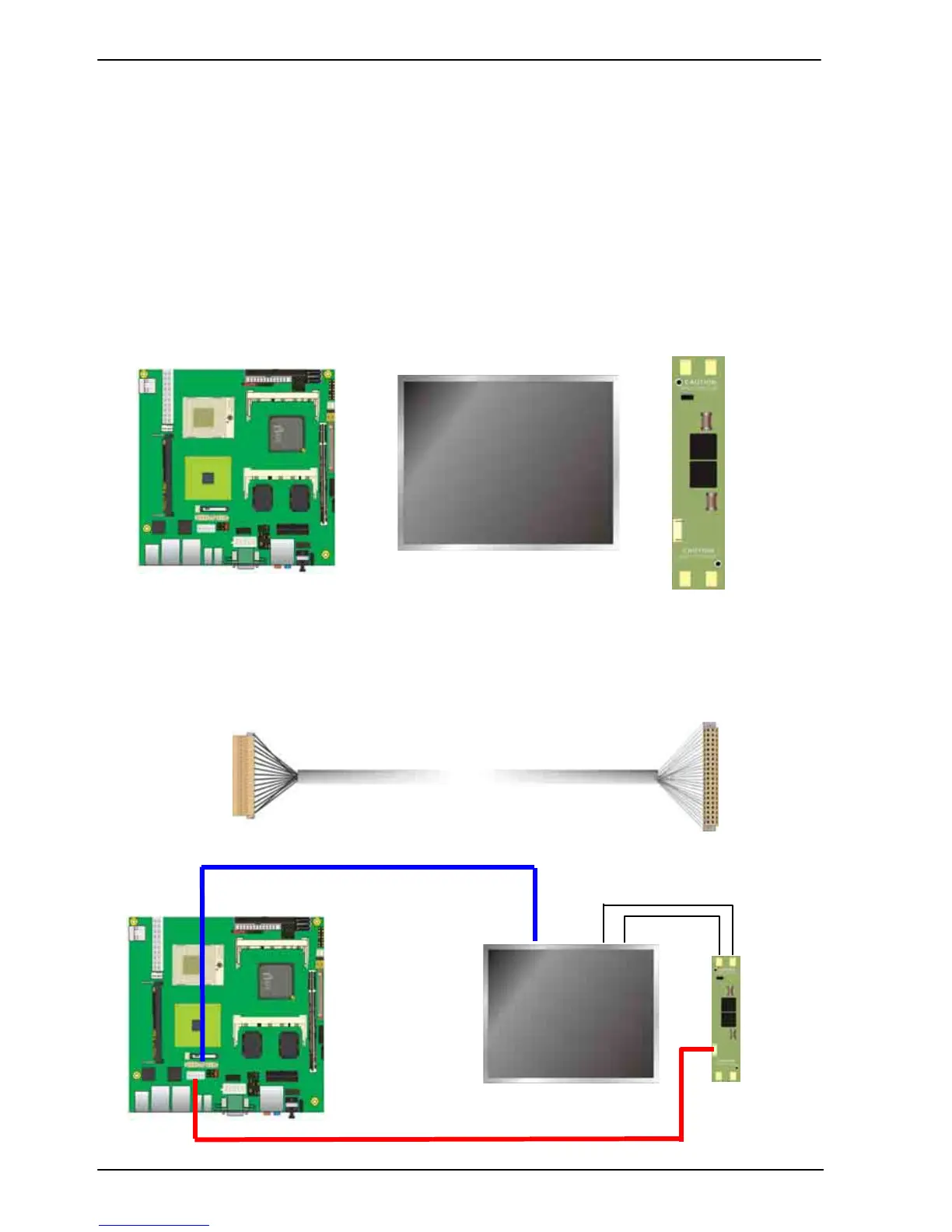
To setup the LCD, you need the component below:
1. A panel with LVDS interfaces.
2. An inverter for panel’s backlight power.
3. A LCD cable and an inverter cable.
For the cables, please follow the pin assignment of the connector to make a cable, because
every panel has its own pin assignment, so we do not provide a standard cable; please find
a local cable manufacture to make cables.
LCD Installation Guide:
1. Preparing the LV-679, LCD panel and the backlight inverter.
2. Please check the datasheet of the panel to see the voltage of the panel, and set the
jumper JVLCD to +12V or +5V or +3.3V.
3. You would need a LVDS type cable.
4. To connect all of the devices well.
For sample illustrator only
Panel side
Board side


 To Next Page