Connection and Settings Industrial Stations EE 8000
20 3.1/0614
Connection and Settings
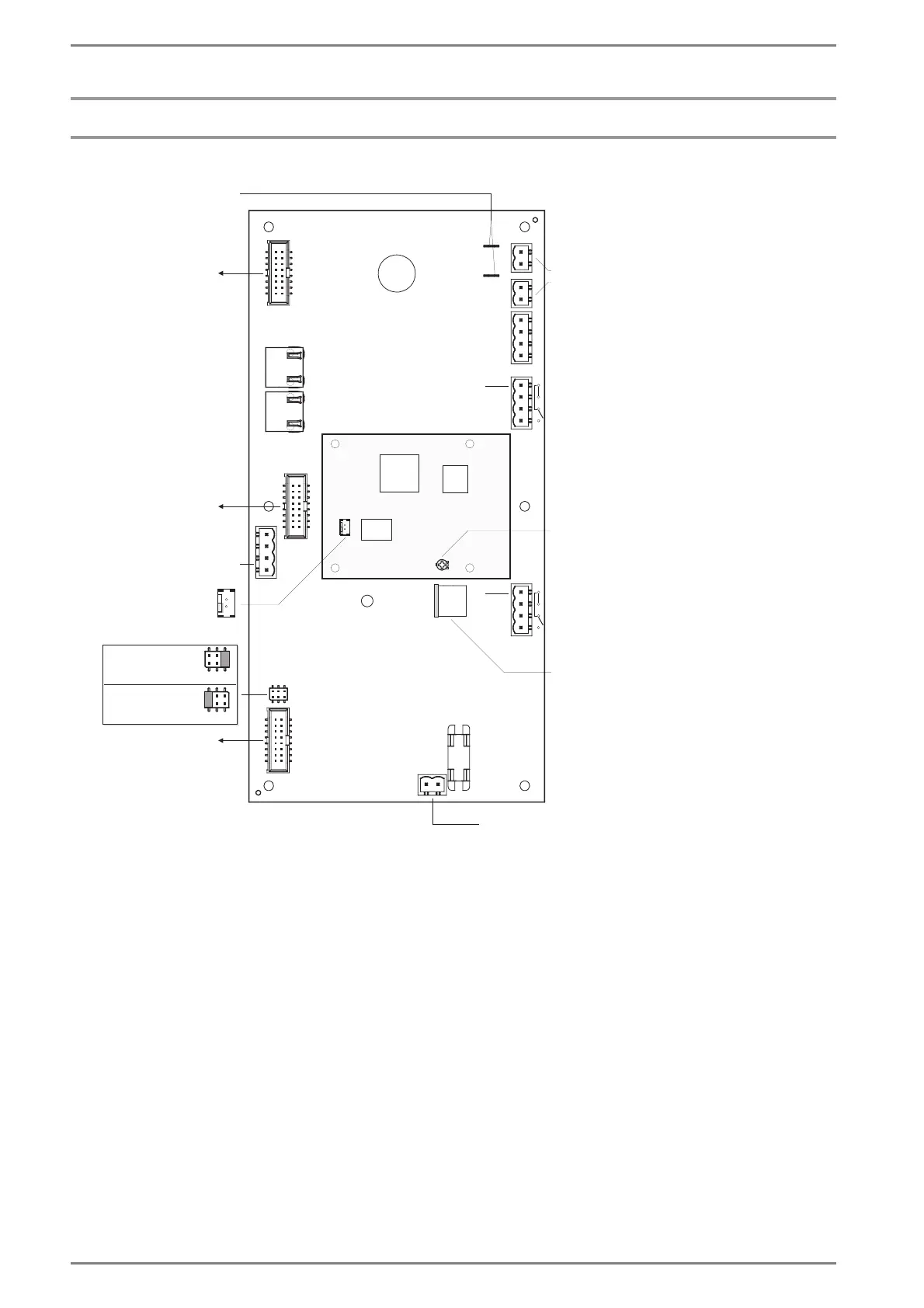
EE 8999M:
Note: The PCB of the EE 8999M additionally is equipped with a “Downlink“ and a “Uplink“ socket
currently without function, to be prepared for future functions.
Connection to Subscriber Card
The terminals A, B must be connected to a subscriber card of the Intercom Server.
Note: The PCB of the EE 8999M additionally is equipped with the terminals C and D currently without
function, to be prepared for future functions.
EP+
EP
EM
GND
EM+
IN2
IN1
GND
OUT1
OUT2
LS+
LS
EC300
PWR2
PWR1
D
C
B
A
OUT1
OUT2
loudspeaker module
loudspeaker
microphone
24 – 42 VAC / 40 VA
22 – 60 VDC / 40 W
Intercom Server (A,B)
module place
bottom position
module place
centre position
module place
top position
PWR switch:
must be set for
external supply
JP
jumper for micro-
phone modules:
EM 680, EM 681 (preset)
connection
EE 8999S
microphone
sensitivity
(preset)
JP
jumper for micro-
phone modules:
EM 660, EM 6B0
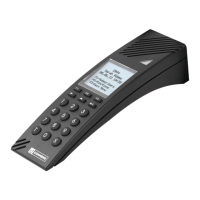
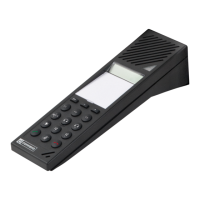
handset:












 To Next Page