Basic user – Web interface Symphony BF
8 1.4/0222
g General icons
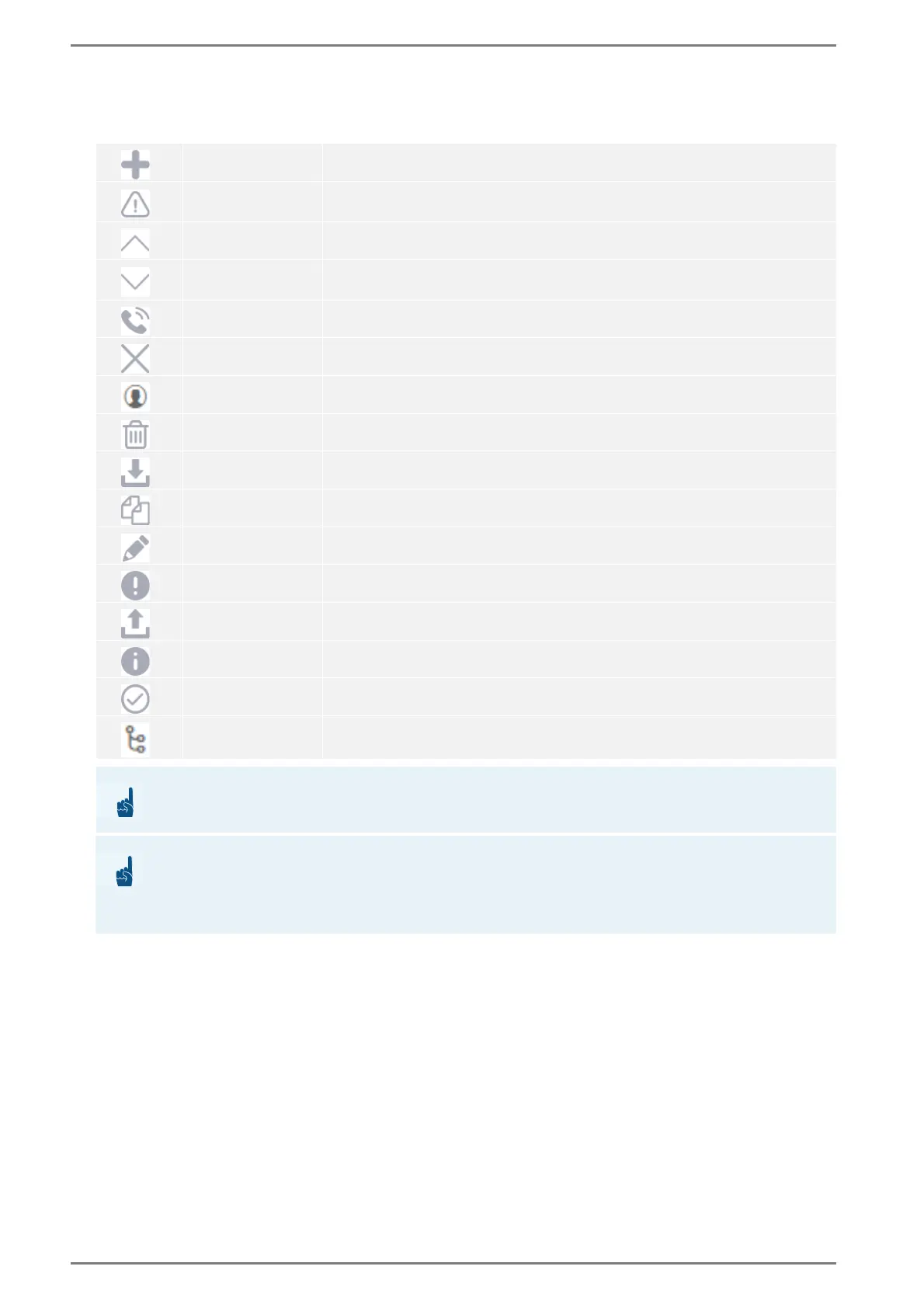
General icons used in the web interface for various features:
Add
Button to add elements.
Attention
Indicates warning messages.Contempt of the warning may lead to limited
system functionality.
Arrow collapse
Button to collapse web interface elements (e.g. accordion elements).
Arrow expand
Button to expand web interface elements (e.g. accordion elements or drop-
down lists).
Call
Button to establish a call.
Cancel / close
Button to cancel or close web interface elements.
Contacts
Represents phonebook contacts.
Delete
Button to delete web interface elements.
Download
Button to download files from the device.
Duplicate
Button to duplicate files or web interface elements.
Edit
Button to open the configuration dialogue.
Error feedback
Button/Flyover to show further information about web interface elements.
Upload
Button to upload files to the device.
Info
Indicates further information.
Saved
Indicates successful web interface changes.
Sequences
Represents logic sequences.
ATTENTION: Save settings
Save the settings first, otherwise all unsaved settings will be lost.
ATTENTION: Reboot needed after finishing configuration sessions
Every configuration session requires a reboot. Missed reboots interfere with the operational mode of the
device and can cause performance issues. Make sure to reboot the device after finishing your configura-
tions.














 To Next Page