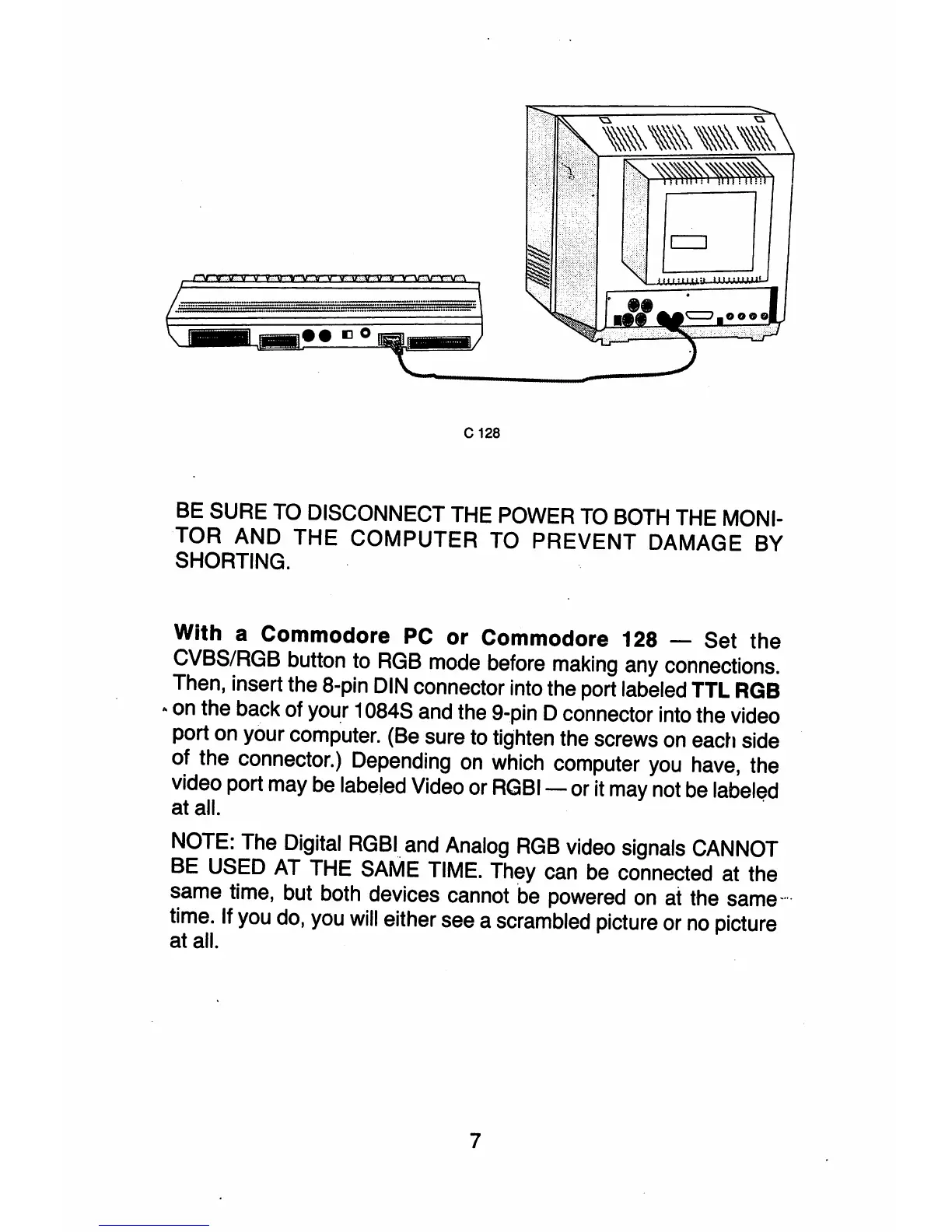
C 128
BE SURE TO DISCONNECT THE POWER
TO
BOTH THE MONI-
TOR
AND
THE
COMPUTER
TO
PREVENT
DAMAGE BY
SHORTING.
With a Commodore
PC
or Commodore 128 - Set
the
CVBS/RGB button to
RGB
mode before making any connections.
Then, insert the 8-pin DIN connector into the port labeled
TTL
RGB
• on the back of your 1084S and the 9-pin D connector into the video
port on your computer. (Be sure to tighten the screws
on
each side
of the connector.) Depending
on
which computer you have, the
video port may be labeled Video or
RGBI-
or it may not be
label~d
at all.
NOTE: The Digital
RGBI
and Analog
RGB
video signals CANNOT
BE USED AT THE SAME TIME. They can be connected at the
same time, but both devices cannot be powered
on
at the
same--
time. If you do, you will either see a scrambled picture or
no
picture
at all.
7



 To Next Page